Can You Record a Podcast With a Regular Computer Microphone? Complete Guide to Getting Started
Last updated Apr 20, 2026
Starting a podcast can feel intimidating, especially when you’re wondering, can i record a podcast with my regular computer microphone? The good news is: yes, you can. Your built-in or standard USB mic is a perfectly valid way to begin your podcasting journey. Many successful podcasters started with basic gear before upgrading.
That said, understanding the limitations and how to overcome them is critical to producing audio that listeners want to hear. This guide will walk you through practical tips on positioning, recording software, gain control, noise reduction, and export techniques to maximize your sound quality without expensive equipment.
By the end, you’ll know exactly how to start recording today and when it might be time to consider professional studio recording to elevate your podcast.
Can I Record a Podcast With My Regular Computer Microphone? Honest Assessment
Built-in computer microphones typically have a frequency response range between 100 Hz to 10 kHz, which is narrower than professional mics that cover roughly 20 Hz to 20 kHz. This means your audio may lose richness and depth, sounding flat or tinny to listeners.
Additionally, computer mics often pick up background noise at levels above 40 dB SPL (sound pressure level), including keyboard clicks, room reflections, and air conditioning hum. These ambient sounds can mask vocal clarity and cause listener fatigue.
Durability is another factor; built-in microphones can degrade with heavy use or have inconsistent sensitivity across units. Despite these challenges, starting with your regular microphone is entirely feasible if you implement effective techniques.
To put it simply: can i record a podcast with my regular computer microphone? Yes, but your environment and setup will make all the difference.
What Does Poor Quality Sound Like?
- Audio that sounds distant or muffled
- Noticeable popping sounds with plosives (“p” and “b” sounds)
- Background hiss, echoes, or room noise
- Clipping or distortion when voice volume spikes
Recognizing these issues early helps you diagnose and correct your recordings.
Microphone Positioning Techniques for Better Audio Capture
Where and how you place your microphone affects sound quality dramatically. Follow these actionable tips to optimize your regular computer microphone:
- Distance: Keep the mic about 6 to 12 inches from your mouth. Closer can cause distortion; farther reduces vocal presence.
- Angle: Position the mic slightly off-axis (20 to 30 degrees) from your mouth to reduce plosives and breath noise.
- Surface: Place your computer on a soft surface or use a stand to minimize keyboard and desk vibrations.
- Room: Record in a small room with soft furnishings to absorb echoes, avoiding bare walls or tile floors.
These simple adjustments can reduce unwanted noise and improve clarity without new gear.
Selecting the Right Recording Software: Audacity, GarageBand, or Adobe Audition?
Recording software plays a crucial role in capturing and refining your podcast audio. Here’s a quick comparison of three popular options:
- Audacity: Free, open-source, and user-friendly for beginners. Ideal for basic recording and noise reduction. Compatible with Windows, macOS, and Linux.
- GarageBand: Free for Mac users, with intuitive interface and multitrack editing. Comes with built-in EQ and effects to enhance audio.
- Adobe Audition: Professional-grade software with advanced noise reduction, compression, and mastering tools. Subscription-based but offers a full suite for polished production.
For starters, Audacity or GarageBand offer all the essentials to produce quality podcasts using your regular mic.
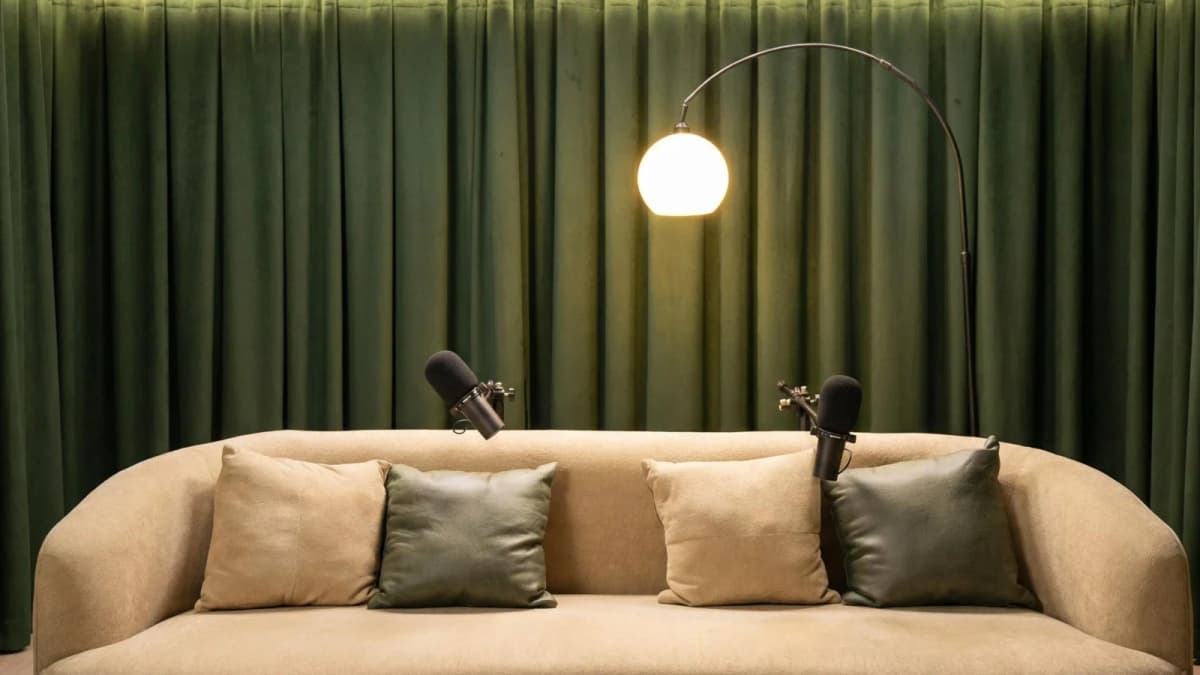
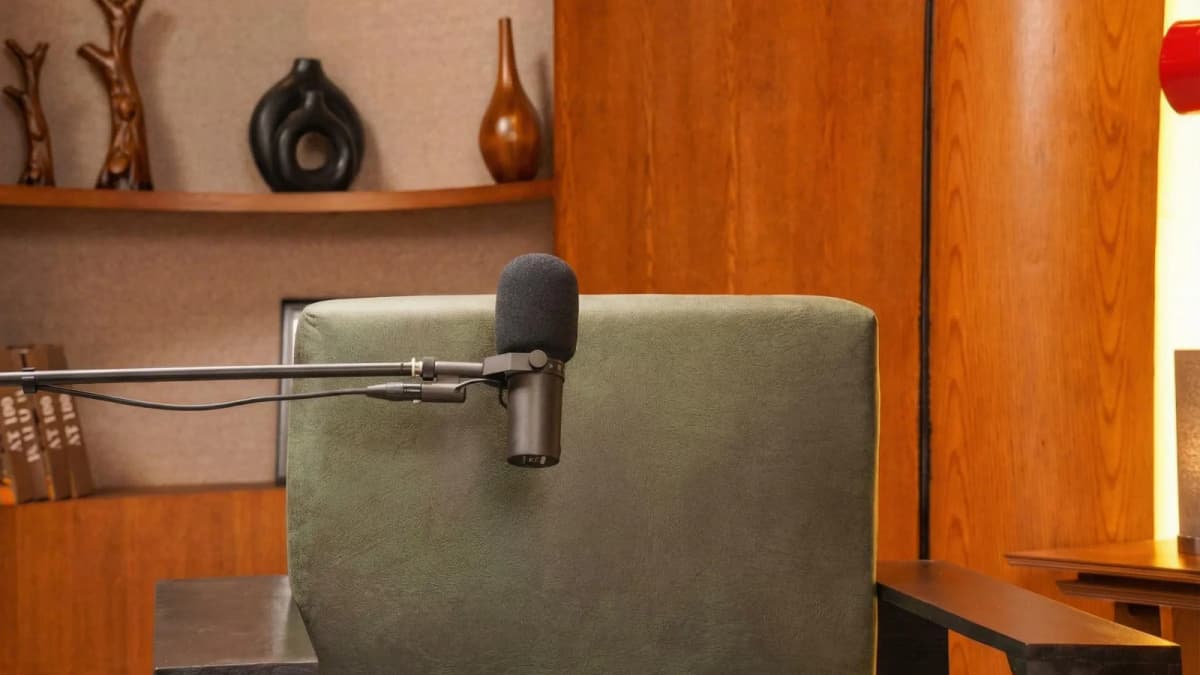
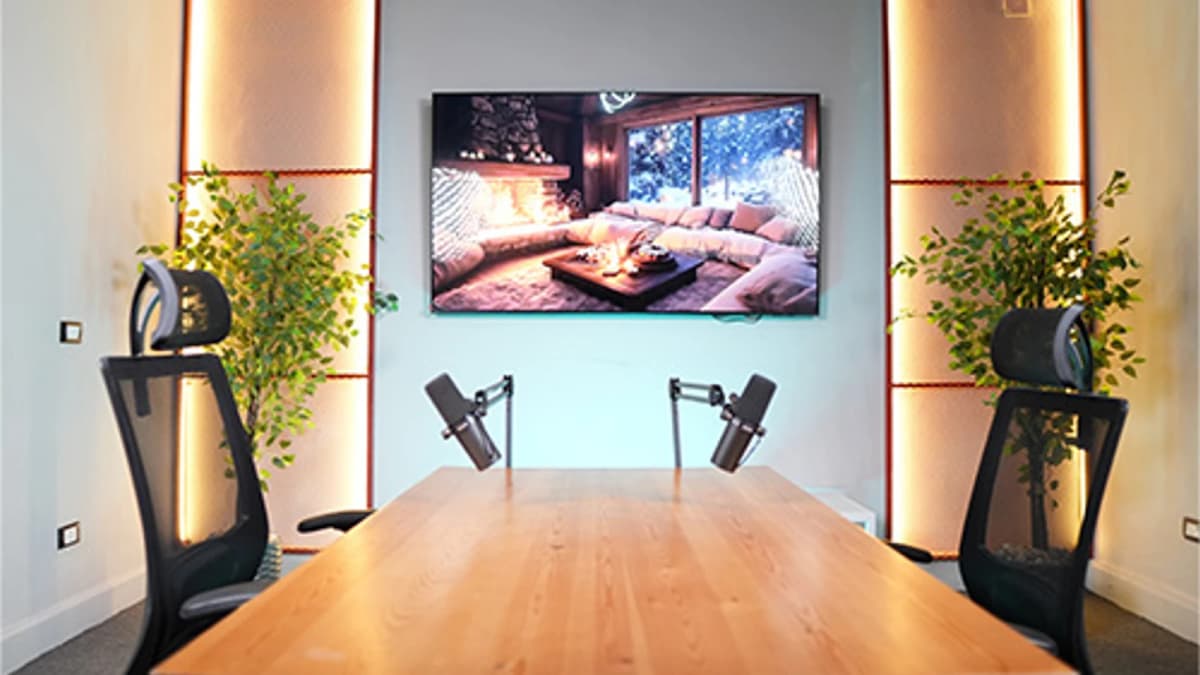
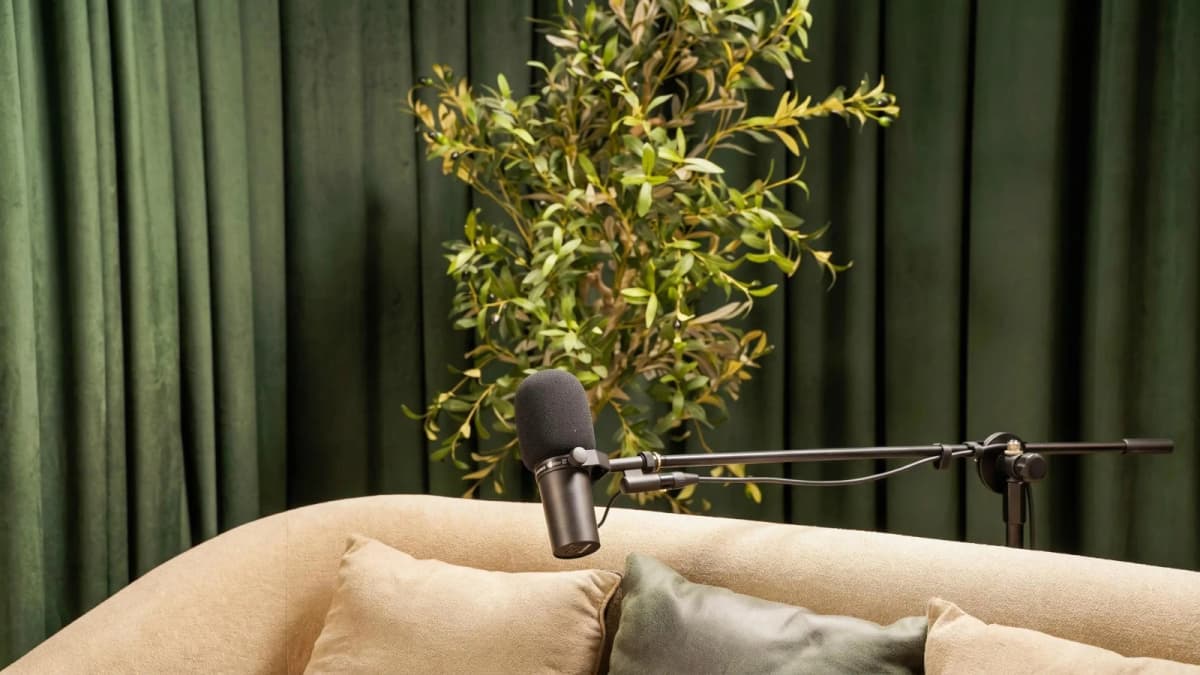
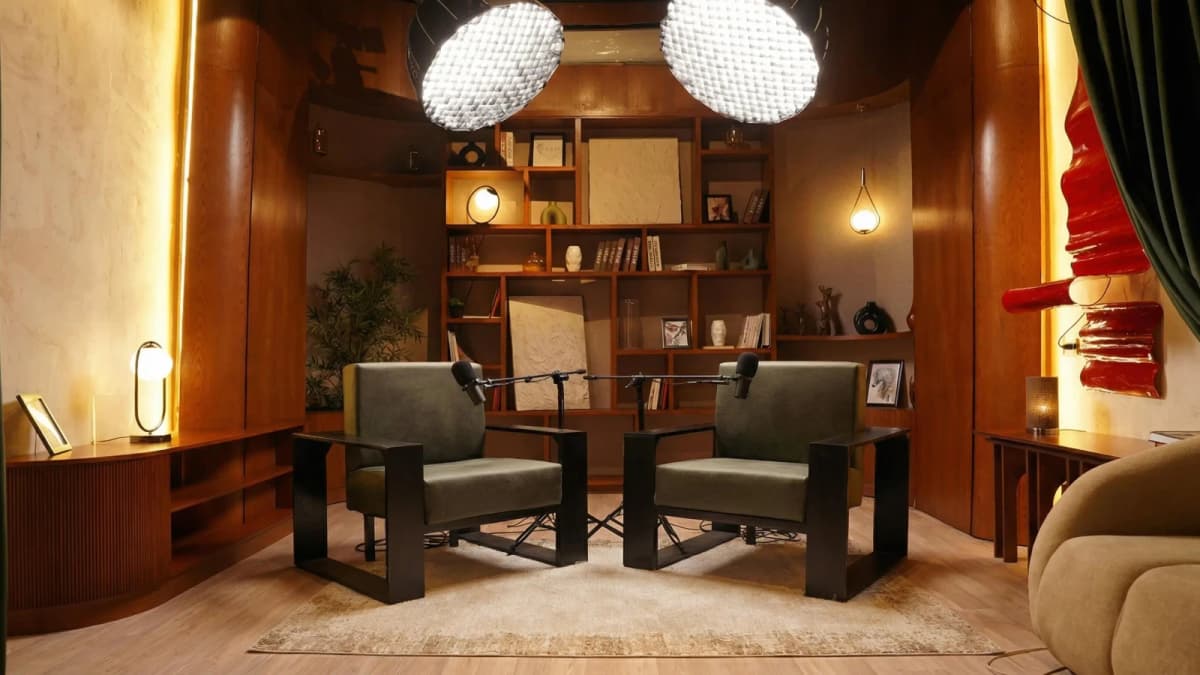
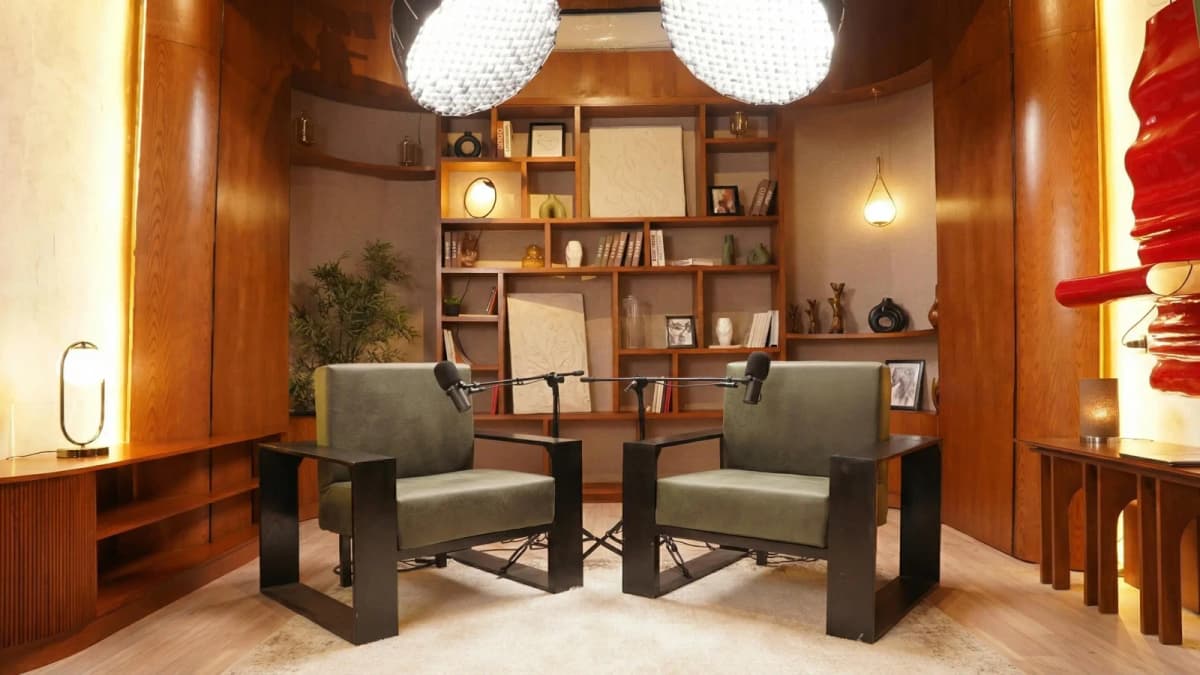
See Where Great Content Is Born
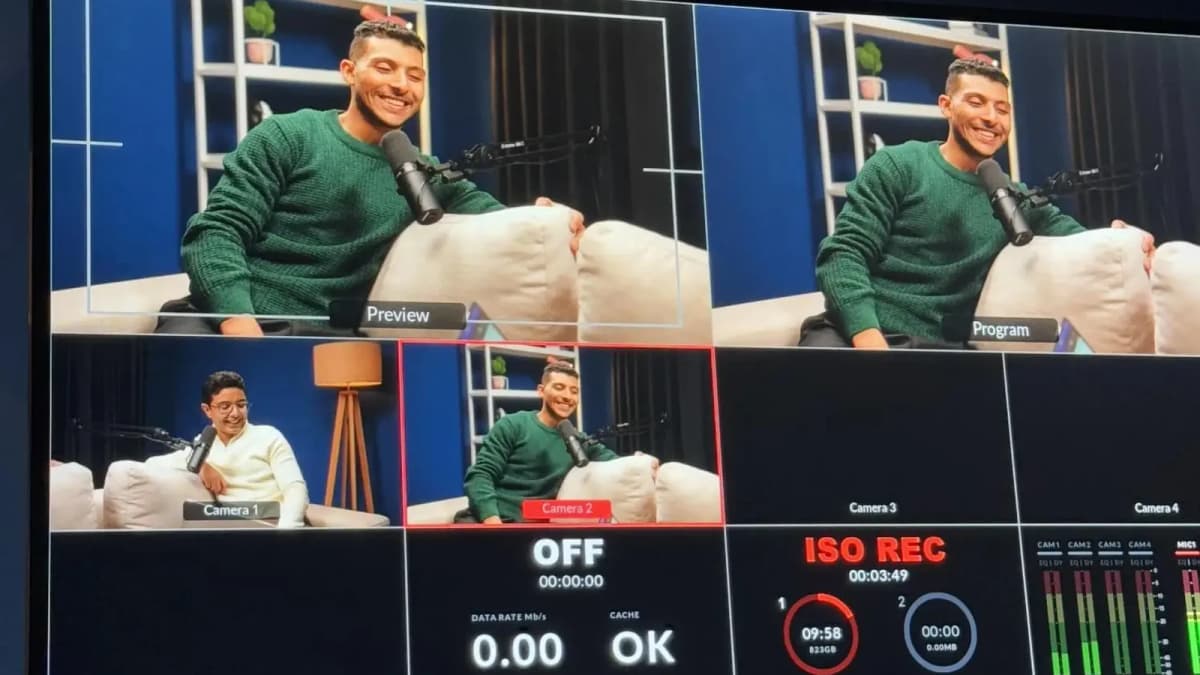
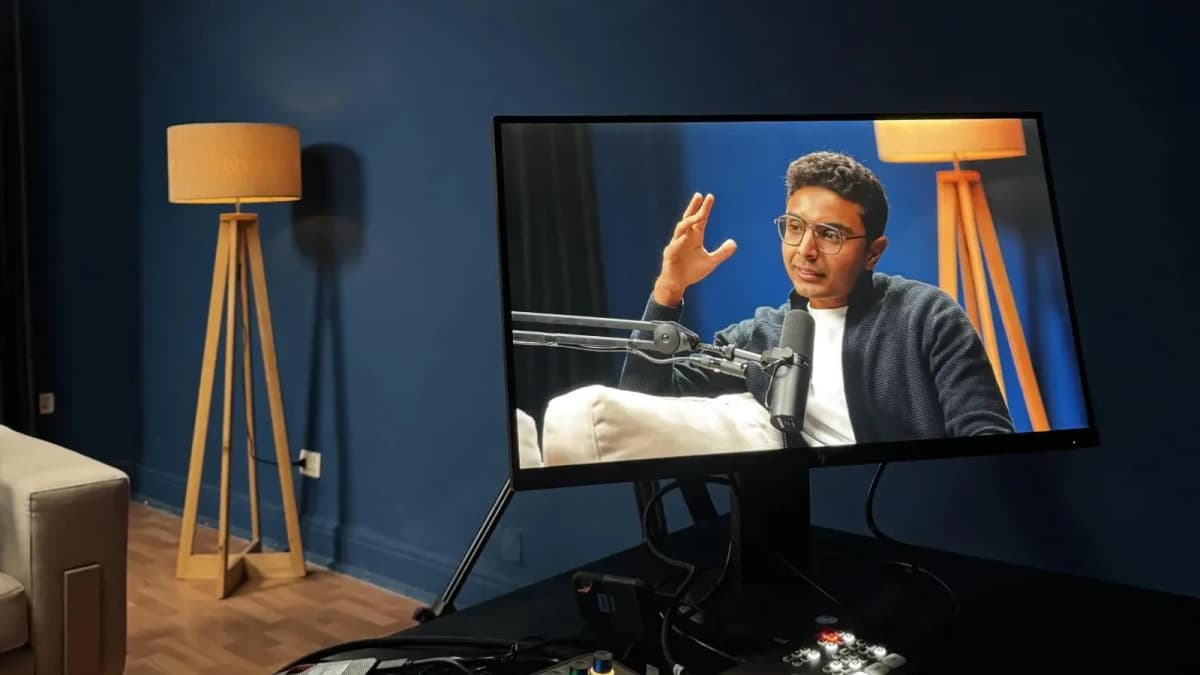
Step inside Goocast's state-of-the-art studio — built for podcasters, brands, and creators who refuse to settle for anything less than broadcast quality.
Explore Our Studio →Gain Staging Fundamentals: Getting the Right Recording Levels
Proper gain staging ensures your recording isn’t too quiet or clipping (distorting). Follow these steps:
- Set your microphone input gain to capture your voice between -12 dB and -6 dB on the meter.
- Avoid peaking above -3 dB to prevent clipping. Clipping sounds harsh and unpleasant.
- Perform test recordings and listen for distortion or low volume.
Consistent gain settings give you a clean recording that’s easier to edit.
Noise Reduction Methods for Cleaner Podcast Audio
Background noise can ruin the listener experience. Here’s how to minimize it with your current setup:
- Use noise gates: Software filters that mute audio below a certain threshold (e.g., -40 dB), cutting out low-level hums.
- Apply noise reduction plugins: Tools like Audacity’s Noise Reduction analyze a noise sample and remove it from the track.
- Record at quiet times: Avoid busy hours or noisy environments.
- Soundproof your space: Hang blankets, use carpets, or close windows to reduce external noise.
Regular microphones don’t have built-in noise cancellation, so these steps are essential for improving sound quality.
Read more about : How to Publish a PodcastAudio Export Best Practices for Podcast Distribution
Once you’ve recorded and edited your podcast, export audio with these settings for optimal playback:
- File format: MP3 (widely supported) or WAV (higher quality, bigger files)
- Bit rate: 128 kbps minimum for voice podcasts; 192 kbps if you want higher fidelity
- Sample rate: 44.1 kHz standard for podcasts
- Mono vs. stereo: Mono is sufficient for voice-only podcasts and reduces file size
These export settings ensure your podcast sounds great across platforms without excessive file sizes.
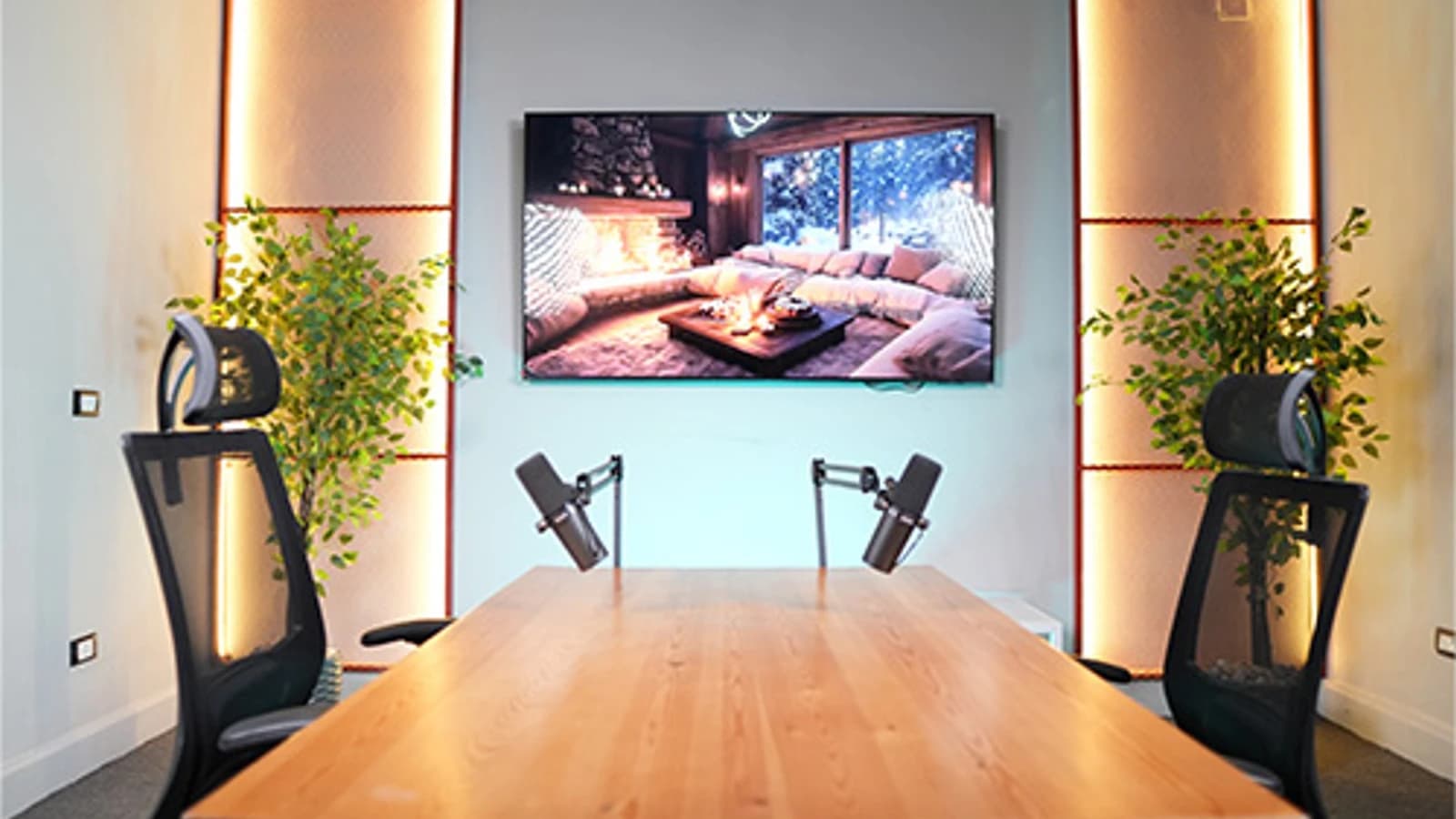
Ready to Record? Your Session Awaits.
Reserve your studio time at Goocast and walk in with confidence. Professional gear, expert support, and a creative environment designed to bring your best ideas to life.
Book Your Studio Session →Common Beginner Mistakes with Regular Computer Microphones and How to Fix Them
Many new podcasters encounter similar issues with built-in mics. Here are common pitfalls and expert fixes:
- Clipping: Caused by too high input gain or speaking too close. Fix by lowering gain and maintaining a consistent distance.
- Plosives: Popping sounds on “p” and “b.” Use a foam windscreen or position mic slightly off-axis.
- Room reflections: Echoes from hard surfaces. Treat your recording space with soft materials or record closer to the mic.
- Background noise: Reduce by turning off noisy appliances and using noise reduction tools in software.
Addressing these issues early will make your recordings sound much more professional—even with a regular microphone.
Read more about : How to Make a Successful PodcastWhen to Upgrade: Your Practical Pathway Beyond Your Regular Microphone
While you can start podcasting with your regular computer microphone, there comes a moment when upgrading is beneficial. Typically, after producing 10 to 20 episodes, you’ll better understand your audio needs and audience expectations.
Upgrading to a dedicated USB mic or XLR microphone with an audio interface can provide:
- Improved frequency response (20 Hz–20 kHz)
- Reduced background noise pickup
- Greater durability and consistent performance
- More control over tone and gain
Eventually, booking sessions in a Podcast studio with professional acoustic treatment and expert support is the best approach for high-impact audio and storytelling. Studios provide a controlled environment that naturally enhances your sound without relying heavily on post-production fixes.
In the meantime, leverage your existing setup confidently by applying the best practices shared here.
Ready to take your podcast quality to the next level? Partnering with a Media production agency like Goocast can help you access professional studio recording and expert guidance tailored for MENA creators.
Read more about : How to Grow Your Podcast AudienceWhy Goocast Is Your Creative Media Partner Across MENA
Goocast is a premier media production agency and podcast studio serving brands and creators across the MENA region. By combining cutting-edge production technology with deep marketing intelligence, Goocast helps clients craft content that doesn't just look great — it drives real audience growth and business results.
Frequently Asked Questions
Short Blog
Short heading goes here
Welcome to our world! At our marketing agency, we don’t just focus on marketing, we’re passionate about sharing our knowledge with our visitors.