12 Best Video Editing Tools for Arabic Reels in 2026: Complete Language Support Comparison
Last updated Apr 29, 2026
If you're creating reels for an Arabic-speaking audience, selecting the right software is crucial. The top video editing tools for reels that support Arabic language ensure your content resonates culturally and linguistically. This article dives deep into 12 industry-leading editors, tested for actual Arabic language compatibility including UI translation, right-to-left (RTL) text handling, and Arabic font support.
With the surge of short-form video content in the MENA region, creators and brands face unique challenges when editing Arabic text, subtitles, and titles. Many popular editing apps fall short in this area, leading to frustrating workflows. Our hands-on research clarifies which tools genuinely accommodate Arabic content creation seamlessly across desktop and mobile platforms.
Why Arabic Language Support Matters in Video Editing for Reels
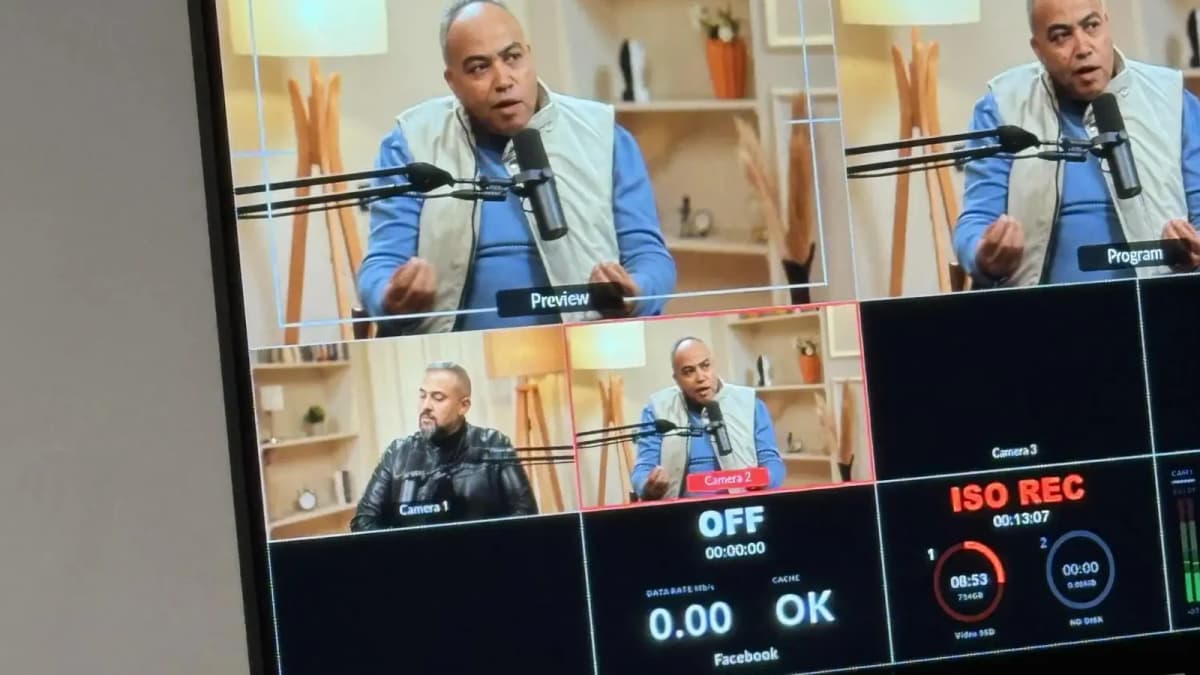
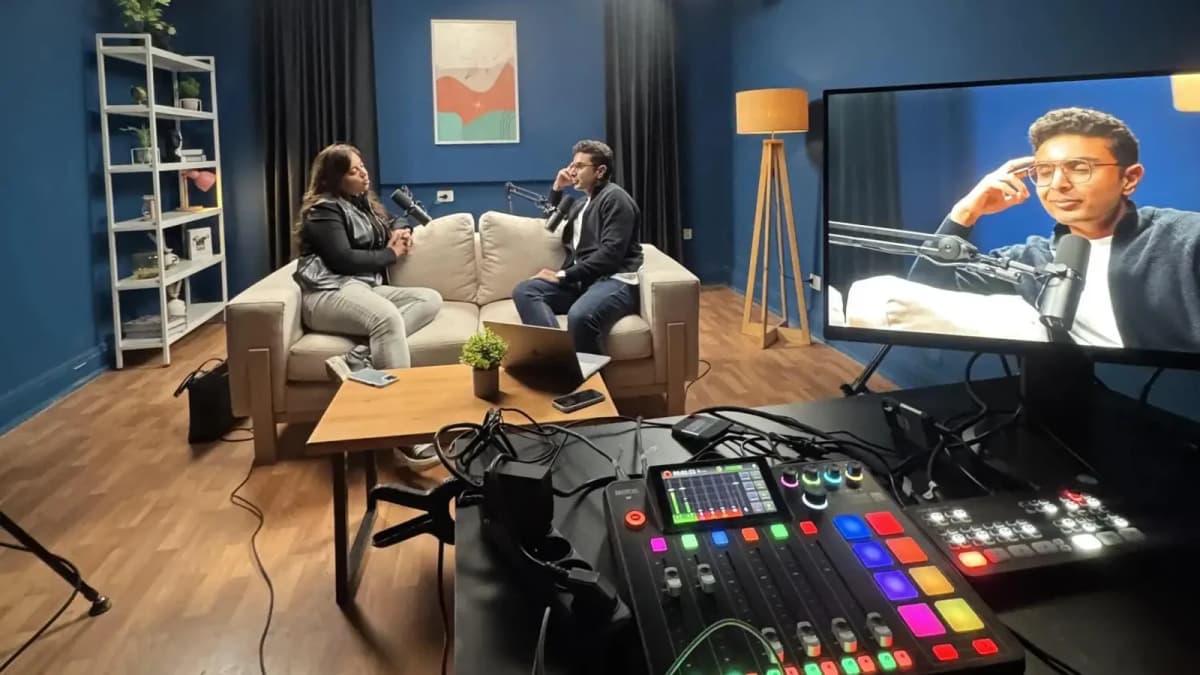
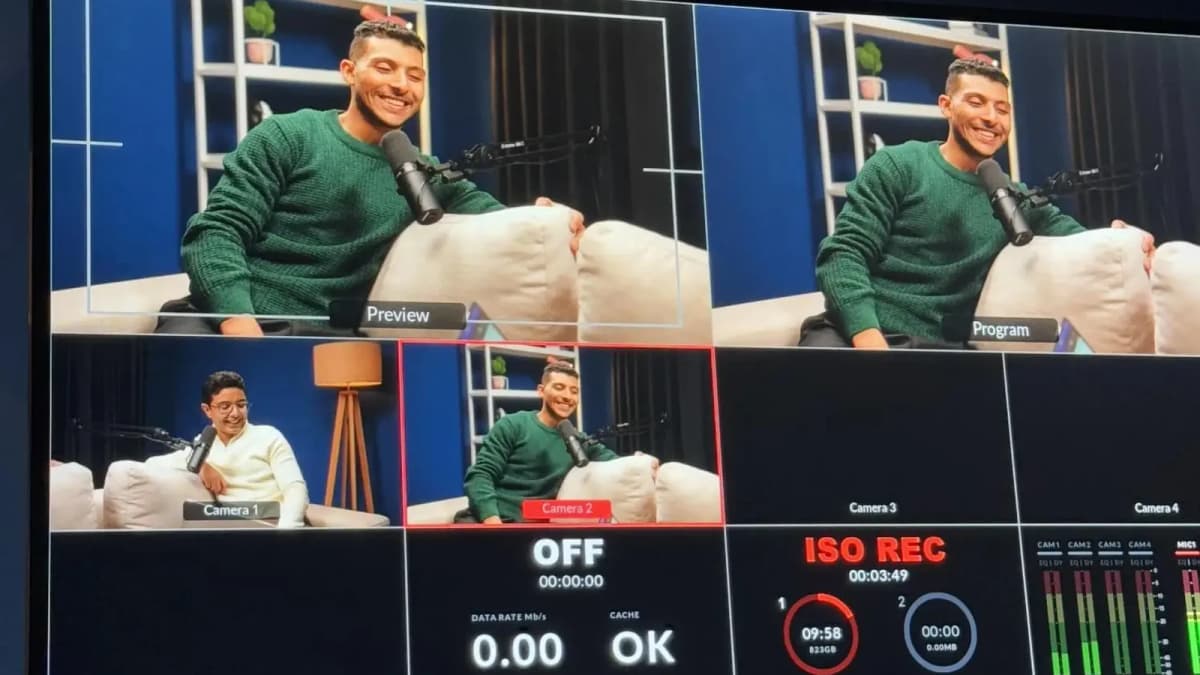
Arabic script is complex: it reads right-to-left and has contextual letter shapes. Without native support in video editors—such as proper RTL text input, preloaded Arabic fonts, and UI translation—your reels risk looking unprofessional or becoming unreadable. Additionally, a proper recording environment enhances final output quality. Professional studio recording with acoustic treatment and expert support ensures your voiceovers and audio tracks match the high standard your visuals demand.
Choosing a video editor that respects these linguistic nuances is essential for brands targeting Arabic speakers. It saves time, reduces errors, and elevates your storytelling impact.
Before we jump into the tool reviews, here’s a quick overview table to help you scan key features at a glance:
| Tool | Price Tier | Arabic UI | RTL Text Support | Mobile App | Preloaded Arabic Fonts | Learning Curve (1-5) |
|---|---|---|---|---|---|---|
| Adobe Premiere Pro | High ($20.99/mo) | Partial | Good | No | Yes | 4 |
| InShot | Low ($4.99/mo) | Yes | Moderate | Yes | Limited | 2 |
| CapCut | Free | Yes | Good | Yes | Yes | 1 |
| Final Cut Pro | High ($299 one-time) | No | Poor | No | No | 4 |
| Filmora | Medium ($39.99/yr) | Partial | Good | Yes | Yes | 2 |
| KineMaster | Low ($4.99/mo) | Yes | Good | Yes | Limited | 2 |
| DaVinci Resolve | Free / Studio $295 | No | Poor | No | No | 5 |
| Veed.io | Free - $24/mo | Yes | Good | Web-based | Yes | 2 |
| Clipchamp | Free - $14.99/mo | Partial | Moderate | Web-based | Limited | 1 |
| Splice | Free / $2.99/mo | Yes | Moderate | Yes | Limited | 1 |
| Adobe Rush | Low ($9.99/mo) | Partial | Moderate | Yes | Yes | 2 |
| InVideo | Free - $20/mo | Yes | Good | Web-based | Yes | 2 |
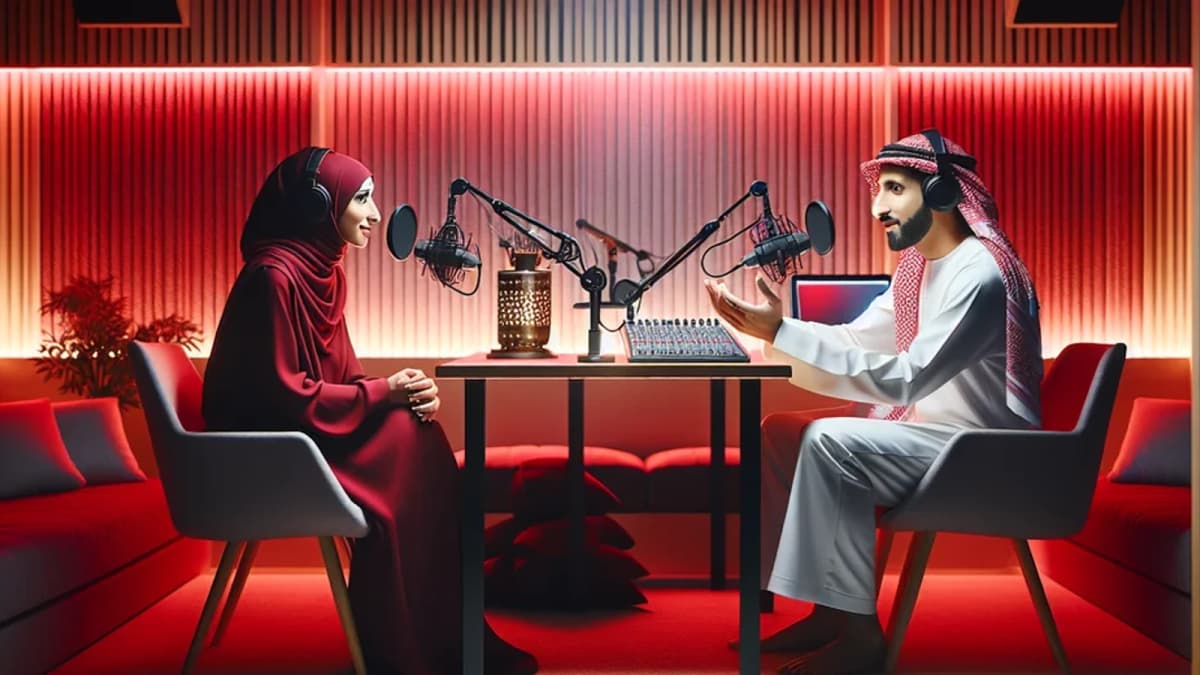
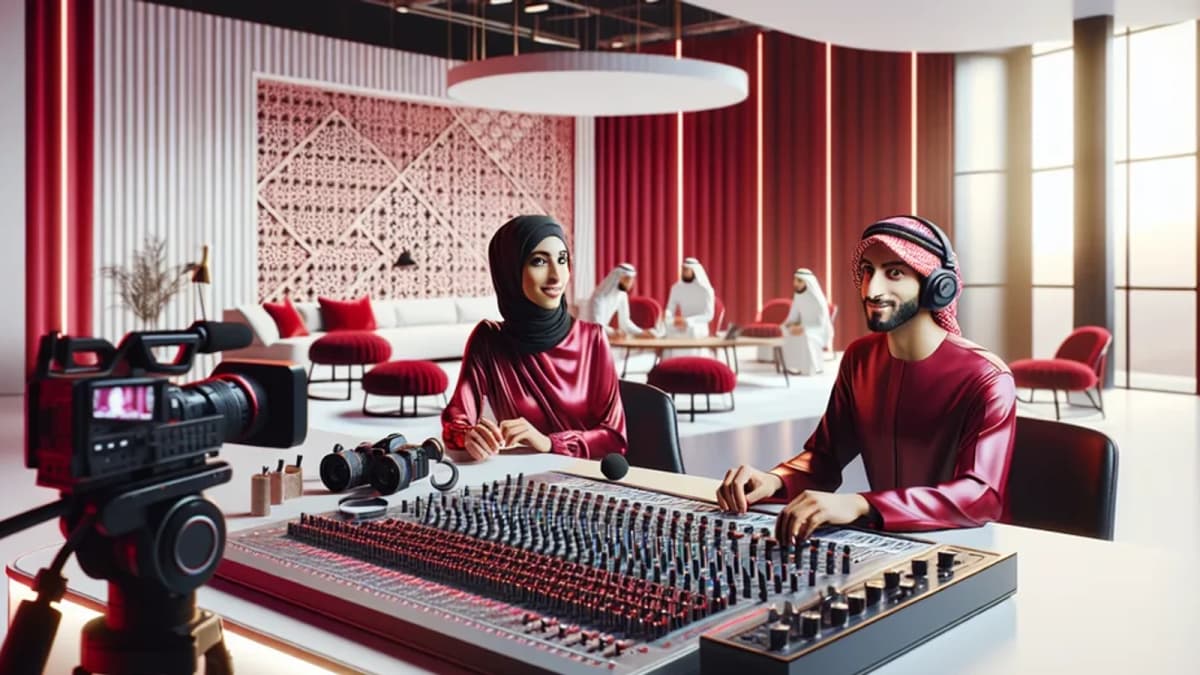
See Where Great Content Is Born
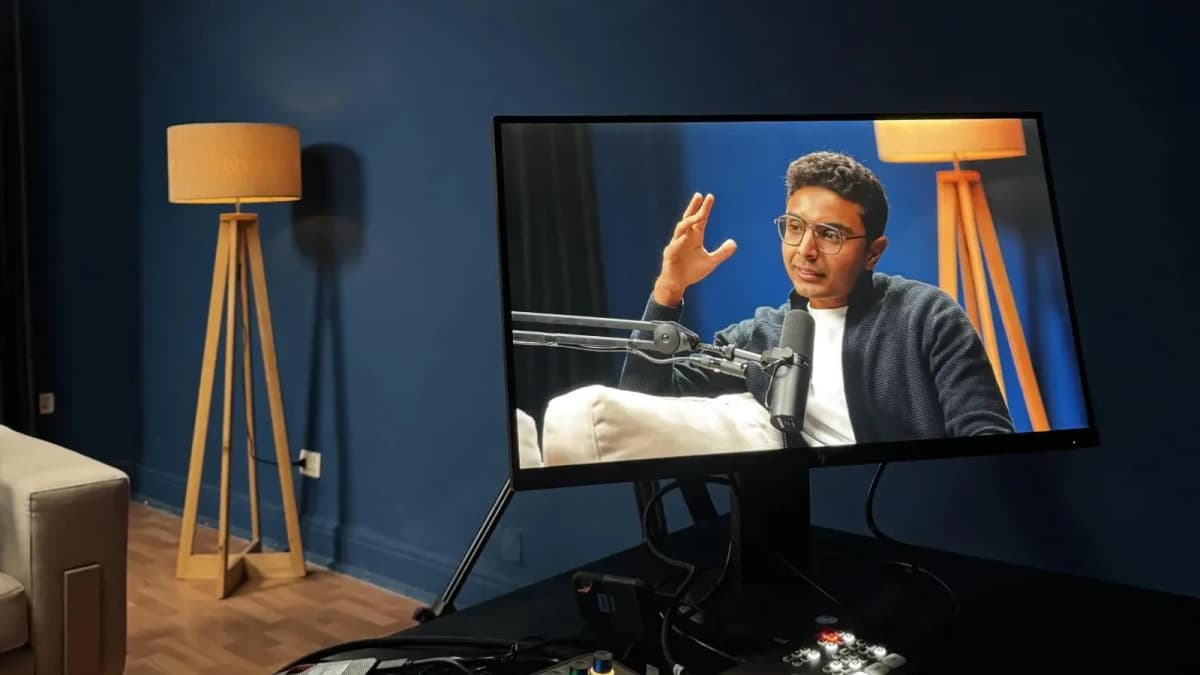
Step inside Goocast's state-of-the-art studio — built for podcasters, brands, and creators who refuse to settle for anything less than broadcast quality.
Explore Our Studio →Top video editing tools for reels that support Arabic language: Detailed Reviews and Awards
1. Adobe Premiere Pro — Best Professional Desktop Editor with Arabic Font Library
Adobe Premiere Pro remains the industry standard for professional video editing. It offers comprehensive Arabic font libraries and solid RTL text support, although full UI translation into Arabic is partial. Pricing starts at $20.99/month, targeting experienced editors (learning curve: 4). It lacks a dedicated mobile app but supports exporting reels in all major formats.
Premiere Pro excels in precision and workflow flexibility, ideal for brands focused on high production value. However, beginners may find the interface complex.
2. InShot — Best Mobile Arabic Editor for Quick Reels
InShot provides a user-friendly mobile app with complete Arabic UI and decent RTL text handling. It costs $4.99/month, making it accessible for content creators on a budget. However, its Arabic font library is limited, requiring some font uploads for custom styles.
InShot is perfect for social media managers who want fast reel production on smartphones without sacrificing Arabic language integrity.
3. CapCut — Best Free Editor with Full Arabic Language Support
CapCut stands out as a free tool that fully supports Arabic UI, RTL text input, and preloaded Arabic fonts. It’s available on mobile and desktop via web, with an intuitive interface (learning curve: 1). Export options cover all popular reel formats.
For creators starting out or needing zero-cost solutions, CapCut offers unmatched Arabic language friendliness.
4. Final Cut Pro — Powerful but Limited Arabic Text Support
Final Cut Pro is a premium Mac-exclusive editor priced at $299 for a one-time purchase. Unfortunately, it lacks Arabic UI and offers poor RTL handling, requiring workarounds to insert Arabic text.
This makes it less suitable for Arabic reels despite its advanced video editing capabilities.
Read more about : Best apps for creating reels with professional effects and templates5. Filmora — Medium-Tier Editor with Good Arabic Support and Mobile App
Filmora balances pricing ($39.99/year) with ease of use and partial Arabic UI translation. It supports RTL text well and offers preloaded Arabic fonts. The mobile app extends flexibility to creators editing on the go.
Filmora suits small businesses and influencers needing professional polish without steep learning curves.
6. KineMaster — Robust Mobile Editor Supporting Arabic UI and RTL
KineMaster delivers a full Arabic UI on mobile, effective RTL text handling, and limited preloaded Arabic fonts. At $4.99 per month, it’s a cost-effective solution for social media teams focused on mobile-first workflows.
7. DaVinci Resolve — Industry-Grade Editor with Weak Arabic Text Features
DaVinci Resolve is a powerful free editor, with an optional $295 Studio upgrade. Despite its strengths in color grading and video effects, it lacks Arabic UI and proper RTL text support, making it less ideal for Arabic reels.
8. Veed.io — Best Web-Based Editor for Arabic Subtitles and Collaboration
Veed.io supports Arabic UI, RTL text, and preloaded Arabic fonts on its web platform. Pricing ranges from free to $24 per month. It excels in subtitles and team collaboration, especially for remote teams producing Arabic content.
9. Clipchamp — Easy Web Editor with Partial Arabic Support
Owned by Microsoft, Clipchamp offers partial Arabic UI and moderate RTL text capabilities. Export formats are diverse, and prices range from free to $14.99 per month. It’s suitable for quick edits but limited in Arabic text precision.
10. Splice — Simple Mobile Editor with Basic Arabic Features
Splice offers a free version and a $2.99/month premium plan, with Arabic UI and moderate RTL text support. It includes limited Arabic fonts but is ideal for fast mobile editing with minimal setup.
11. Adobe Rush — Lightweight Adobe Editor with Partial Arabic Support
Adobe Rush costs $9.99/month and offers partial Arabic UI, moderate RTL text handling, and preloaded Arabic fonts. Mobile and desktop apps allow flexible reel editing but with fewer advanced features than Premiere Pro.
Read more about : How to add trending audio to a short video clip12. InVideo — Best for Arabic Brand Storytelling with Extensive Font Libraries
InVideo is a web-based editor supporting Arabic UI and RTL text well, priced from free to $20/month. It includes a broad Arabic font library and templates tailored for reels, making it excellent for brand storytelling in Arabic markets.
Throughout your editing journey, remember that the recording environment plays a pivotal role. Investing in professional studio recording ensures your audio matches the sophistication of your visuals with clean sound, proper acoustics, and expert technical support. This synergy elevates your reels’ overall appeal and audience engagement.
Ready to Record? Your Session Awaits.
Reserve your studio time at Goocast and walk in with confidence. Professional gear, expert support, and a creative environment designed to bring your best ideas to life.
Book Your Studio Session →How to Choose the Right Video Editing Tool for Arabic Reels
When selecting from the top video editing tools for reels that support Arabic language, consider these core criteria:
- Arabic UI Availability: Full UI translation reduces learning time and errors.
- RTL Text Handling: Proper right-to-left input and display is non-negotiable.
- Arabic Font Support: Preloaded fonts save time; uploading custom fonts adds flexibility.
- Platform Compatibility: Do you prefer desktop, mobile, or web editing?
- Price vs. Features: Balance your budget with the complexity of your projects.
- Learning Curve: Assess if your team or yourself can comfortably master the tool.
For businesses and creators serious about quality, booking sessions in a professional studio recording environment is the best next step. It ensures your audio narration or voiceover complements the high-quality visual edits you produce with these tools. You can achieve unmatched audiovisual synergy that resonates deeply with Arabic-speaking audiences.
To maximize your content’s impact, consider partnering with a trusted Media production agency that understands both the creative and technical dimensions of Arabic reels. For specialized short-form video needs, including reels, their Reels Production Services combine expert editing with professional studio resources.
Conclusion: The Definitive Guide to Top Video Editing Tools for Reels That Support Arabic Language
Finding the right video editor that fully supports Arabic language intricacies is no longer a guessing game. Our comprehensive evaluation of the top video editing tools for reels that support Arabic language shows clear leaders like CapCut for free mobile editing, Adobe Premiere Pro for professional desktop work, and Veed.io for collaborative Arabic subtitle projects.
Remember, beyond software, a professional studio recording enhances your content quality and audience connection. By integrating the best Arabic-supportive editing tools with expert studio audio production, you elevate your reels from good to exceptional.
Invest time in choosing your editor wisely, and when ready, enhance your workflow with professional studio resources to truly captivate Arabic-speaking viewers.
Goocast stands at the forefront of media production in the MENA region, expertly blending creative storytelling with cutting-edge studio recording facilities. With a strong focus on Arabic content and short-form video, Goocast empowers brands and creators to deliver impactful reels backed by professional production quality and localized expertise.
Why Goocast Is Your Creative Media Partner Across MENA
Goocast is a premier media production agency and podcast studio serving brands and creators across the MENA region. By combining cutting-edge production technology with deep marketing intelligence, Goocast helps clients craft content that doesn't just look great — it drives real audience growth and business results.
Frequently Asked Questions
Book Your Studio Session at Goocast
Your next great episode starts with the right environment. Goocast's professional studio gives you broadcast-quality sound, expert support, and everything you need to create content that stands out — across MENA and beyond.
Book a Session Now →Short Blog
Short heading goes here
Welcome to our world! At our marketing agency, we don’t just focus on marketing, we’re passionate about sharing our knowledge with our visitors.