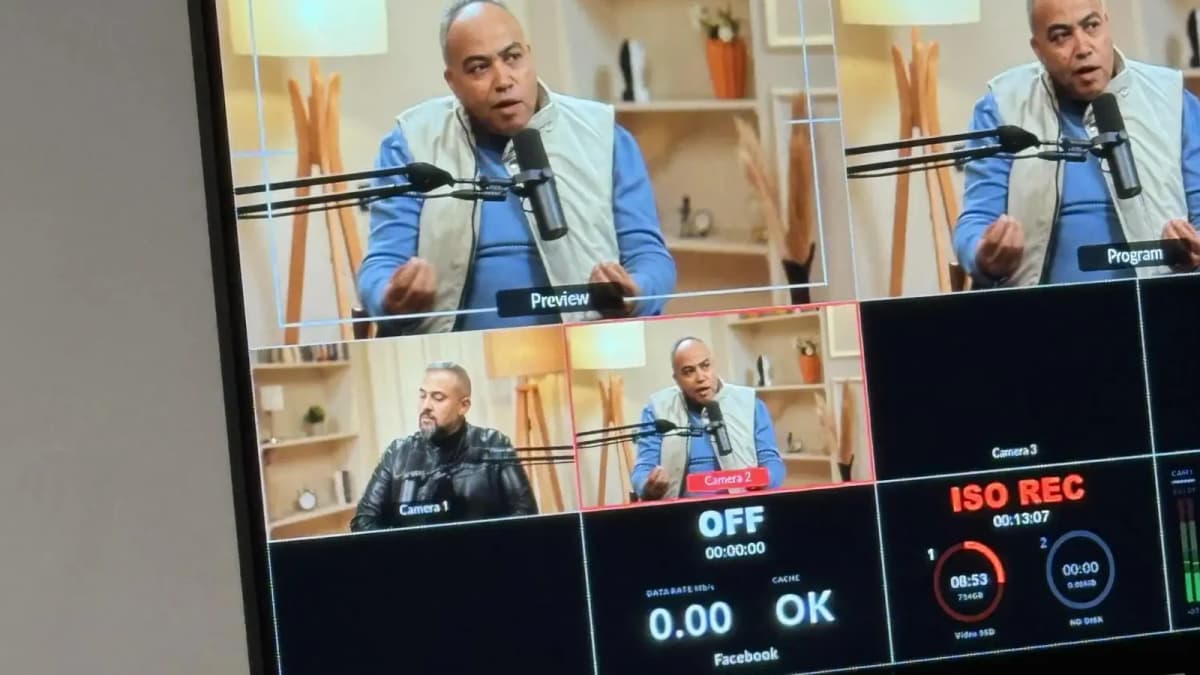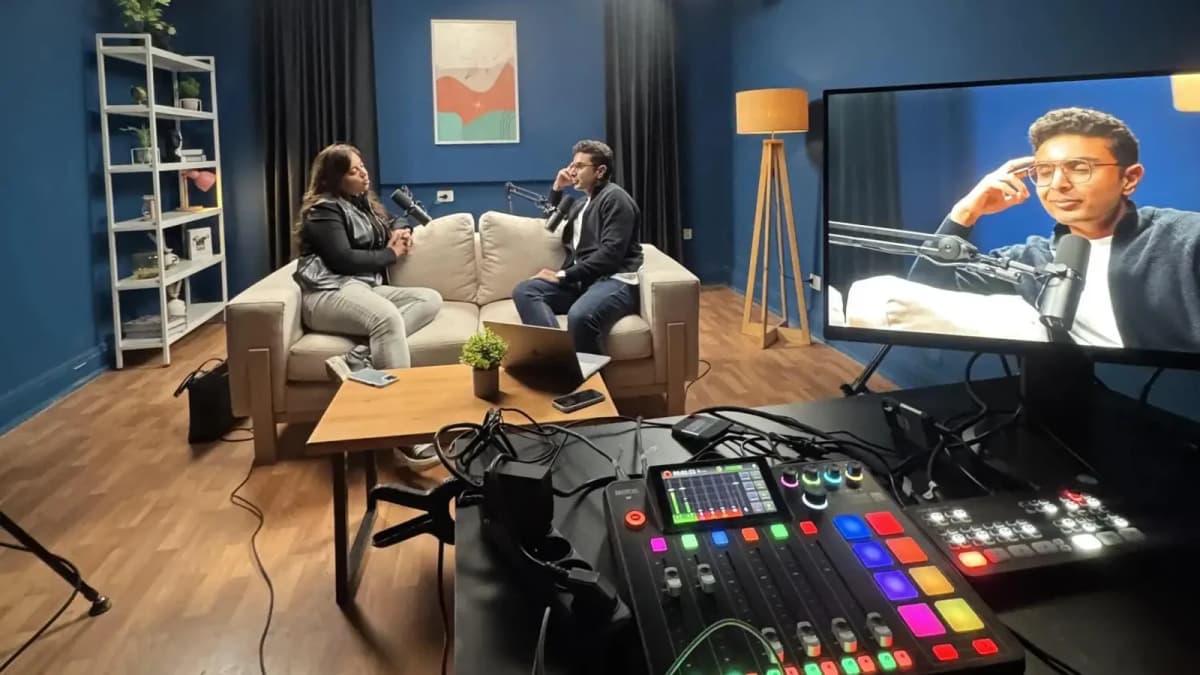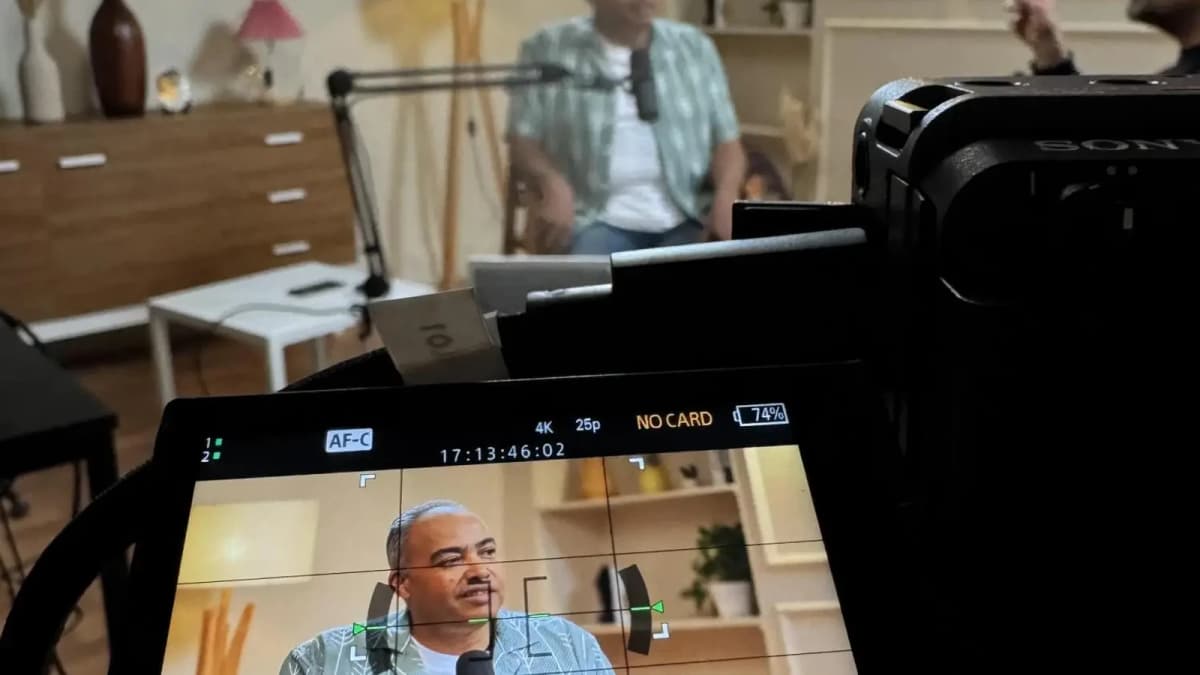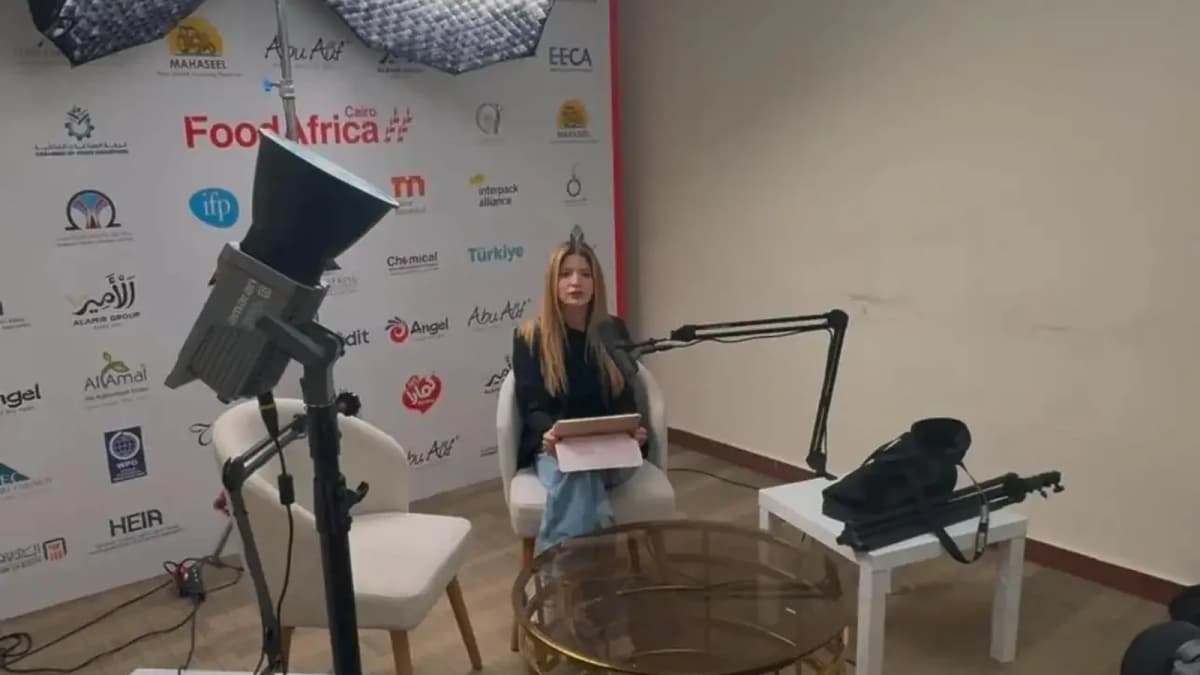
By understanding the core gear categories—stabilization, lighting, audio, and smartphone accessories—you’ll learn how to prioritize your investment based on your video type and shooting style. Along the way, we’ll dispel common myths and offer expert advice on when and why to opt for professional studio recording setups to elevate your content.
Read more about : Where can I find tutorials on making reels for marketing purposes1. Stabilization: The Foundation of Smooth, Watchable Videos
Stabilization dramatically affects viewer engagement. Shaky footage creates viewer fatigue and reduces perceived quality instantly. Fortunately, phone cameras today often have built-in electronic image stabilization (EIS), but this can only do so much, especially during movement or panning shots.
Mechanical stabilization tools absorb unwanted shakes at the source, providing buttery-smooth footage. Here’s how to think about your options:
- Budget ($0–50): Basic handheld tripods or flexible gorillapods offer a stable base for static shots or slow pans. These can cost as little as $15–30 and improve video steadiness for talking-heads or product demos.
- Mid-Range ($50–150): Entry-level gimbals like the DJI Osmo Mobile SE or Zhiyun Smooth Q3 deliver advanced 3-axis stabilization, perfect for dynamic vlogging and storytelling sequences. They keep the phone level and reduce jitters, essential for moving shots.
- Premium ($150+): Professional gimbals such as the DJI Osmo Mobile 6 offer enhanced tracking, gesture controls, and longer battery life. These are ideal if you produce fast-paced content or require multi-hour shoots.
Why does stabilization matter? Studies show viewers retain attention up to 40% longer on stable videos compared to shaky ones. For creators aiming to build audience trust and professionalism, investing in stabilization is non-negotiable.
Read more about : Short Form Video Advertising Strategies2. Lighting: Your Secret to Flawless Skin Tones and Visual Appeal
Nothing reveals amateur recording like poor lighting. On the flip side, great lighting elevates the perceived quality of your video, enhances skin tones, and creates depth and mood — all critical for engagement.
Phones adjust automatically to ambient light, but relying solely on natural or room lighting can produce inconsistent results. Here’s a breakdown of lighting gear by budget:
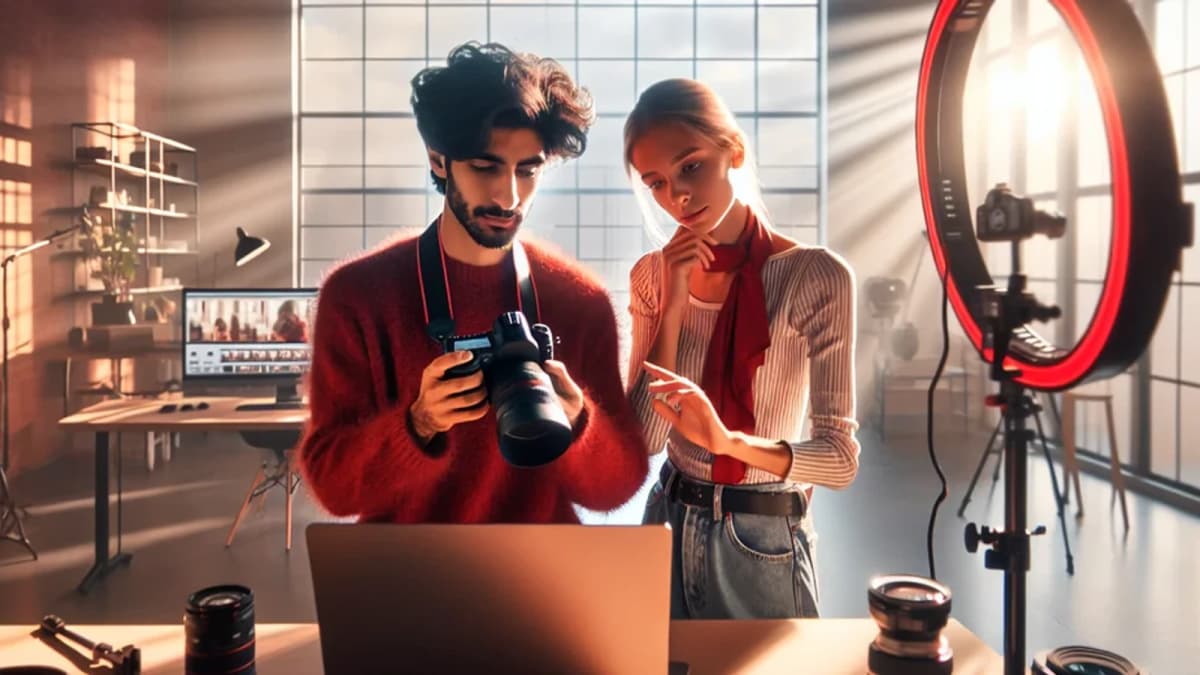
- Budget ($0–50): Ring lights or LED panel lights with adjustable brightness and color temperature are often available for under $50. These improve face illumination and reduce harsh shadows, making them ideal for tutorials or talking-head videos.
- Mid-Range ($50–150): Portable key lights like the Lume Cube Panel Mini offer better color accuracy and built-in diffusion. These are perfect for creators shooting in varied environments or needing consistent, professional lighting.
- Premium ($150+): Studio-grade lights with softboxes and adjustable stands enable full control over lighting direction and softness. These setups are essential for product demos or cinematic storytelling that demand precise visual aesthetics.
Technically, lighting affects your phone’s sensor exposure and color rendering. For example, key lights set at 45 degrees soften facial features and add dimension, whereas flat front lighting may look dull. Proper lighting reduces noise and enhances sharpness, vital for captivating short videos.
Understanding lighting’s role early on saves countless hours in post-production color correction and fixes.
See Where Great Content Is Born
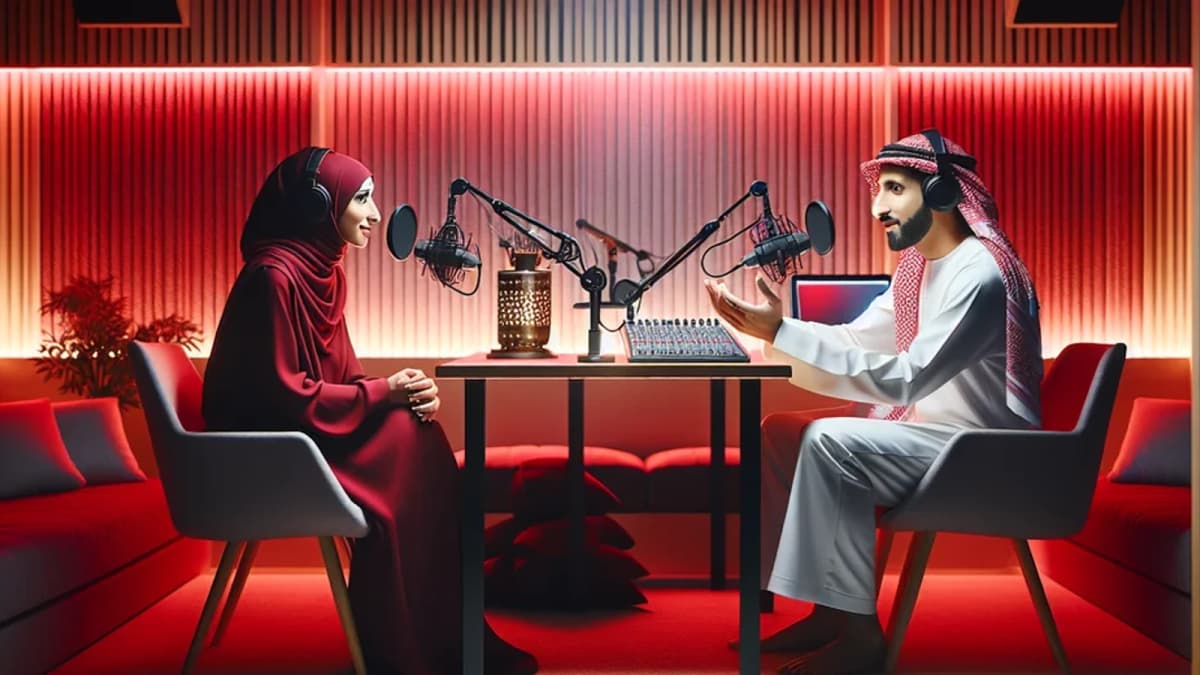
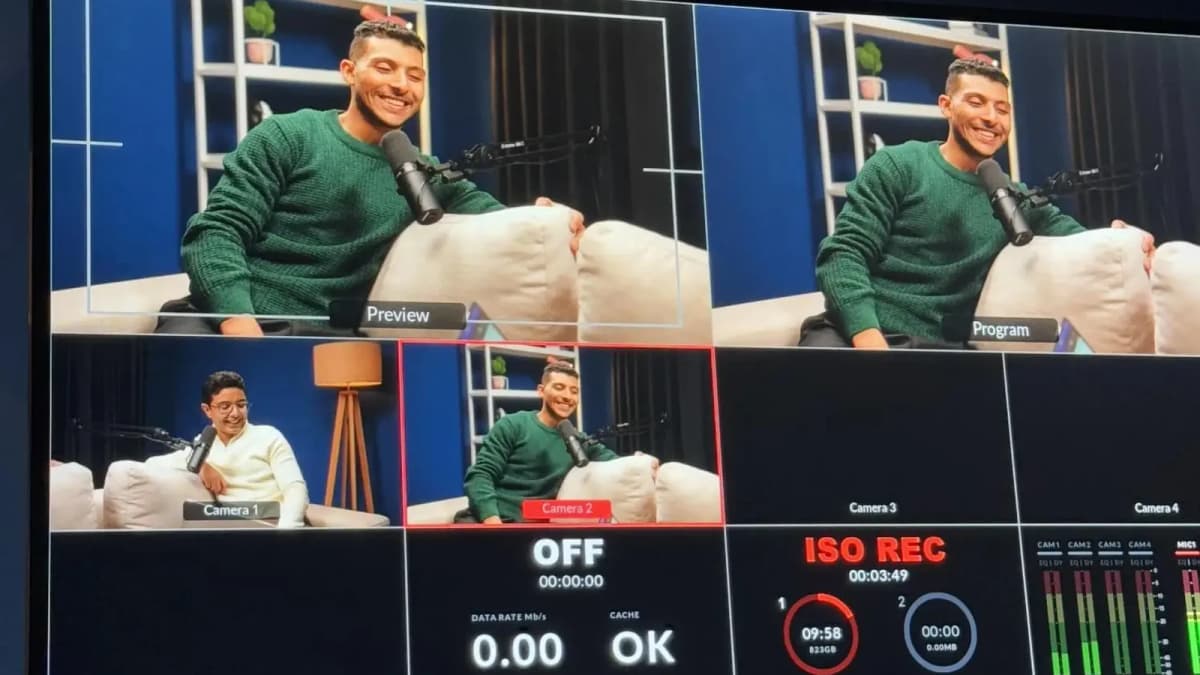
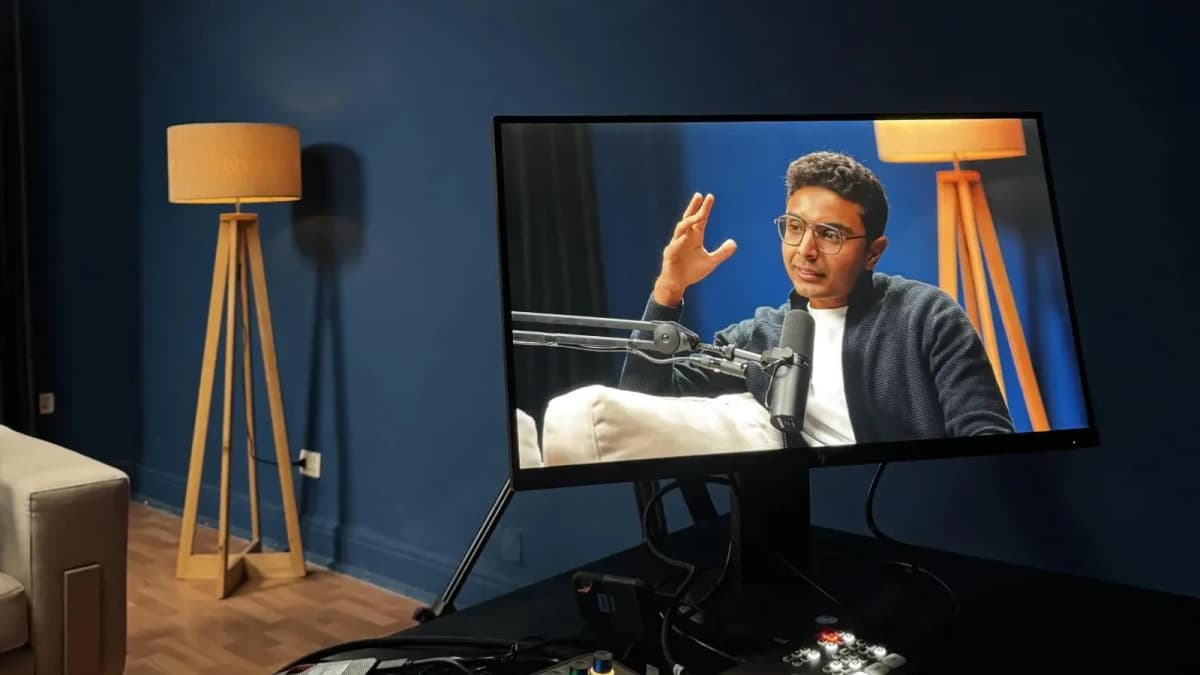
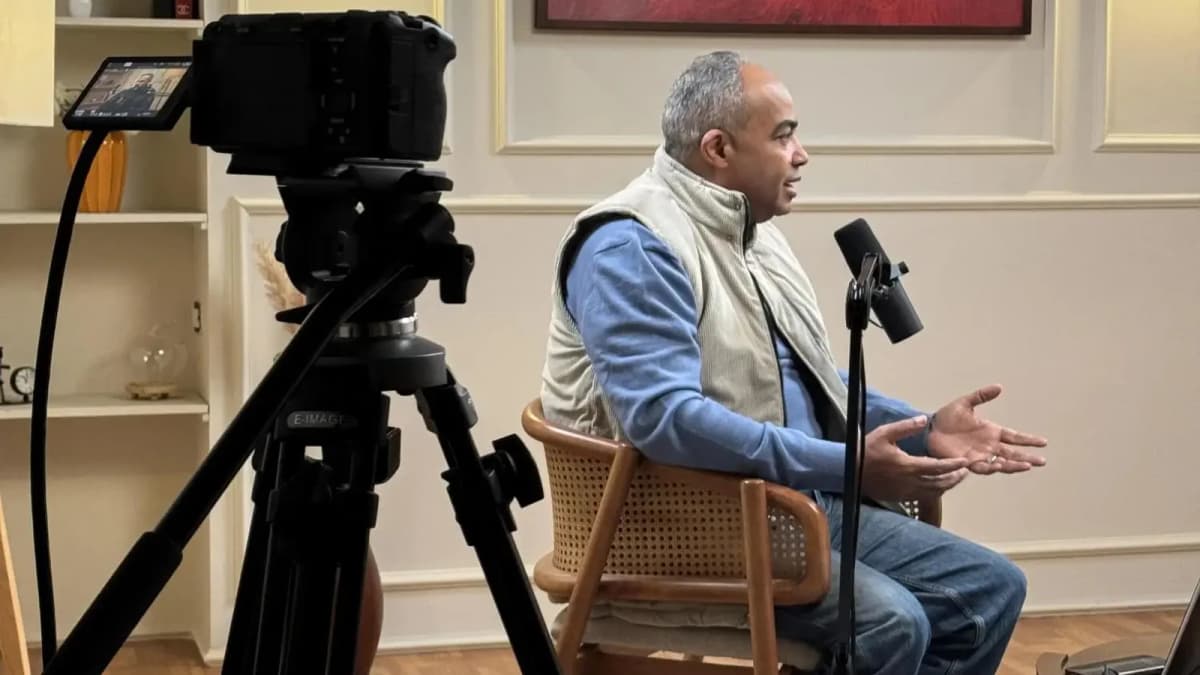
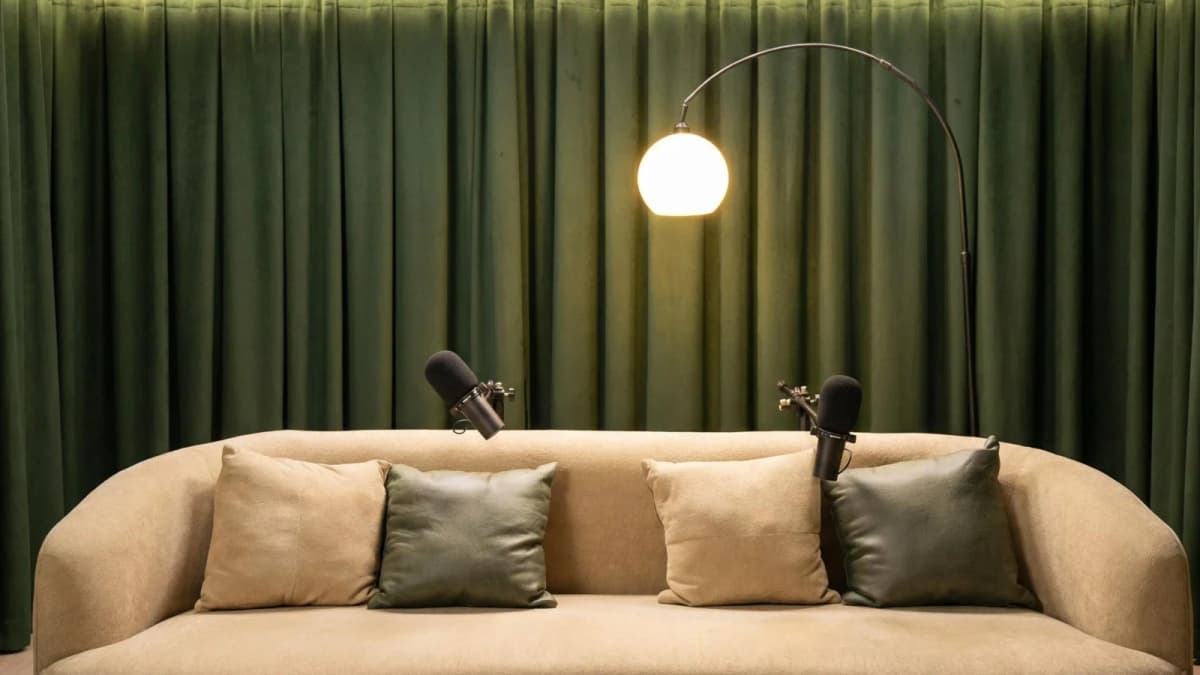
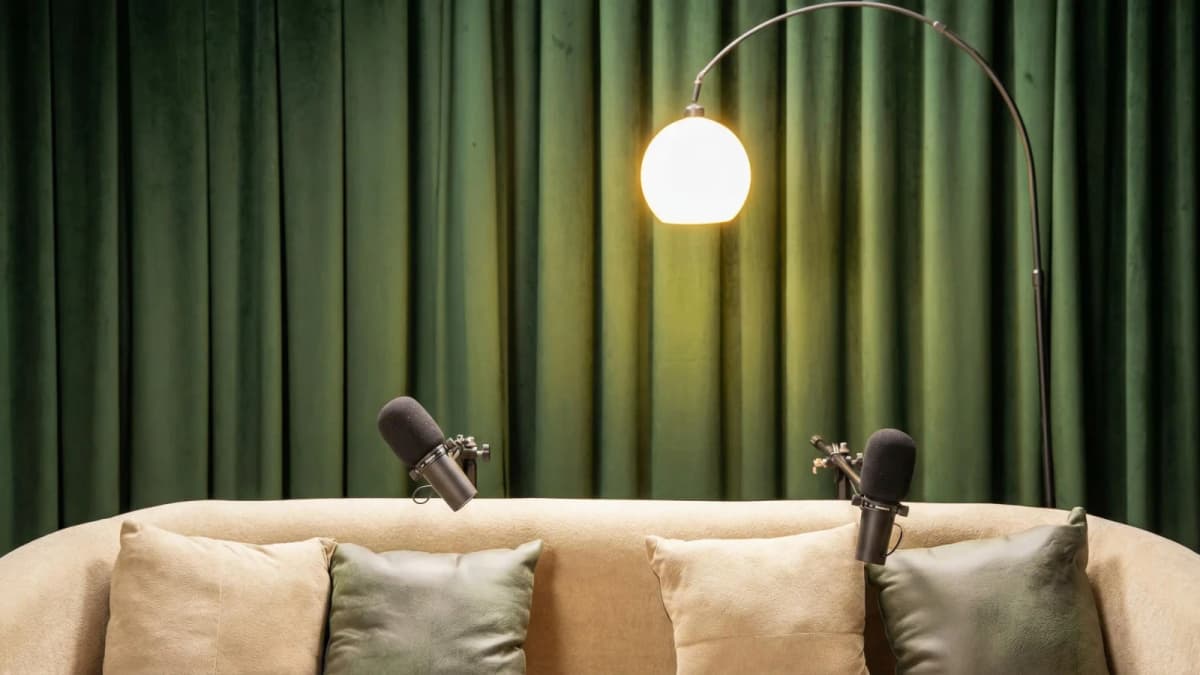
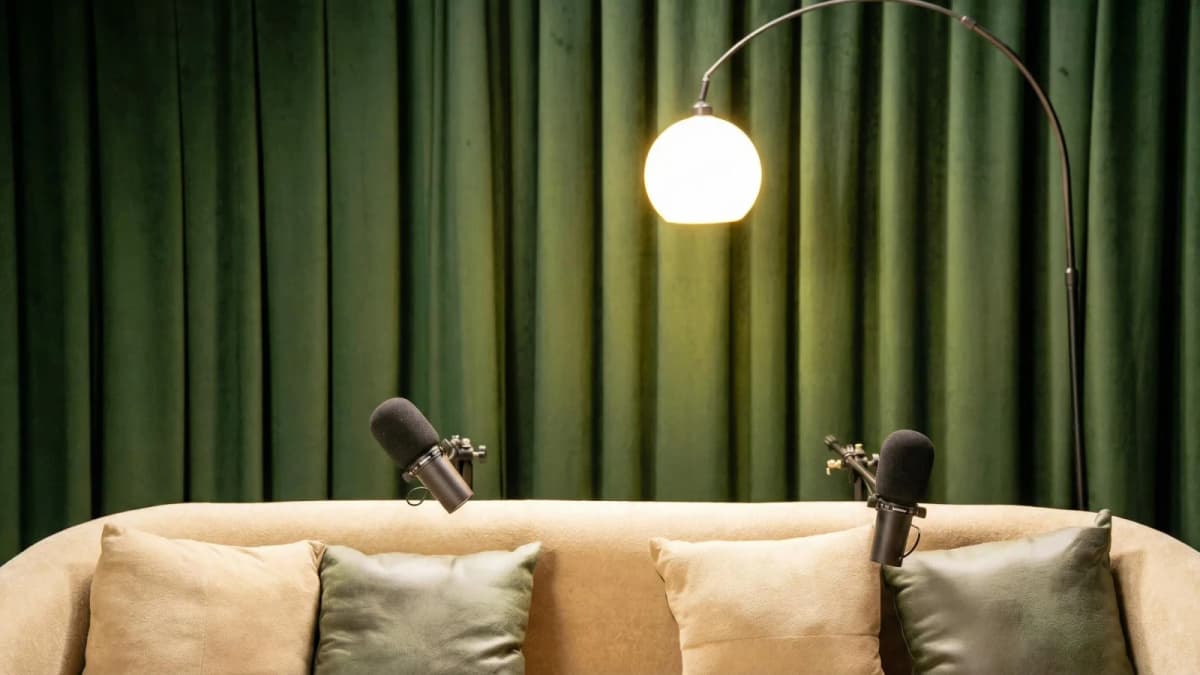
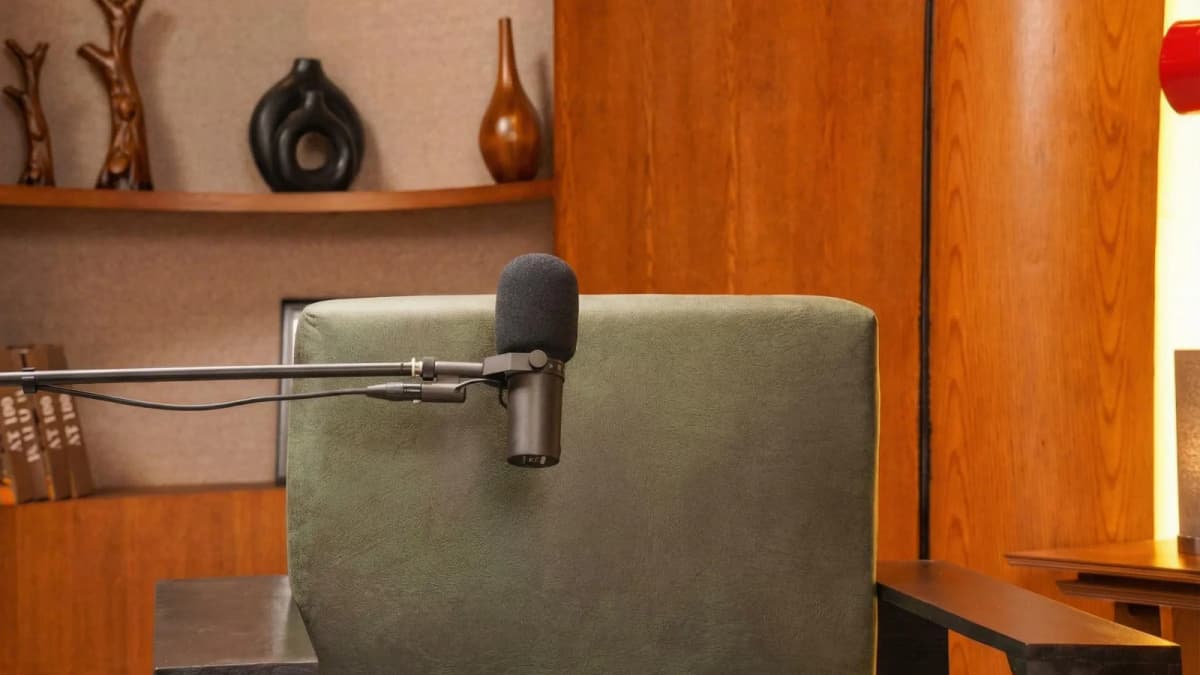
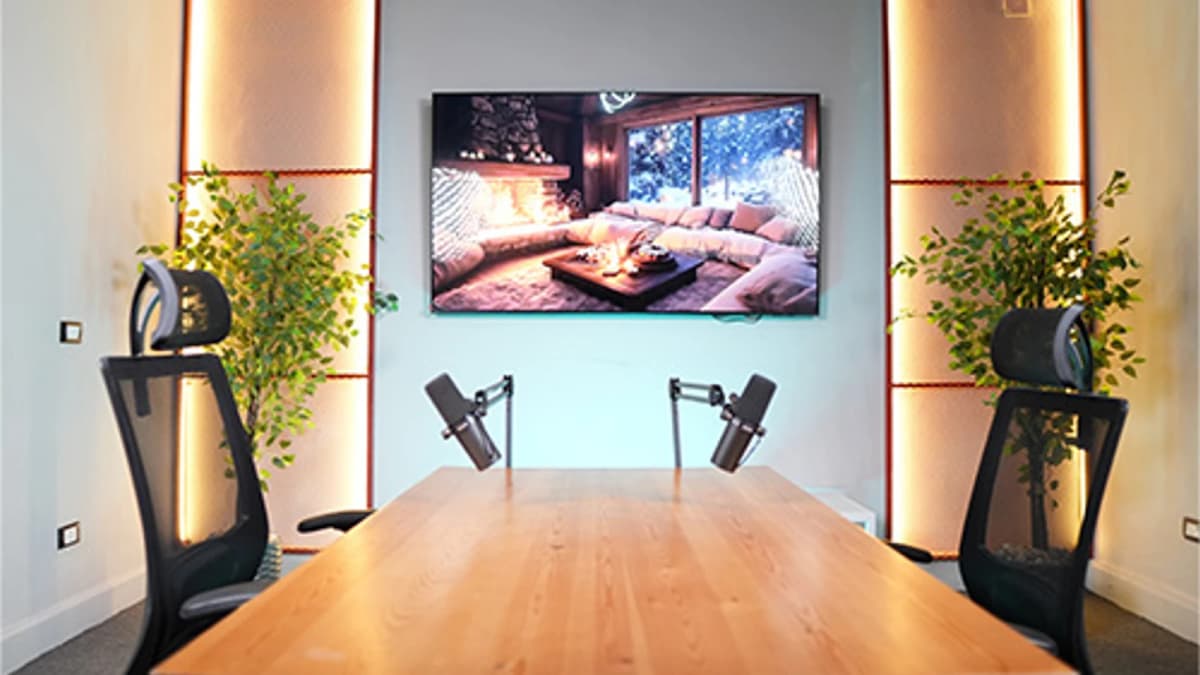
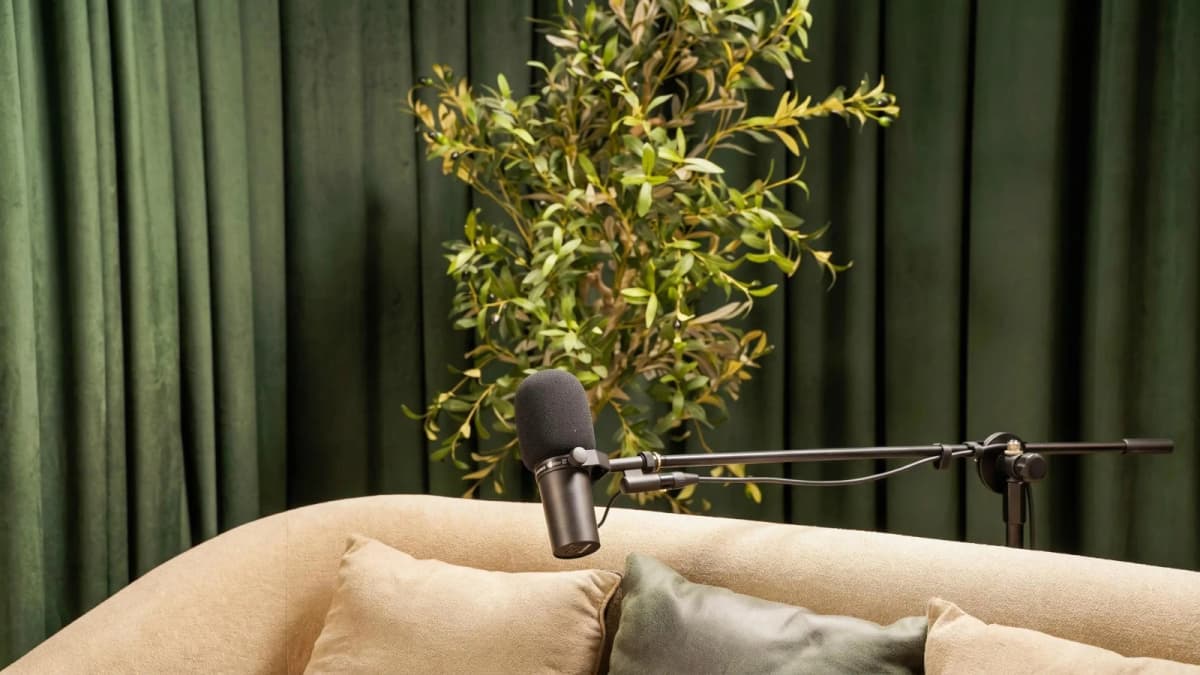
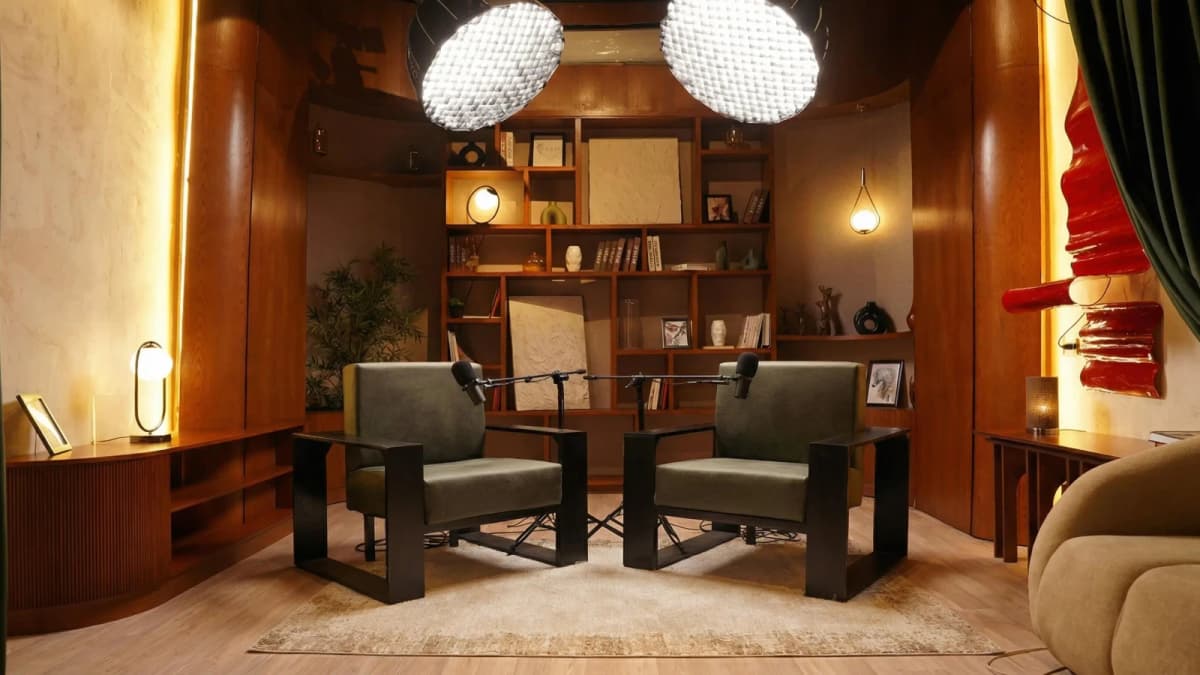
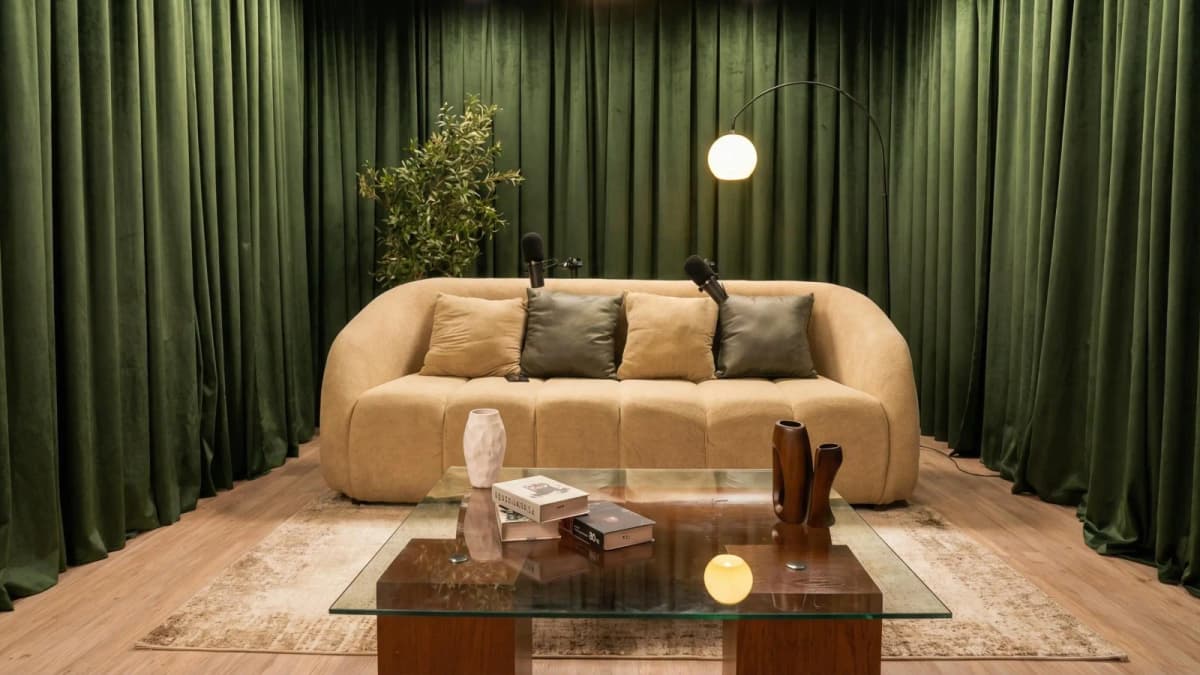
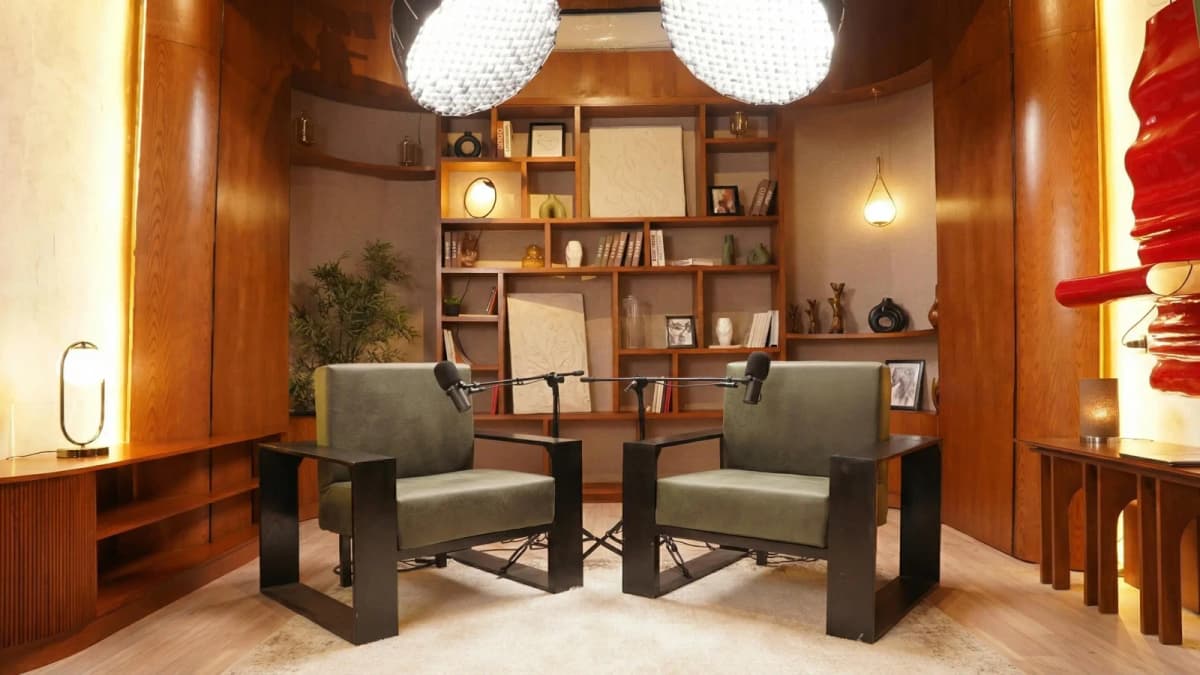
Step inside Goocast's state-of-the-art studio — built for podcasters, brands, and creators who refuse to settle for anything less than broadcast quality.
Explore Our Studio →3. Audio: The Often Overlooked Essential for Engaging Content
While phone cameras have improved visuals, their built-in microphones often capture muffled, echoey, or wind-distorted sound. Audio quality directly impacts perceived professionalism and viewer retention. Poor audio can drive audiences away faster than bad video.
Here’s how to upgrade your phone-shot videos’ sound:
- Budget ($0–50): Affordable lavalier mics like the Boya BY-M1 plug directly into your phone’s headphone jack (or adapter) and drastically improve voice clarity. Alternatively, using a quiet, controlled environment can reduce background noise.
- Mid-Range ($50–150): Shotgun microphones such as the Rode VideoMic Me-L offer directional sound capture, minimizing ambient noise and focusing on the speaker. These are great for outdoor vlogging or interviews.
- Premium ($150+): Wireless lavalier systems enable freedom of movement without sacrificing audio fidelity. Paired with portable recorders, this setup ensures broadcast-quality sound for any video type.
Remember, sound quality influences a viewer’s emotional connection to your content. Clear, crisp audio makes your message more believable and engaging.
4. Smartphone Accessories: More Than Just Add-Ons
Beyond the basics, certain accessories enhance usability, versatility, and production value. These include lenses, power banks, and phone clamps or mounts.
- Budget ($0–50): Clip-on wide-angle or macro lenses expand creative framing options. Portable power banks ensure longer shooting sessions without battery anxiety.
- Mid-Range ($50–150): Multi-purpose clamps and cold shoe mounts allow you to attach lights, microphones, and stabilizers simultaneously, streamlining your setup.
- Premium ($150+): Advanced lens kits with anamorphic or telephoto options open cinematic possibilities previously only achievable with DSLRs.
Smartphone accessories empower you to adapt your shooting environment and maintain consistent production quality. They also reduce setup time and technical frustration.
Ready to Record? Your Session Awaits.
Reserve your studio time at Goocast and walk in with confidence. Professional gear, expert support, and a creative environment designed to bring your best ideas to life.
Book Your Studio Session →5. Optional Upgrades: When To Invest Beyond the Essentials
Once you’ve mastered stabilization, lighting, audio, and core accessories, consider these optional upgrades based on your content goals and budget:
- External monitors: For monitoring exposure and focus in real time.
- ND filters: Control brightness for outdoor shooting under harsh sunlight.
- Advanced editing apps: Elevate color grading and special effects post-shoot.
While useful, these upgrades are not essential for most short video creators starting out. Prioritize them only after your foundational gear is rock-solid.
Decision Matrix: What Equipment Is Essential for Quality Phone-Shot Short Videos?
Different video types require varying gear priorities. Use this quick matrix to decide where to invest:
| Video Type | Top Priority Gear | Secondary Gear | Nice-to-Have |
|---|---|---|---|
| Vlogs | Gimbal Stabilizer, Shotgun Mic, Ring Light | Wide-angle lens, Power bank | Wireless lavalier, ND filters |
| Product Demos | Tripod, Studio Lighting, Lavalier Mic | Macro lenses, Clamps | External monitors |
| Tutorials | Tripod, Key Light, Lavalier Mic | Flexible mounts, Editing apps | Advanced lenses |
| Storytelling | Gimbal, Studio-grade Lighting, Wireless Audio | Lens kits, External monitors | ND filters, Editing software |
Common Equipment Misconceptions Debunked
You may have heard myths that complicate your buying decisions. Here are the truths:
- Myth: You need 4K recording for professional videos. Reality: 1080p HD is sufficient for most short videos, especially on social platforms. 4K increases file size and editing demands without always improving viewer experience.
- Myth: Expensive gear guarantees quality. Reality: Skillful use of budget equipment often outperforms careless use of premium gear. Learn lighting and composition first.
- Myth: You can skip audio upgrades if your phone’s mic is good. Audio quality is crucial; built-in mics rarely isolate voice well, leading to unprofessional sound.
Understanding these facts prevents wasted investment and frustration.
Why Professional Studio Recording Is the Game-Changer
While you can achieve impressive results with the equipment outlined, nothing compares to a professional studio recording environment. Studios offer acoustic treatment that minimizes echo and background noise, professional-grade microphones and lighting rigs, plus expert technical support.
For creators serious about quality and efficiency, booking studio time ensures consistent, polished videos that elevate your brand. This controlled environment removes guesswork and technical hiccups, allowing you to focus purely on content and creativity.
If your budget or schedule limits studio sessions, start with the essential gear, but consider professional recording when ready to level up.
To explore professional solutions, consider a Media production agency like Goocast that blends creative expertise with technical excellence across the MENA region. Their Reels Production Services exemplify how short-form video can shine with expert support.
In summary, knowing what equipment is essential for quality phone-shot short videos? revolves around prioritizing stabilization, lighting, and audio first, then supplementing with smart accessories. Focus your spending where it counts based on your content type, and never underestimate the impact of a professional recording environment to truly stand out.