The Complete Guide to Creating a Podcast on YouTube: From Setup to Optimization (2026)
Last updated May 04, 2026
If you're wondering how to create a podcast on YouTube, you're in the right place. YouTube's vast audience, combined with its unique video and audio features, makes it an ideal platform for podcasters aiming to grow their reach and monetize content. This comprehensive guide walks you through every step — from choosing the right equipment to optimizing your episodes for maximum discoverability.
Why Choose YouTube for Your Podcast?
YouTube isn't just a video platform anymore — it has become a powerful hub for podcasts. There are three main reasons creators choose YouTube for podcasting:
- Discoverability: YouTube's search algorithm and suggested videos give your podcast a chance to reach millions of potential listeners organically.
- Audience Overlap: Many podcast listeners also consume video content, so offering a visual or video-enhanced podcast expands your appeal.
- Monetization Potential: Through YouTube’s Partner Program, channel memberships, and Super Chats, podcasters have multiple revenue streams beyond traditional sponsorships.
Understanding these benefits helps you align your podcast strategy with platform strengths, ensuring you maximize impact.
Read more about : How to Start a PodcastUnderstanding the Basics: How to Create a Podcast on YouTube
Let's break down the essential steps to get your podcast live on YouTube, covering equipment, recording, editing, channel setup, and promotion.
1. Equipment Essentials: Choose What Fits Your Budget and Setup
Quality audio is the cornerstone of any successful podcast. Your choice of equipment depends on your budget and whether you're recording solo or with multiple guests. Here's a decision tree to guide you:
- Budget Under $150 (Solo Recording): USB microphones like the Audio-Technica ATR2100x or Blue Yeti offer excellent value and plug directly into your computer.
- Budget $150–$500 (Solo or Dual Guests): Consider XLR microphones (Shure SM58, Rode PodMic) paired with an audio interface such as Focusrite Scarlett 2i2 for improved sound quality.
- Budget Above $500 (Multi-Guest Studio Quality): Use multiple XLR mics, a mixer (Behringer Xenyx), and professional headphones for monitoring. Acoustic treatment also becomes critical.
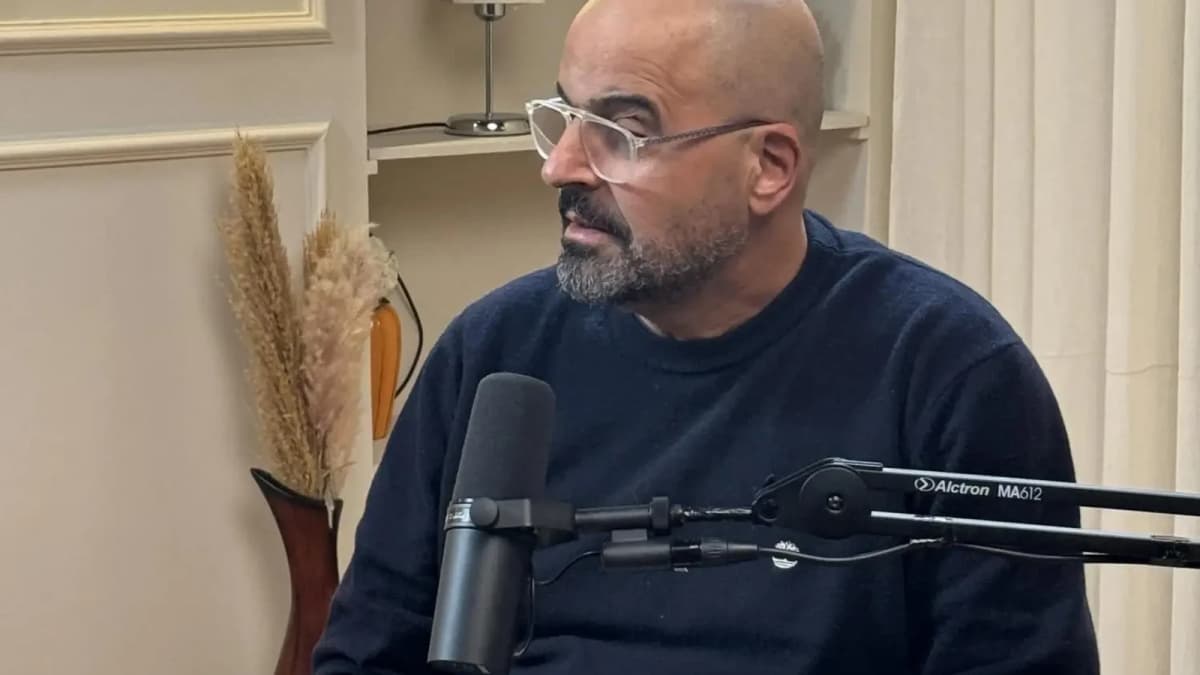
Don't overlook accessories: pop filters, boom arms, and shock mounts reduce noise and improve clarity.
2. Recording Software: What to Use?
Your recording software must balance ease of use with powerful features. Popular options include:
- Audacity: Free, open-source, ideal for beginners with basic editing needs.
- Adobe Audition: Professional-grade, subscription-based, great for detailed editing and noise reduction.
- GarageBand: Mac users benefit from this intuitive, free DAW with multi-track recording.
- Riverside.fm and Zencastr: Web-based tools for remote multi-guest recording with separate audio tracks.
Select software that fits your technical comfort level and podcast format.
3. Audio Editing Fundamentals
Editing your podcast improves listener experience by removing filler words, pauses, and background noise. Key steps include:
- Normalize audio levels for consistent volume.
- Apply noise reduction filters to minimize background sounds.
- Use equalization (EQ) to enhance vocal clarity.
- Add intro/outro music and sound effects carefully to avoid overpowering voices.
- Export final audio as high-quality MP3 or WAV files.
Mastering these basics ensures your podcast sounds professional and engaging.
Read more about : How to Record a PodcastSee Where Great Content Is Born
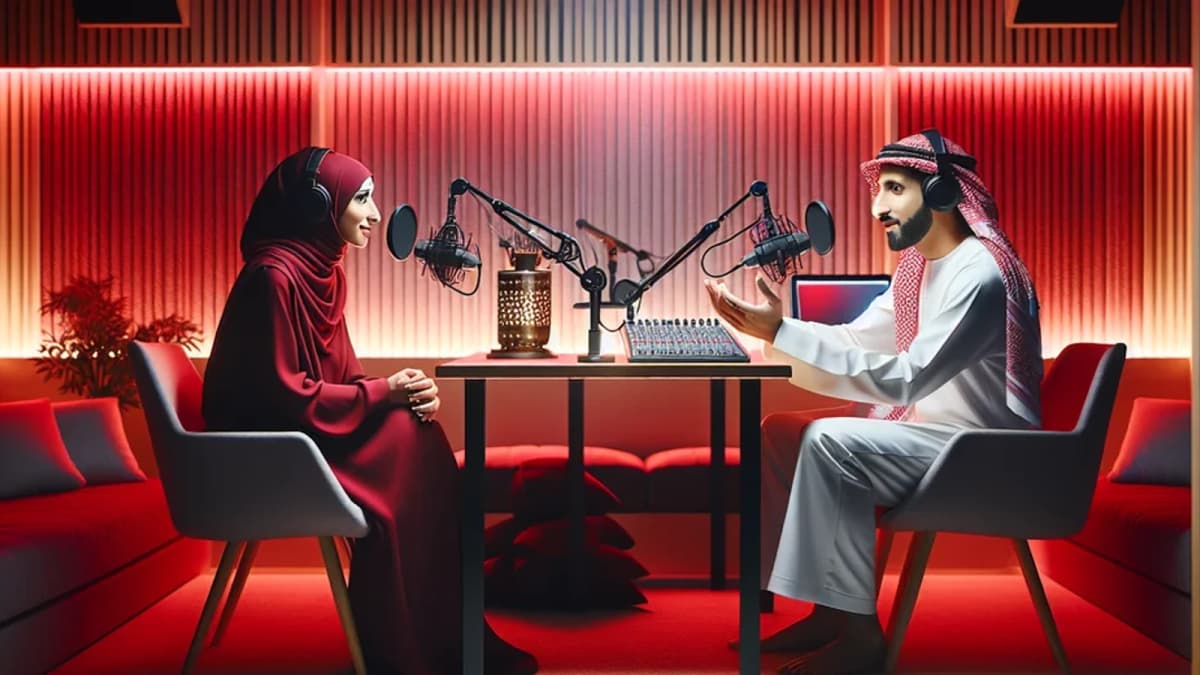
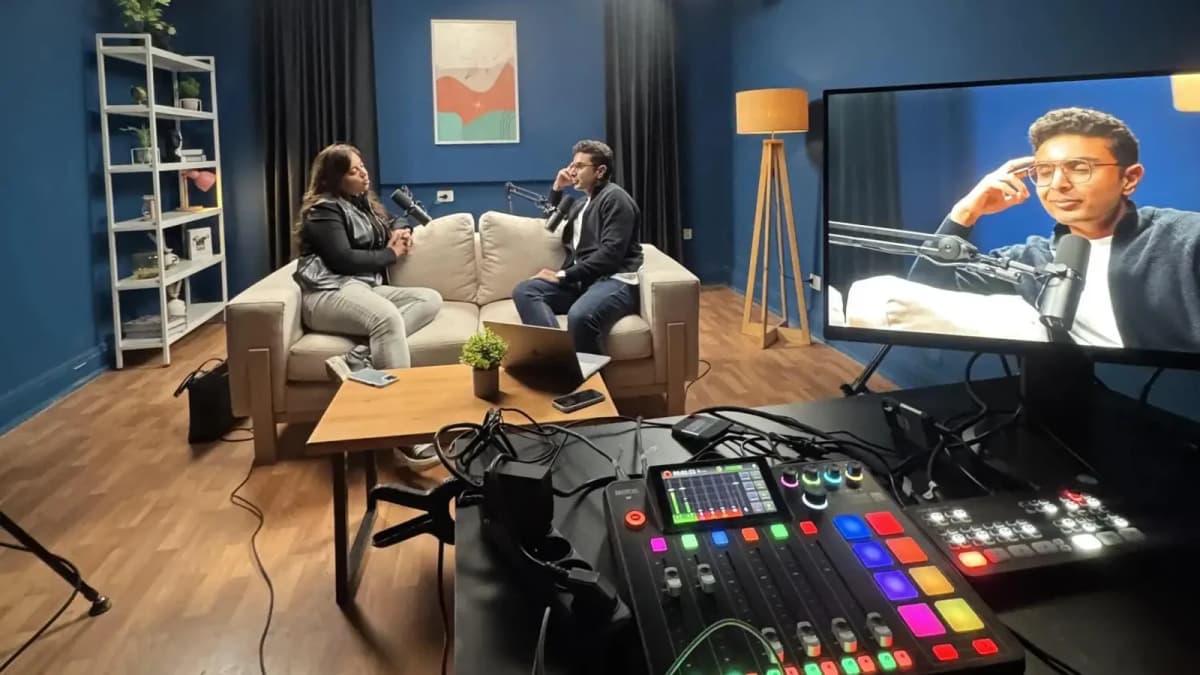
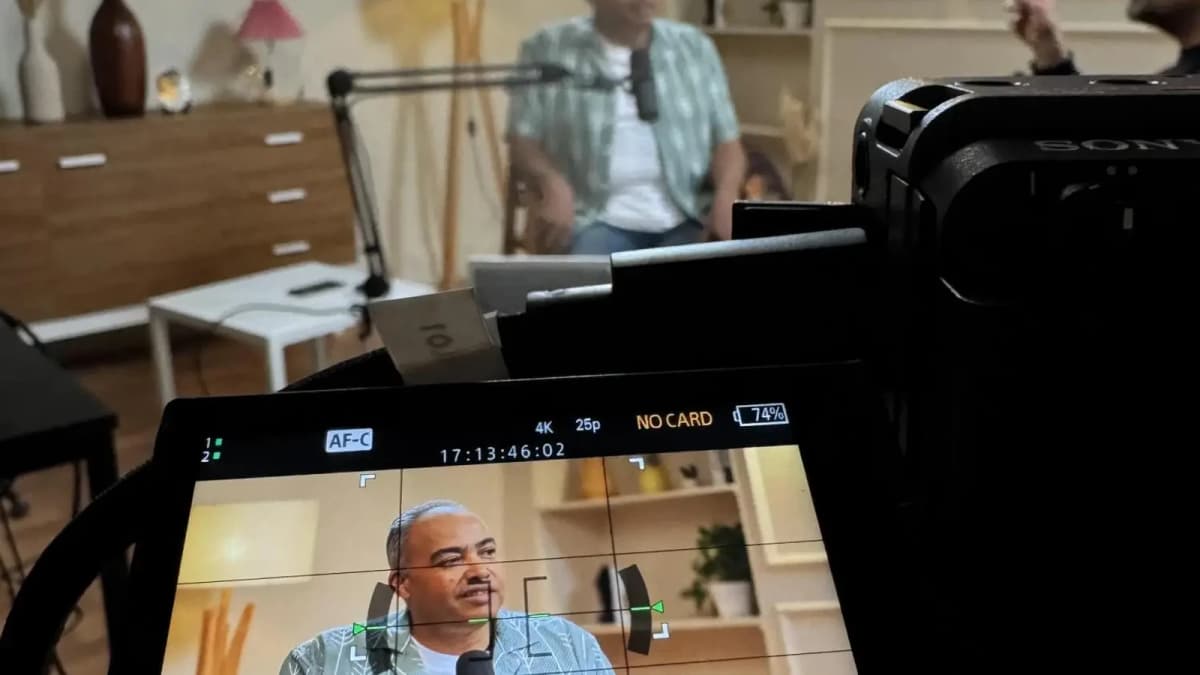
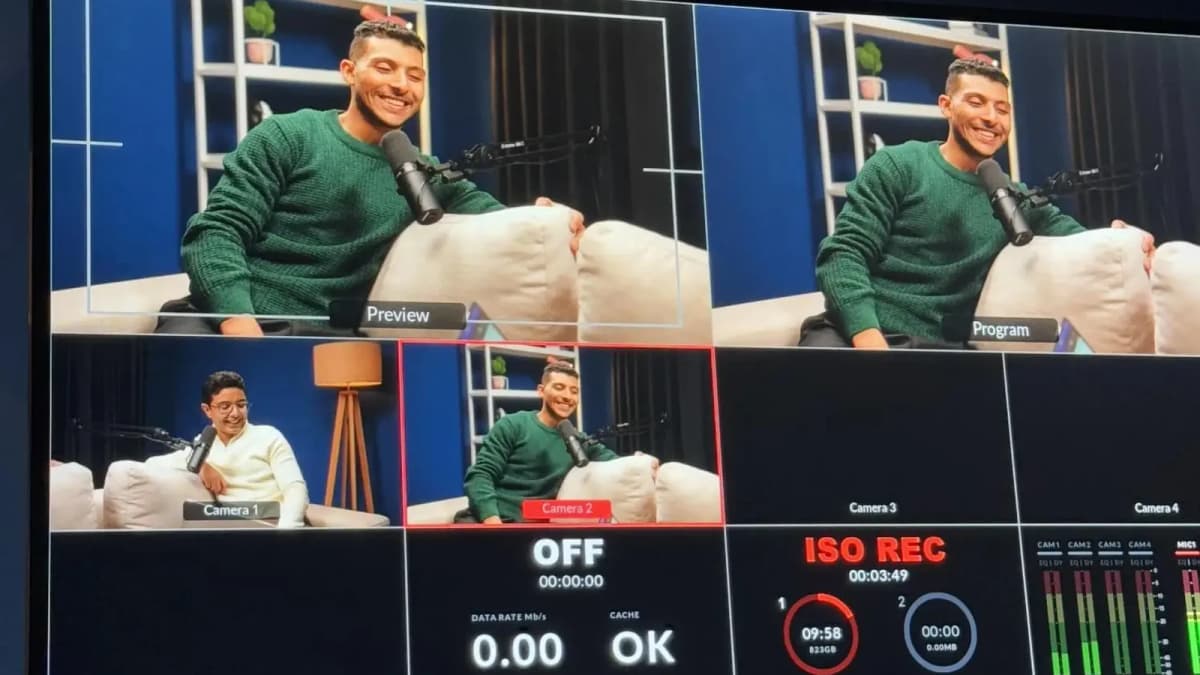
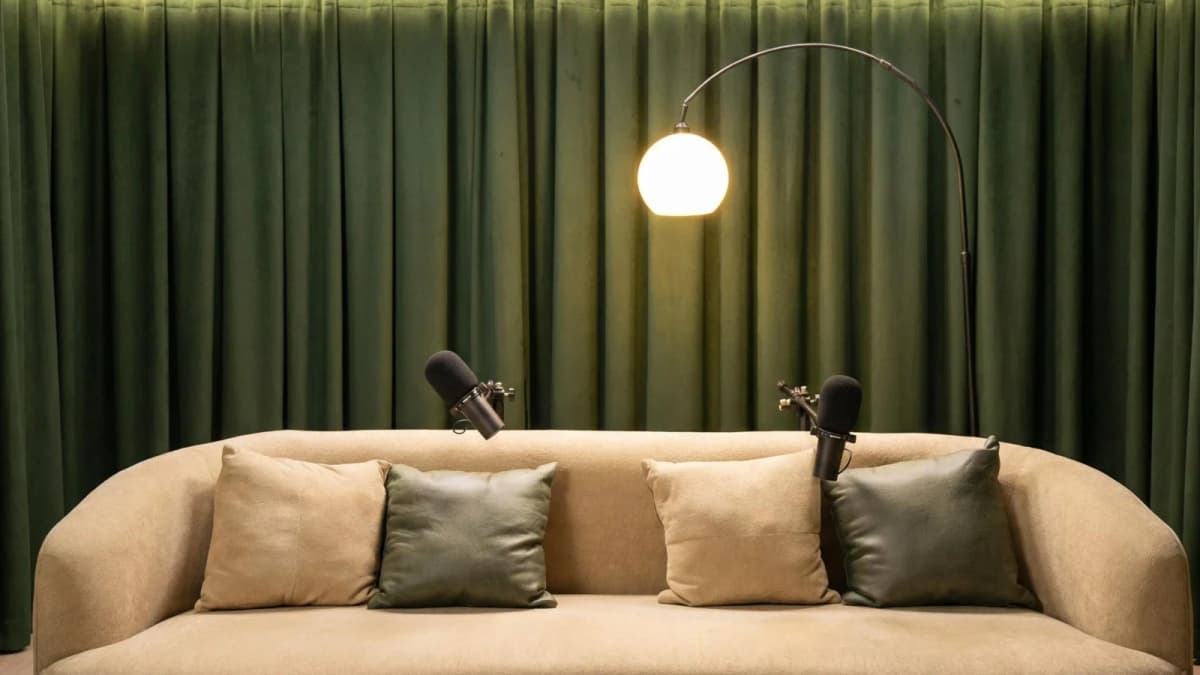
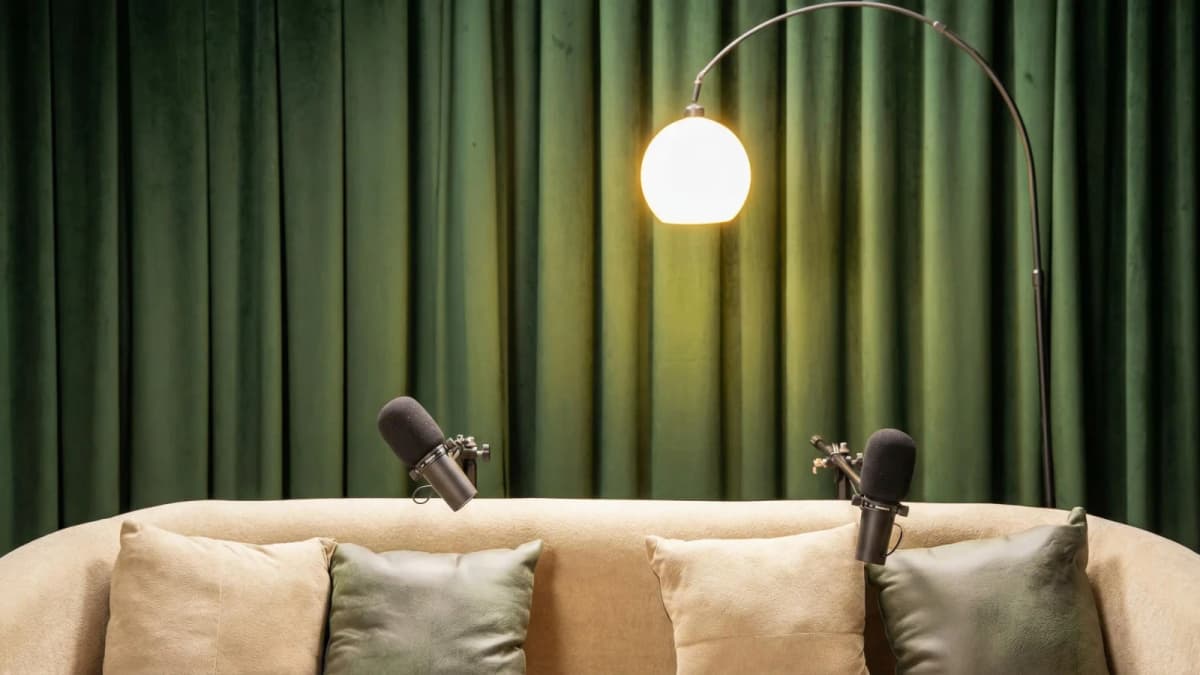
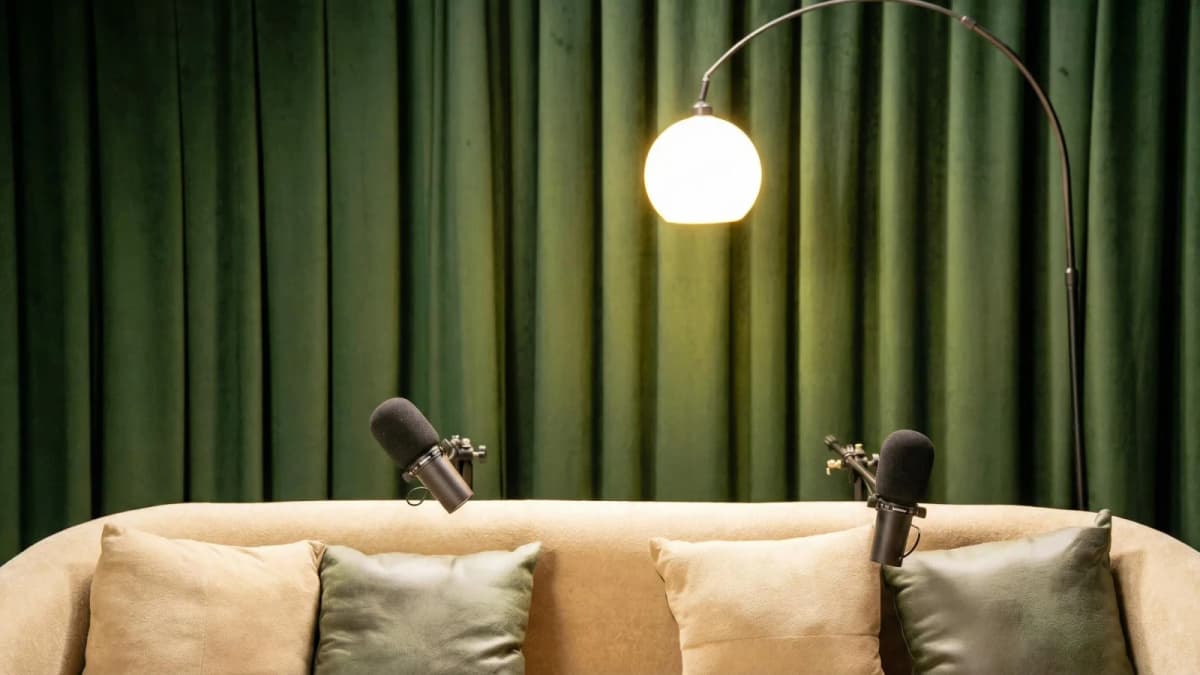
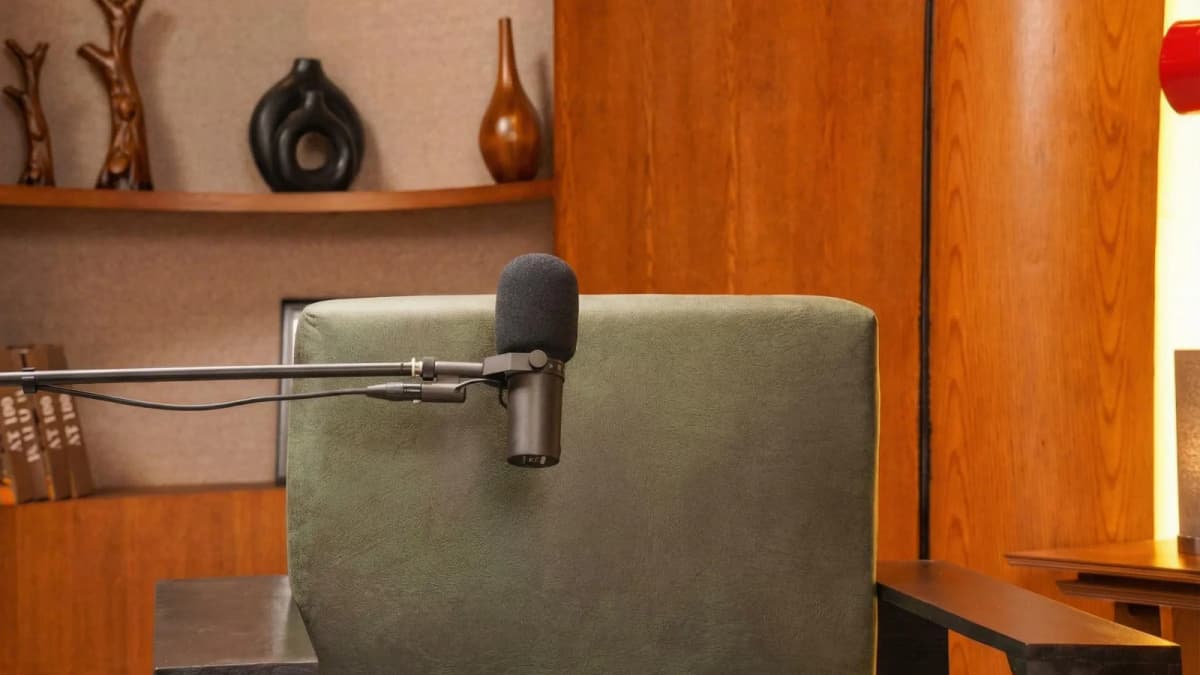
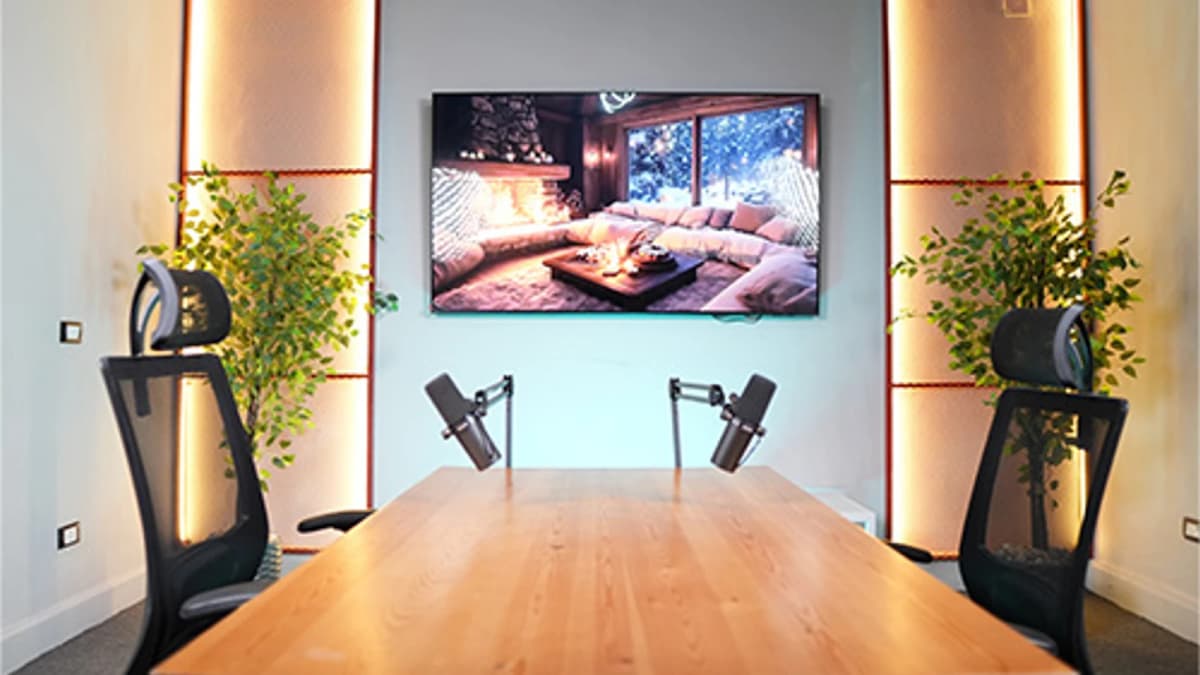
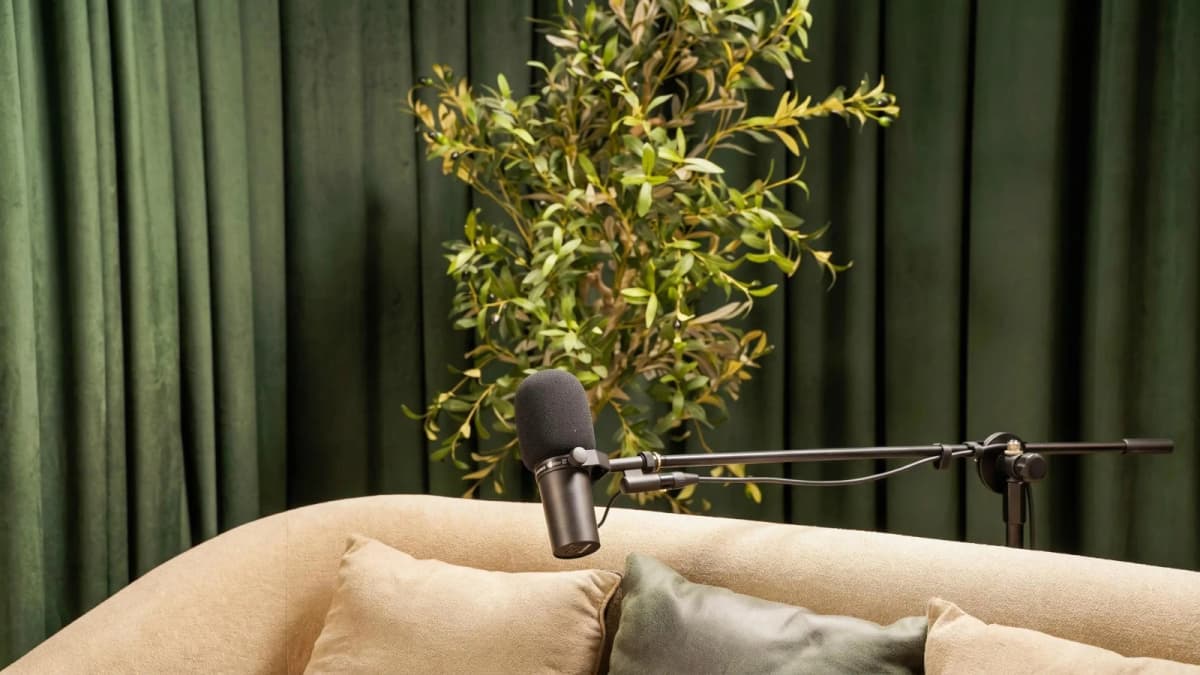
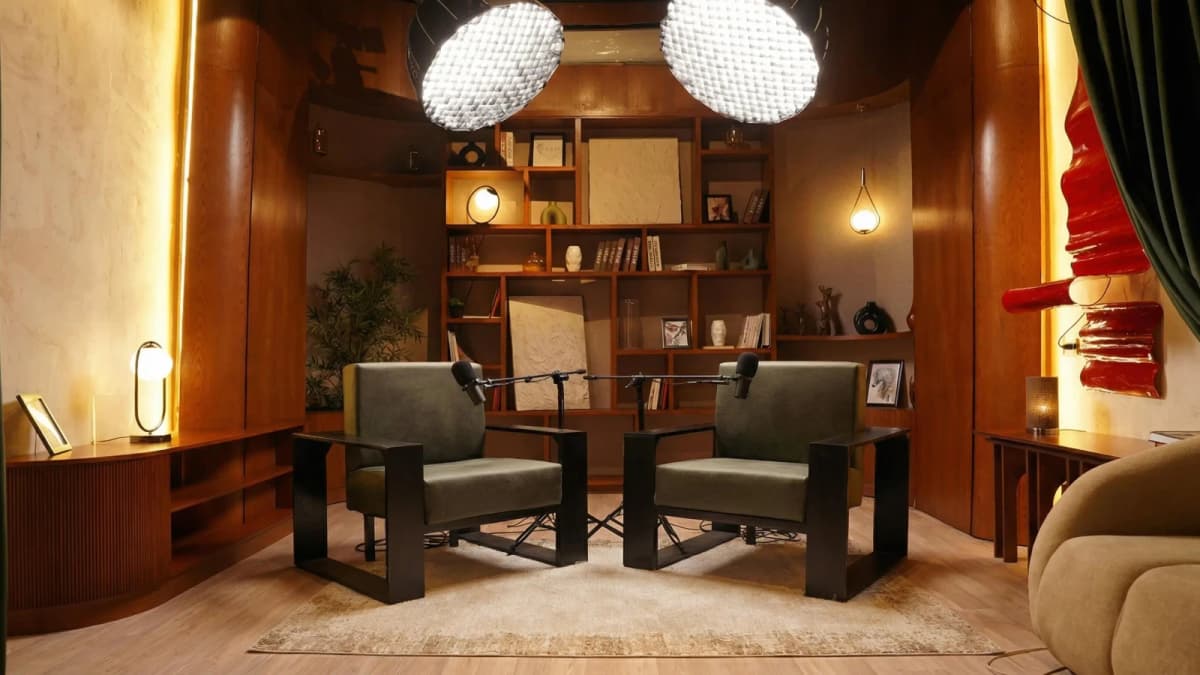
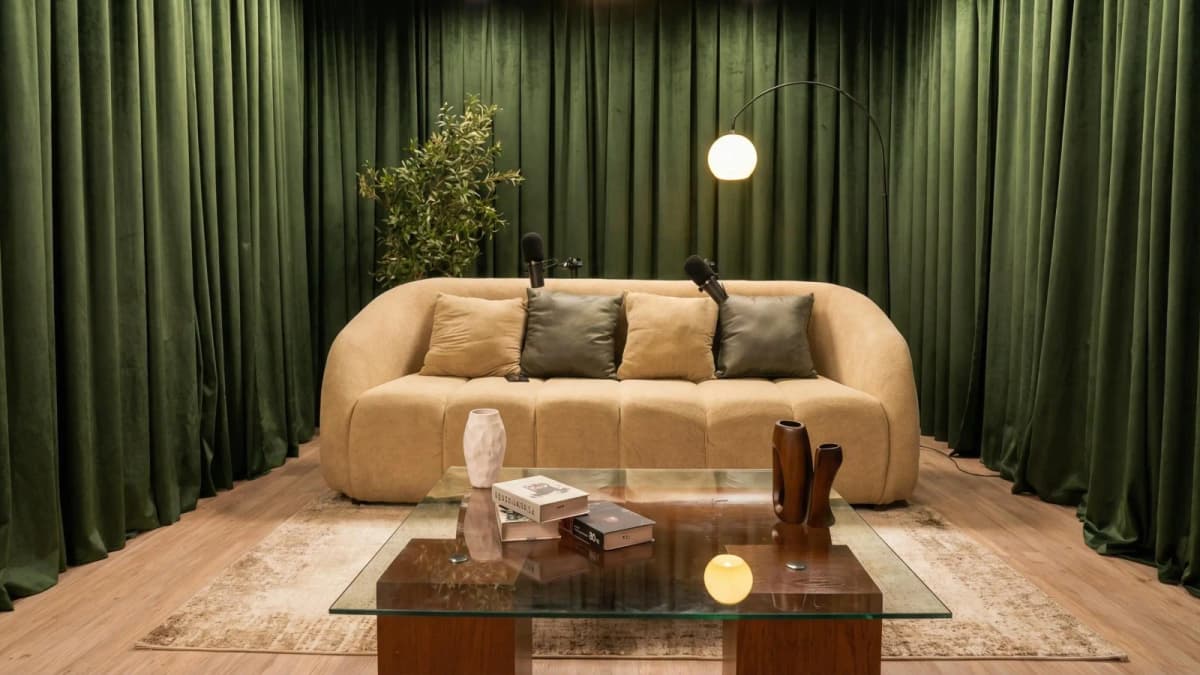
Step inside Goocast's state-of-the-art studio — built for podcasters, brands, and creators who refuse to settle for anything less than broadcast quality.
Explore Our Studio →Setting Up Your YouTube Channel for Podcasts
Creating a dedicated YouTube channel for your podcast is crucial for brand consistency and discoverability. Key steps include:
- Channel Name & Branding: Use your podcast name and design a clear logo and banner that reflect your theme.
- Playlists: Organize episodes by season, topics, or guests to help viewers navigate your content.
- Community Tab: Engage with your audience through polls, updates, and sneak peeks.
- Video Format: While audio-only podcasts are possible, consider adding static images or waveforms to increase watch time.
Additionally, you can integrate your podcast RSS feed with YouTube Podcasts Manager to distribute audio podcasts and reach more listeners.
For a streamlined setup and professional recording environment, partnering with a Media production agency can save time and elevate quality.
4. Metadata & Thumbnail Optimization
Optimizing your video details boosts visibility in YouTube search results. Focus on:
- Title: Include your episode number, topic, and keywords naturally.
- Description: Summarize the episode with relevant keywords and timestamps for chapters.
- Tags: Use relevant terms like "podcast," "interview," and your niche keywords.
- Custom Thumbnails: Design eye-catching thumbnails with readable fonts and consistent branding to stand out.
5. Leveraging YouTube-Specific Features for Podcasts
YouTube offers features that enhance podcast consumption and engagement:
- Chapters: Add timestamps in the description to allow listeners to jump to key segments.
- Playlists: Group related episodes to encourage binge listening.
- Community Posts: Share polls, updates, and behind-the-scenes content to build a loyal audience.
Utilizing these tools improves user experience and retention.
6. Monetization Requirements on YouTube
To monetize your podcast channel, YouTube requires you to:
- Reach 1,000 subscribers
- Accumulate 4,000 watch hours in the past 12 months
- Comply with YouTube policies and guidelines
Once eligible, you can apply for the YouTube Partner Program and explore additional revenue streams such as channel memberships and Super Chats.
Read more about : How to Write a Podcast ScriptReady to Record? Your Session Awaits.
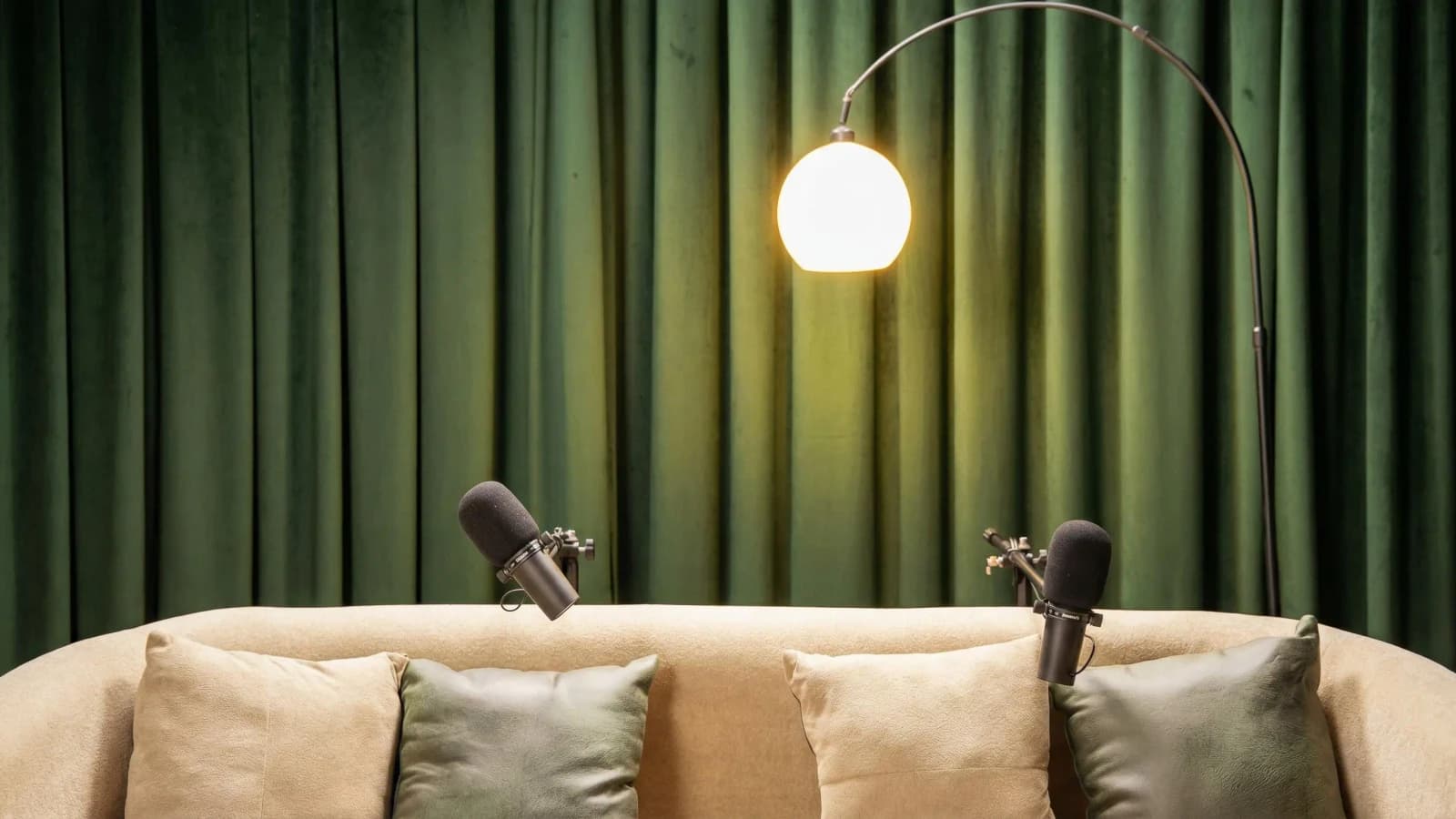
Reserve your studio time at Goocast and walk in with confidence. Professional gear, expert support, and a creative environment designed to bring your best ideas to life.
Book Your Studio Session →Promotion Strategies to Grow Your Podcast on YouTube
Launching your podcast is only the beginning. To build an audience, consider these promotion tactics:
- Cross-platform Sharing: Promote episodes on social media, email newsletters, and relevant forums.
- Collaborations: Invite guests with strong followings or collaborate with other creators.
- Engage with Comments: Responding to viewers builds community and encourages repeat visits.
- Use Paid Ads: Target niche audiences using YouTube Ads or social media campaigns.
Consistent promotion paired with quality content creates sustainable growth.
Read more about : The Complete Guide to How to Make Money From PodcastProfessional Studio Recording: Why It Makes a Difference
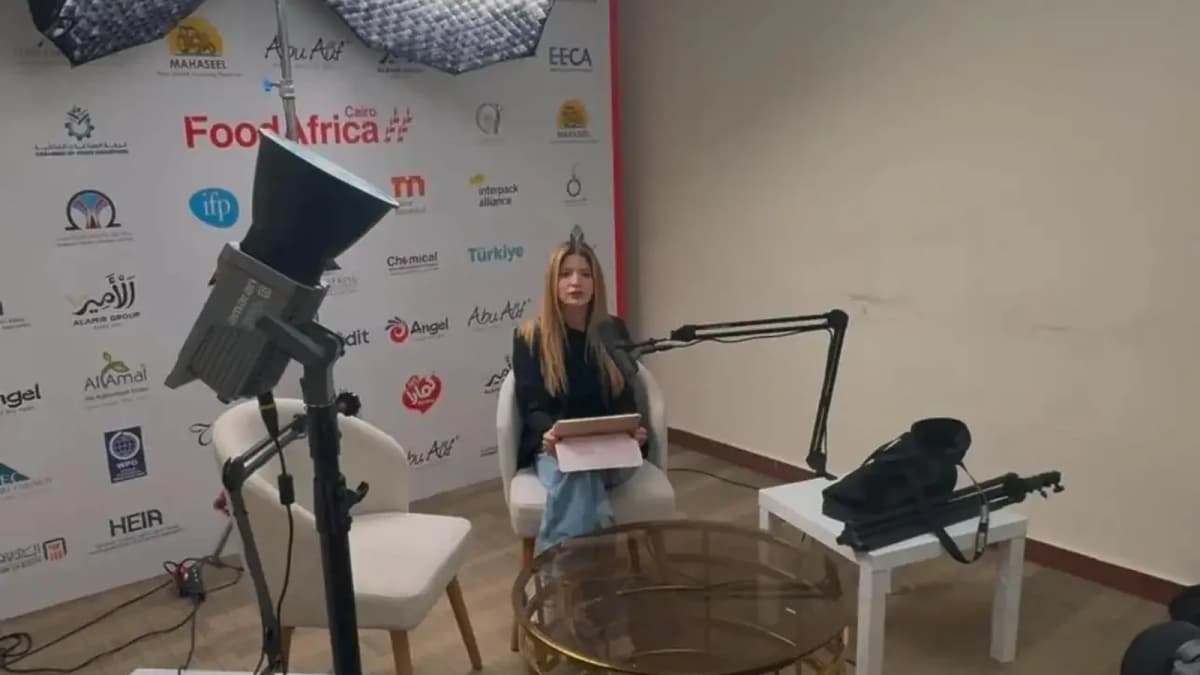
While home setups can work, a professional recording environment significantly elevates your podcast's quality. Professional studios offer acoustic treatment that minimizes echo and ambient noise, industry-standard microphones and audio interfaces, and expert engineers to guide your recording and editing. This setup ensures clear, broadcast-quality sound that keeps listeners engaged and builds your brand’s credibility.
If you are serious about delivering top-tier audio and video podcasts, booking a session in a professional Podcast studio is a strategic investment. It removes technical barriers, giving you freedom to focus on content while ensuring a polished final product optimized for YouTube’s platform.
Real Creators Successfully Podcasting on YouTube
Several podcasters have found remarkable success on YouTube by applying the strategies outlined here:
- Joe Rogan Experience: Leveraging video and audio combined to reach millions, with well-optimized metadata and consistent uploads.
- TED Talks Daily: Uses chapters and playlists effectively to organize content and maximize watch time.
- Sarah's Solo Stories: A solo creator who upgraded from budget USB mics to professional studios, seeing exponential growth in audience engagement and sponsorships.
The common thread is a commitment to quality, consistency, and optimization tailored for YouTube’s unique ecosystem.
Summary: How to Create a Podcast on YouTube Successfully
To recap, how to create a podcast on YouTube involves:
- Selecting appropriate equipment based on your budget and format.
- Using reliable recording and editing software to produce clear, engaging audio.
- Setting up a dedicated YouTube channel with optimized branding, metadata, and thumbnails.
- Integrating your RSS feed and leveraging YouTube-specific features like chapters and playlists.
- Promoting your podcast across platforms to grow your audience.
- Considering professional studio recording to enhance quality and ease production.
Following these steps positions you for success in the competitive podcasting space on YouTube.
For expert assistance and access to premium recording facilities, consider working with a trusted Media production agency that understands the MENA region’s dynamic media landscape.
Goocast is a premier media production agency serving the MENA region, specializing in podcast and short-form content creation. With state-of-the-art studios and a team of experienced professionals, Goocast empowers brands and creators to produce high-quality, engaging media that resonates with audiences across platforms. Their expertise in combining creative storytelling with technical excellence makes them a natural partner for podcasters aiming to elevate their YouTube presence.
Why Goocast Is Your Creative Media Partner Across MENA
Goocast is a premier media production agency and podcast studio serving brands and creators across the MENA region. By combining cutting-edge production technology with deep marketing intelligence, Goocast helps clients craft content that doesn't just look great — it drives real audience growth and business results.
Frequently Asked Questions
Short Blog
Short heading goes here
Welcome to our world! At our marketing agency, we don’t just focus on marketing, we’re passionate about sharing our knowledge with our visitors.