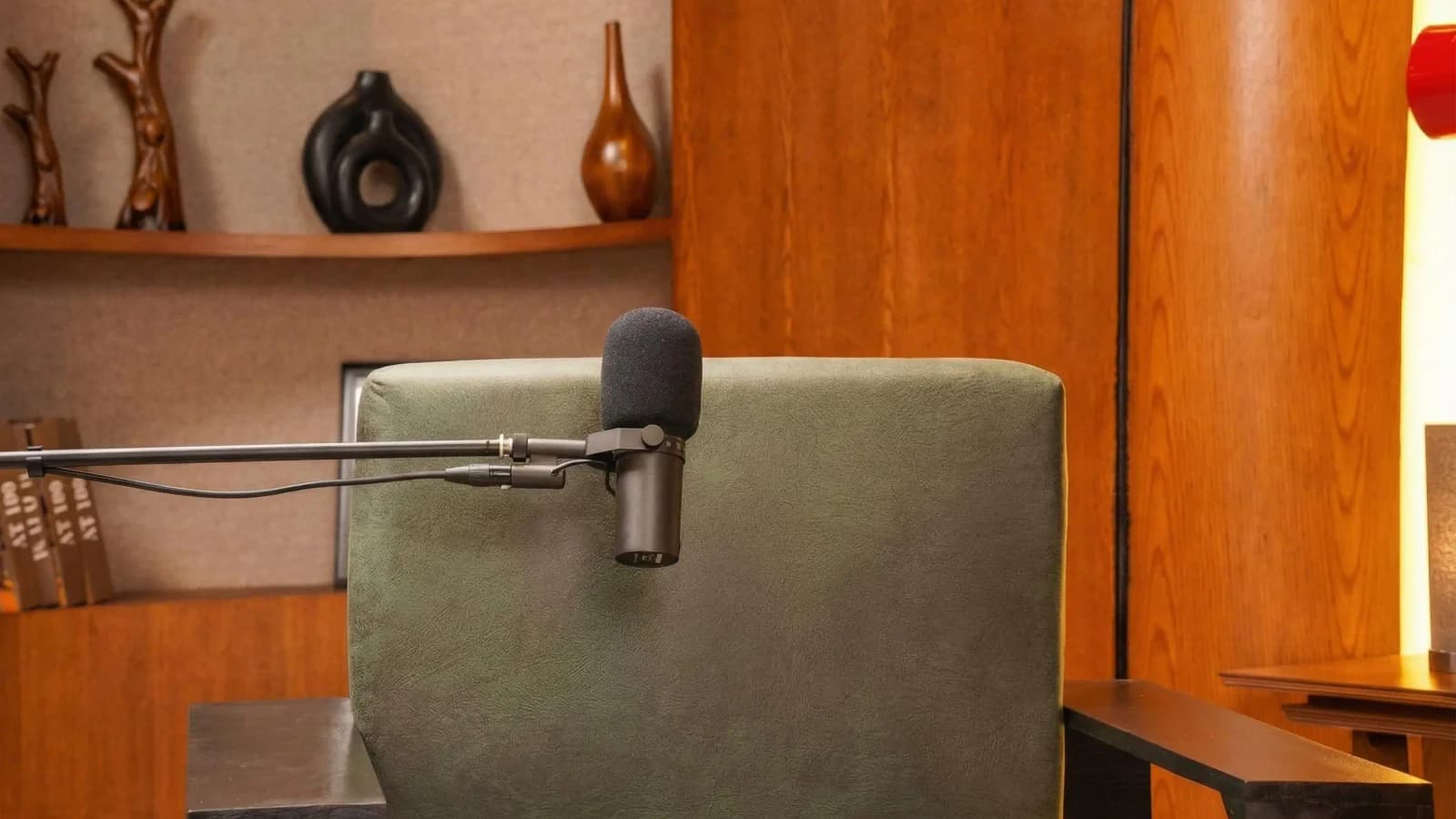
From preparing your audio files and cover art to navigating hosting platforms and verifying your show’s distribution, this guide covers it all. Plus, it highlights common pitfalls to avoid and offers time estimates so you can plan your launch timeline smartly.
Phase 1: Pre-Publishing Preparation (Estimated time: 4-8 hours, Difficulty: Moderate)
- Finalize Your Podcast Audio Files: Ensure your episodes are fully edited, noise-reduced, and mastered at a consistent volume. Use WAV or high-quality MP3 files (bitrate 128 kbps or higher).
- Choose a Naming Convention: Your podcast title and episode titles should be clear, searchable, and consistent for SEO and listener clarity.
- Create Eye-Catching Cover Art (3000x3000px minimum, JPG or PNG): Common mistake: Using low-resolution or text-heavy designs that don’t display well on podcast directories.
- Write a Compelling Podcast Description: Include keywords naturally but keep it engaging and informative to attract listeners.
- Prepare Episode Descriptions and Show Notes: Summarize content, include guest bios if applicable, and add relevant links.
- Secure Copyrights and Permissions: Make sure music, clips, or any third-party content used are licensed to avoid takedowns.
- Decide on Your Publishing Schedule: Weekly, biweekly, or monthly releases—consistency is key for audience retention.
Phase 2: Platform Setup (Estimated time: 1-3 hours, Difficulty: Easy to Moderate)
Choosing the right podcast hosting platform is crucial to your distribution success. Here’s a quick overview and checklist for four popular platforms:
Anchor
- Create a free account at anchor.fm.
- Upload your cover art and podcast description.
- Verify your email address.
- Upload episodes or connect your RSS feed.
- Enable monetization settings if desired.
Buzzsprout
- Sign up at buzzsprout.com and choose your plan.
- Upload your artwork and fill in the podcast details.
- Submit your RSS feed to directories via Buzzsprout’s dashboard.
- Set episode schedules and timestamps.
Podbean
- Create an account on podbean.com.
- Upload your podcast metadata (title, description, artwork).
- Upload episodes and configure publishing settings.
- Use Podbean’s built-in distribution tools for Apple Podcasts, Spotify, and Google Podcasts.
Transistor
- Register and set up your podcast profile at transistor.fm.
- Upload cover art and add your podcast details.
- Manually upload episodes or import RSS feed.
- Connect your show to directories using Transistor’s submission tools.
Common mistake: Not double-checking metadata consistency across platforms can cause confusion or indexing issues.
Read more about : How to Grow Your Podcast AudiencePhase 3: Submission & Distribution (Estimated time: 2-4 hours, Difficulty: Moderate)
- Submit Your RSS Feed to Major Directories: Apple Podcasts, Spotify, Google Podcasts, Amazon Music, and Stitcher. Each has its own submission portal and approval timeline.
- Verify Ownership and Claim Your Podcast: Platforms like Apple Podcasts require you to claim your show via email verification.
- Fill Out Directory Profiles Completely: Add categories, keywords, and language settings to improve discoverability.
- Double-Check Artwork Compliance: Platforms require specific sizes and formats; rejection is common if these aren’t met.
- Set Up Social Media and Website Links: Link your podcast to your social profiles and a website or landing page for listener engagement.
Common mistake: Ignoring platform-specific submission guidelines, causing delays or rejection.
Read more about : How to Make a Successful PodcastPhase 4: Post-Publication Verification and Promotion (Estimated time: 3-6 hours, Difficulty: Moderate)
- Check Podcast Availability: Confirm your episodes appear correctly on Apple Podcasts, Spotify, Google Podcasts, and others within 24-72 hours.
- Test Playback Quality Across Devices: Listen on smartphones, desktops, and smart speakers to ensure audio quality.
- Monitor Analytics: Use your hosting platform’s stats and directory insights to track downloads, listener locations, and engagement trends.
- Gather Listener Feedback: Encourage reviews and ratings to boost your podcast’s credibility and search ranking.
- Adjust Your Publishing Schedule or Content Based on Data: Be flexible to optimize growth.
Common mistake: Failing to verify listings promptly can result in missed audience-building opportunities.
Why Professional Studio Recording Transforms Your Podcast
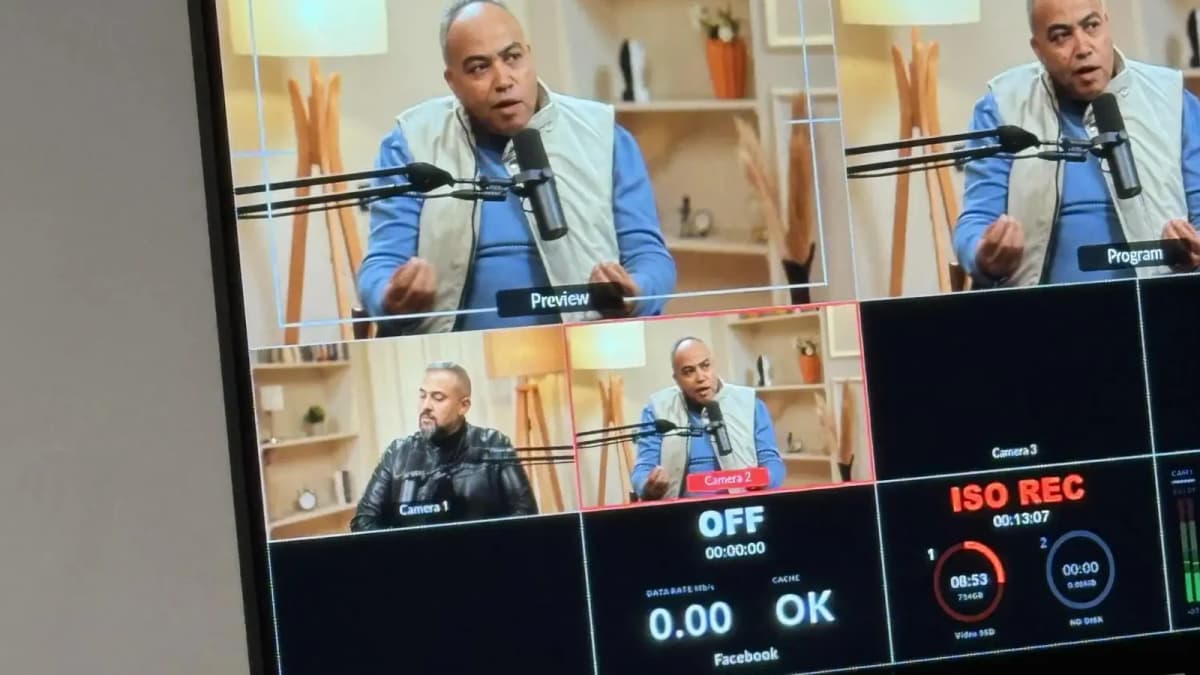
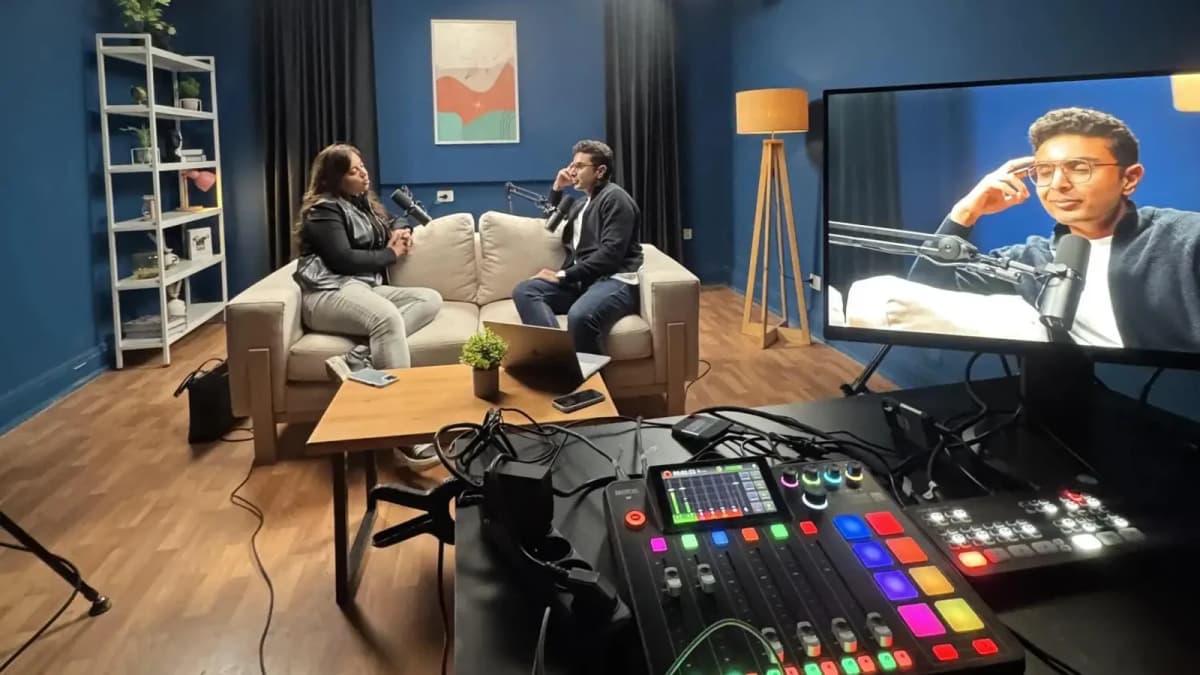
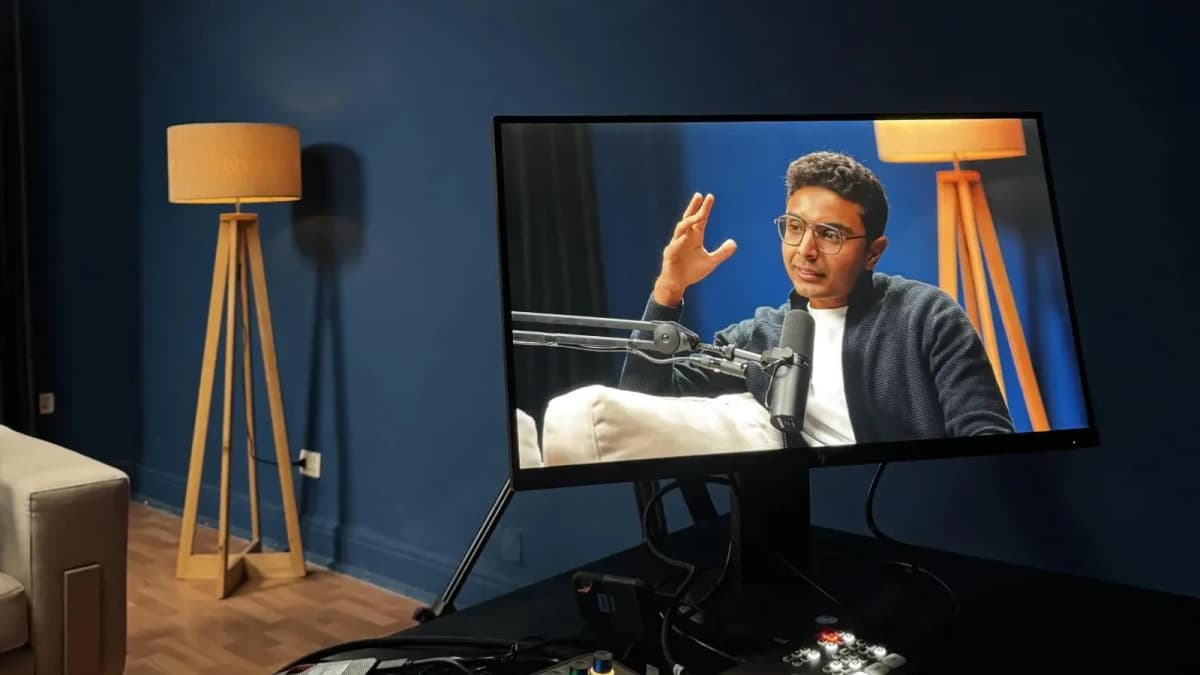
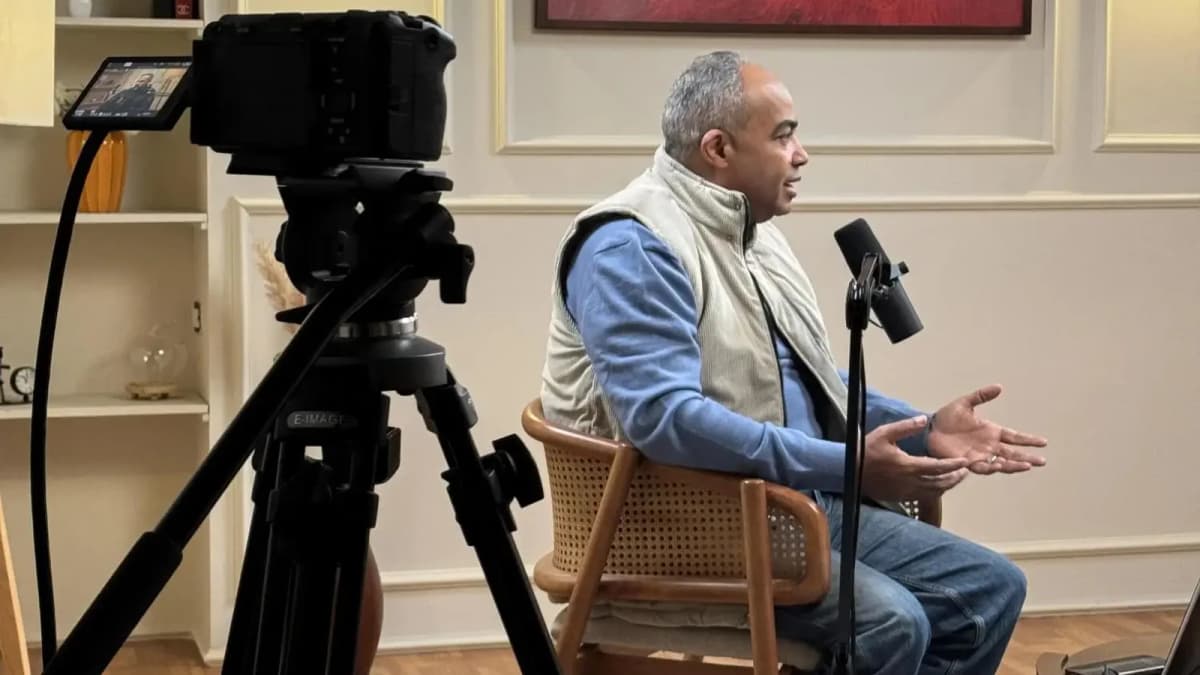
The recording environment dramatically impacts your podcast’s perceived quality. Background noise, echo, and inconsistent volume can distract listeners and hurt your reputation. A professional podcast studio provides acoustic treatment that eliminates unwanted reverberations and ambient noise, combined with expert-grade microphones and mixing equipment.
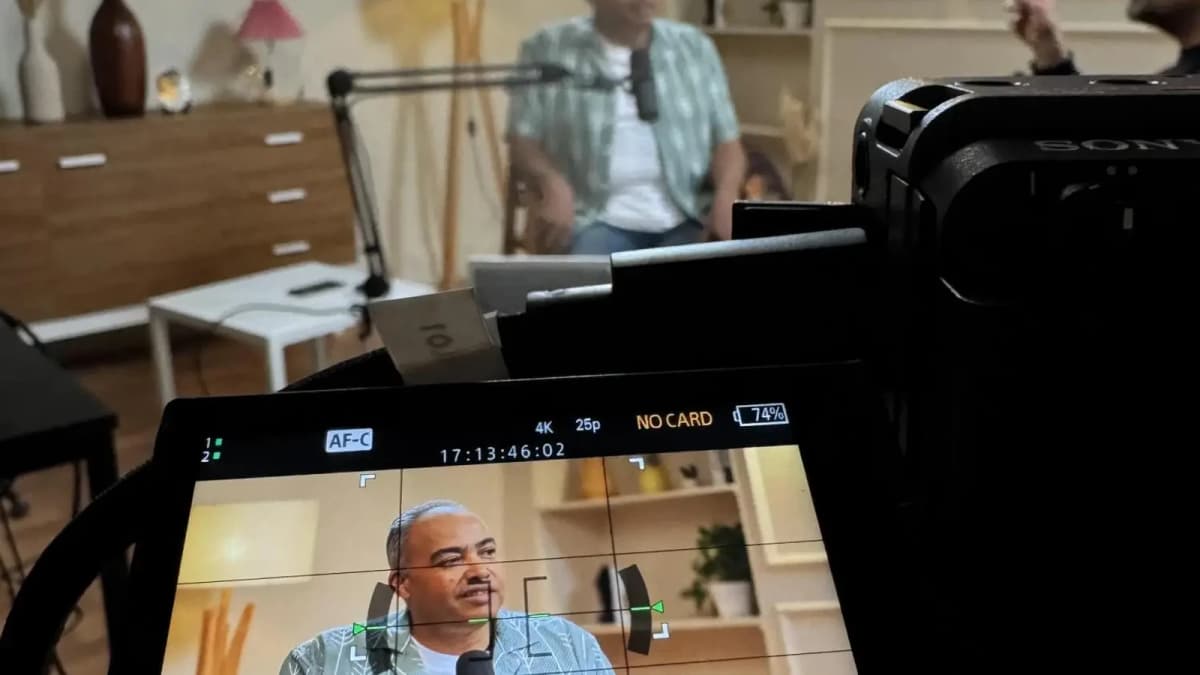
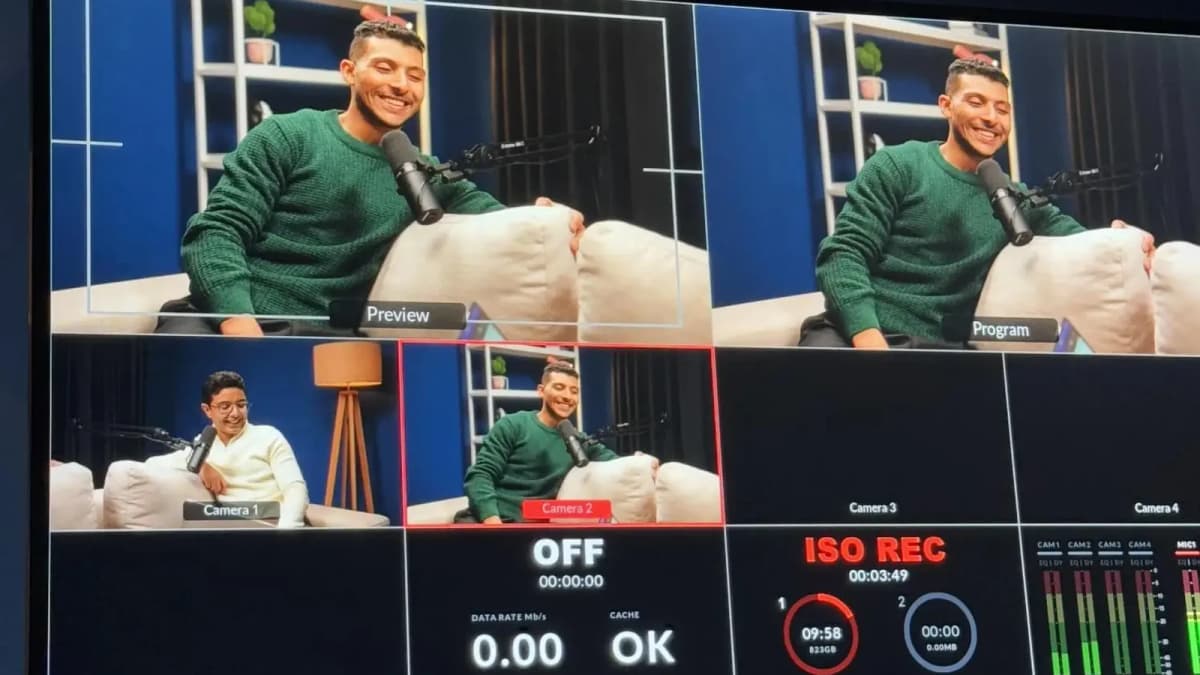
Furthermore, experienced studio technicians support you throughout the recording process, ensuring optimal sound capture and technical troubleshooting on the spot. This level of production polish sets your podcast apart in a crowded market, making listeners more likely to engage and subscribe.
If your goal is to publish a podcast that truly stands out, consider booking a professional studio session early on to save time and improve your final output. This strategic investment pays off in listener retention and brand credibility.
See Where Great Content Is Born
Step inside Goocast's state-of-the-art studio — built for podcasters, brands, and creators who refuse to settle for anything less than broadcast quality.
Explore Our Studio →How to Publish a Podcast: Step-by-Step Summary Checklist
- Finalize edited audio files with consistent loudness levels.
- Create a 3000x3000px cover art meeting platform specs.
- Write keyword-rich podcast and episode descriptions.
- Secure copyright permissions for music and clips.
- Choose and set up your hosting platform (Anchor, Buzzsprout, Podbean, or Transistor).
- Upload episodes and podcast metadata accurately.
- Submit your RSS feed to all major podcast directories.
- Verify your podcast ownership on platforms like Apple Podcasts.
- Confirm your show is live and appearing correctly within 72 hours.
- Monitor analytics and listener feedback to refine your approach.
Platform-Specific Tips to Avoid Common Pitfalls
Each podcast hosting provider has nuances, so understanding these prevents frustrating delays:
- Anchor: Automatically distributes but requires email verification and can limit episode length if monetizing.
- Buzzsprout: Free plan caps monthly upload hours; artwork must be JPEG or PNG without transparency.
- Podbean: Offers advanced monetization but requires RSS feed updates after uploading episodes.
- Transistor: Supports multiple users but pricing depends on monthly downloads; watch for file size limits.
Understanding these specifics helps you choose the best platform for your needs and avoid technical headaches.
Ready to Record? Your Session Awaits.
Reserve your studio time at Goocast and walk in with confidence. Professional gear, expert support, and a creative environment designed to bring your best ideas to life.
Book Your Studio Session →Verification Checklist: Is Your Show Appearing Everywhere?
After submission, make sure to:
- Search for your podcast by title and host name on Apple Podcasts, Spotify, and Google Podcasts.
- Confirm episode count and descriptions match your uploads.
- Check artwork displays correctly on mobile and desktop.
- Play at least one episode fully on multiple devices to test streaming quality.
- Ensure your social media and website links are active in show notes or profiles.
This verification step is critical for establishing your podcast’s online presence and catching any issues early.
For many creators, these steps can feel overwhelming. That’s why partnering with a trusted Media production agency can streamline the process, ensuring quality and efficiency from recording to launch. Additionally, booking time at a professional Podcast studio guarantees your audio meets industry standards, giving you a competitive edge.
Final Thoughts on How to Publish a Podcast Successfully
Knowing how to publish a podcast isn’t just about hitting upload. It’s about meticulous preparation, platform-savvy submission, and thorough post-launch verification. By following this 23-point checklist, you can confidently launch your show with professional polish and strategic distribution.
Remember, recording quality is foundational. Utilize professional studios to enhance your sound and reduce technical frustrations. When done right, publishing your podcast becomes a smooth, rewarding experience that connects you with your intended audience across the MENA region and beyond.