How to Start a Podcast: The Complete Step-by-Step Guide for Beginners (2026)
Last updated May 04, 2026
Wondering how do start a podcast and build your voice in the digital space? Podcasting is one of the fastest-growing forms of content worldwide, with over 464 million listeners globally as of 2023 (Statista). Yet, many beginners feel overwhelmed by choices, technical jargon, and planning. This comprehensive guide breaks down every essential step to help you launch your podcast confidently and professionally.
Understanding Your Podcast Concept and Audience
Before diving into equipment or software, clarify your podcast’s purpose. Ask yourself: who is your ideal listener? What unique value will your podcast provide? Clear answers here form the foundation of your show’s identity and influence every subsequent decision.
- Define Your Niche: Pick a topic you’re passionate about but also has a target audience. For example, a podcast on MENA startup culture or Arabic pop music trends.
- Articulate Your Unique Angle: What makes your show different? Maybe you interview local entrepreneurs with untold stories or explore regional folklore.
- Set Goals: Are you aiming to educate, entertain, or promote a brand? Clear goals will shape your content strategy.
Planning your first 12 episodes with real topics solidifies your concept. For example:
- Introduction & Why This Podcast Matters
- Interview with a Local Influencer
- Deep Dive into Podcasting Trends in MENA
- Listener Q&A Session
- How Technology is Changing Storytelling
- Case Study: Success Stories from the Region
- Tips for New Creators in Podcasting
- Behind the Scenes: Recording Process
- Collaboration Episode with Another Podcaster
- Exploring Cultural Nuances in Content Creation
- Marketing Your Podcast Effectively
- Wrap-Up and Future Plans
How Do Start a Podcast: Choosing Your Equipment Wisely
Selecting the right gear depends on your budget and quality expectations. Let’s break down common tiers:
| Budget | Microphone | Headphones | Additional Gear |
|---|---|---|---|
| ~$50 | USB Microphone (e.g., Fifine K669) | Basic Wired Headphones | Free recording software |
| ~$200 | Audio-Technica ATR2100x | Audio-Technica ATH-M20x | Pop filter, boom arm |
| $500+ | Shure SM7B + Audio Interface | Beyerdynamic DT 770 Pro | Acoustic treatment, mixer |
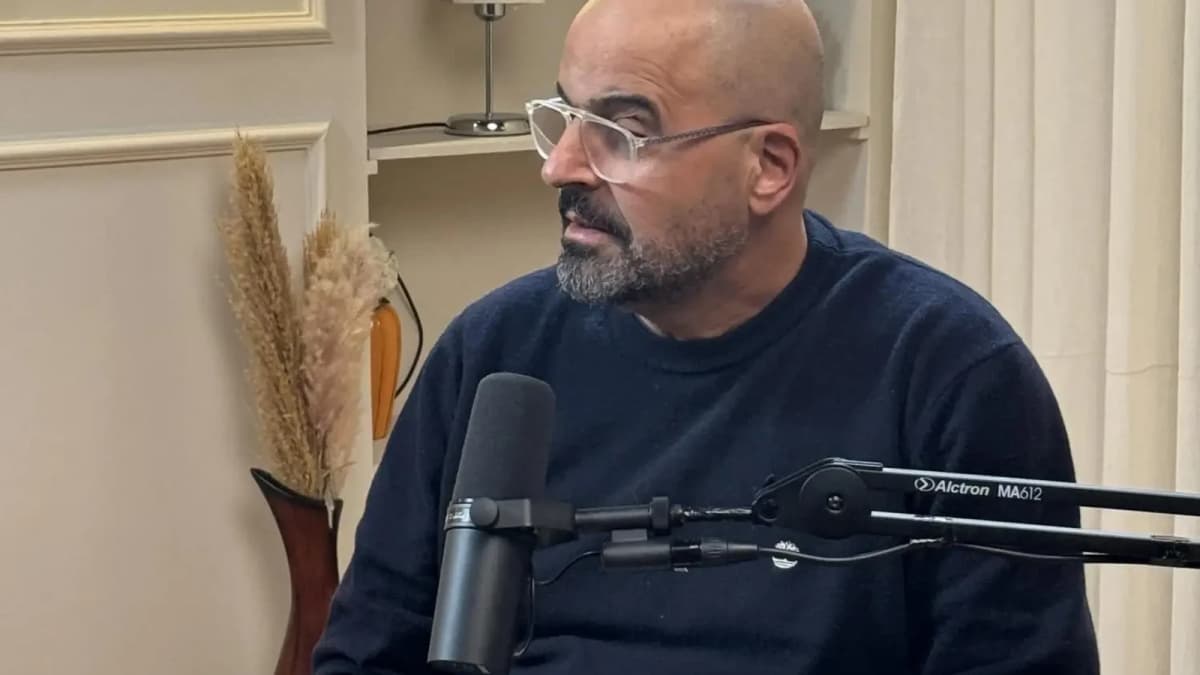
Beginner-friendly USB mics are affordable and plug directly into your computer, minimizing technical setup. However, investing in XLR microphones and interfaces at $500+ levels unlocks professional audio quality—especially important if you want to stand out.
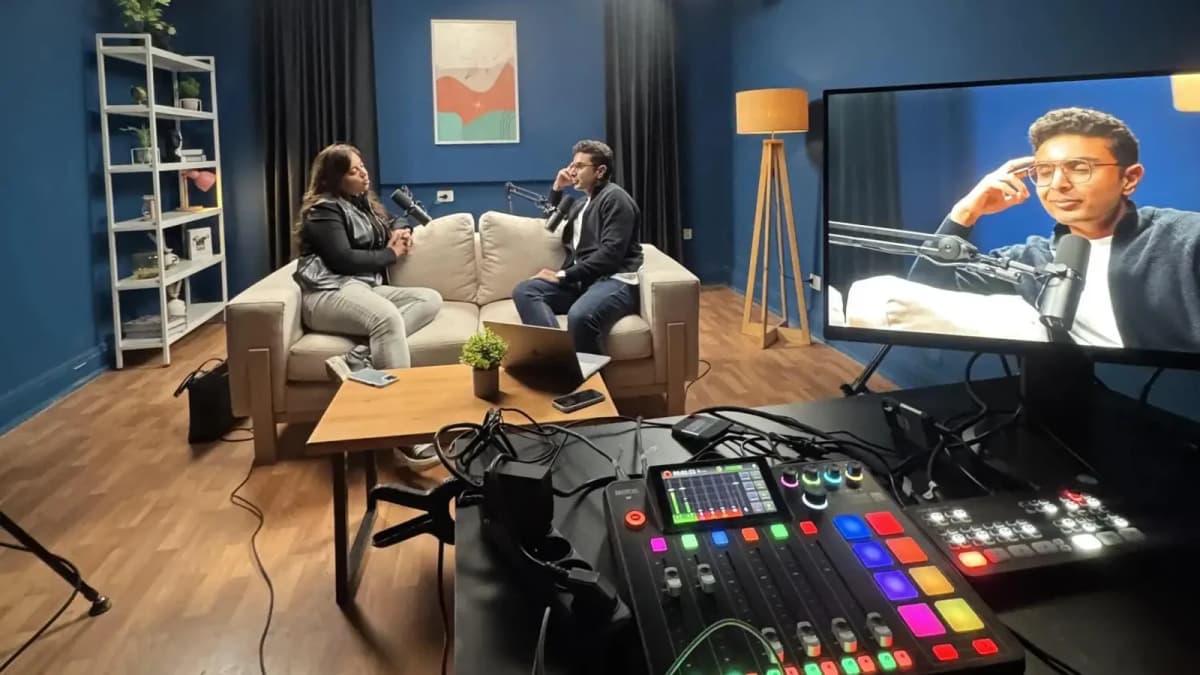
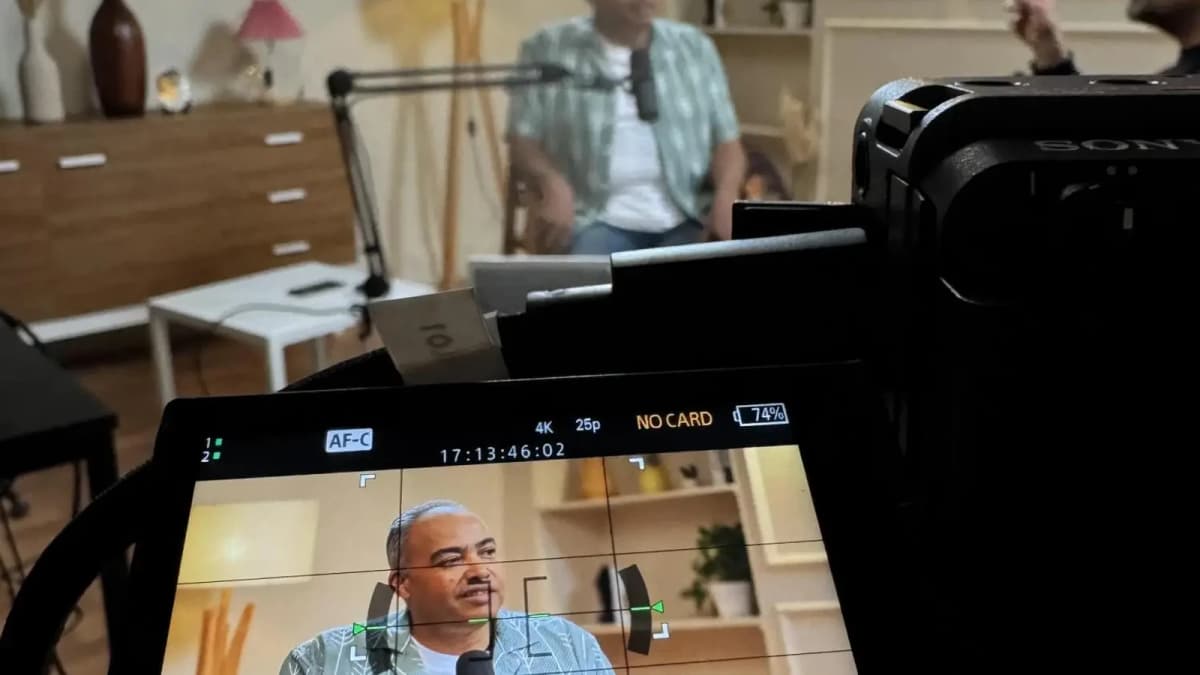
Remember, your recording environment also affects sound quality dramatically. Rooms with echo or background noise degrade your audio, no matter the gear. This is where professional studio recording can be a game-changer. Studios provide acoustic treatment and expert technical support to ensure crystal-clear sound.
Read more about : How to Record a PodcastSelecting the Right Software: Recording and Editing Tools
Software choices affect how easy and efficient your podcast production will be. Here’s a quick comparison of popular tools:
| Software | Type | Cost | Key Features |
|---|---|---|---|
| Audacity | Open-source | Free | Basic editing, multi-track, beginner-friendly |
| Adobe Audition | Professional | Subscription (~$20/mo) | Advanced editing, noise reduction, batch processing |
| GarageBand | Mac-only | Free | Multi-track, easy-to-use, good for beginners |
| Descript | AI-powered | Free/$12-$24/mo | Text-based editing, transcription, collaboration |
Choose software that matches your comfort level and production goals. If you prefer quick editing with transcription, AI tools like Descript are excellent. For full control, Adobe Audition remains industry standard.
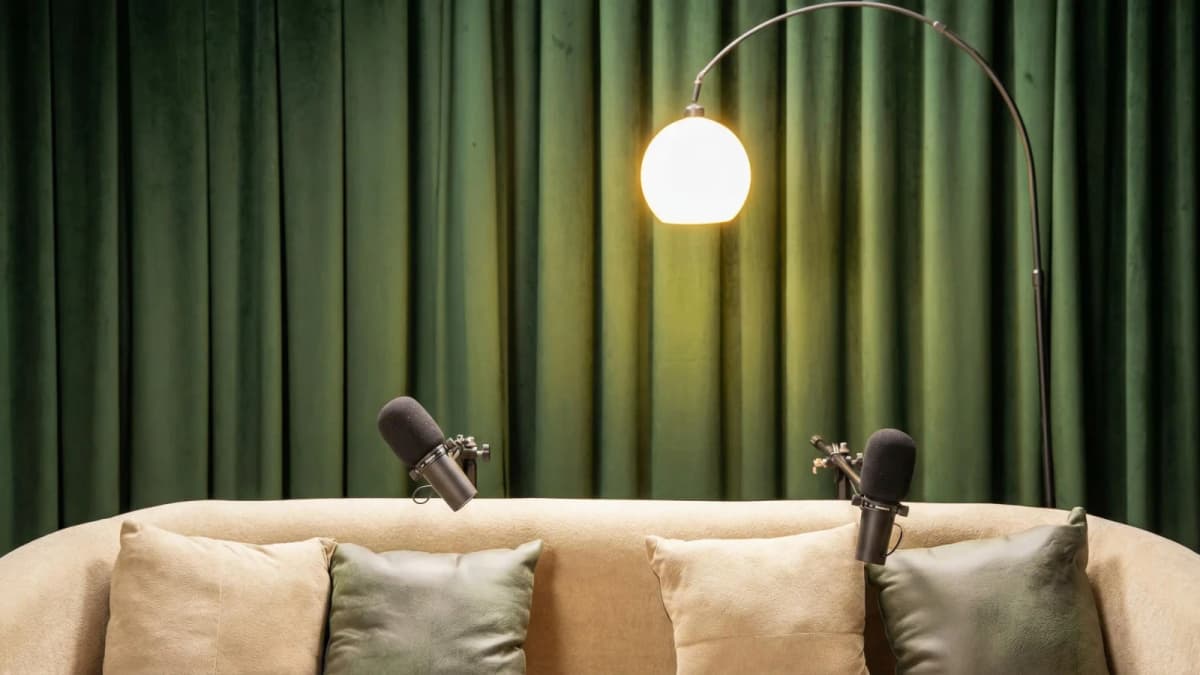
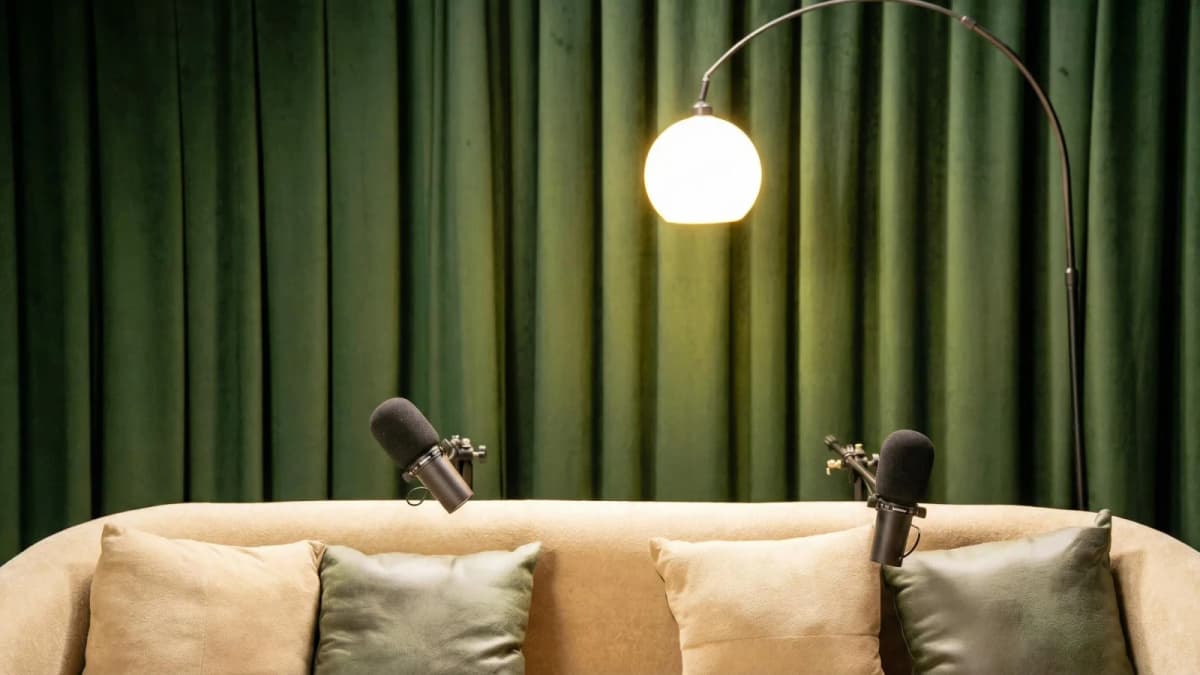
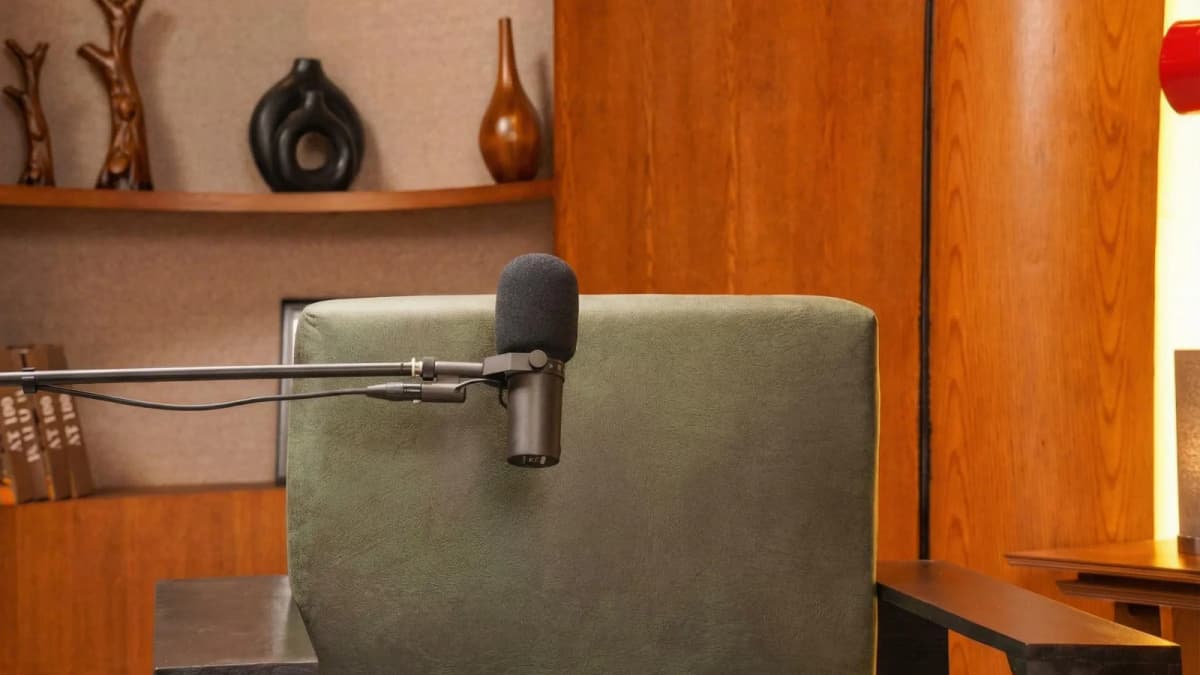
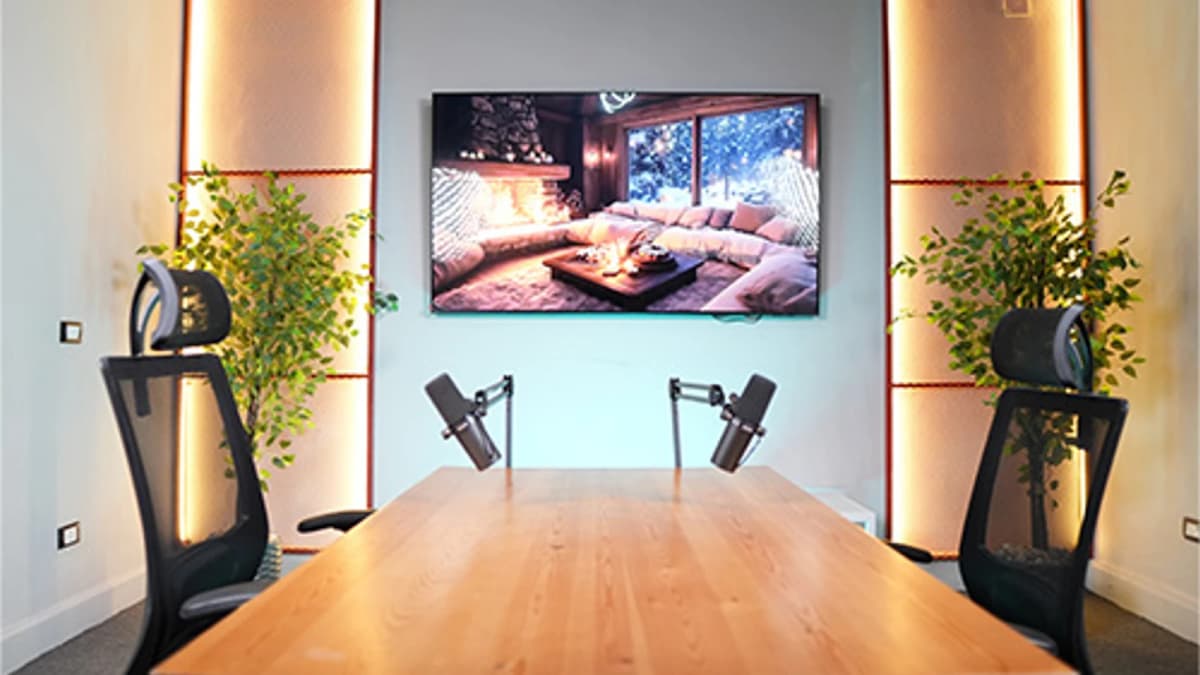
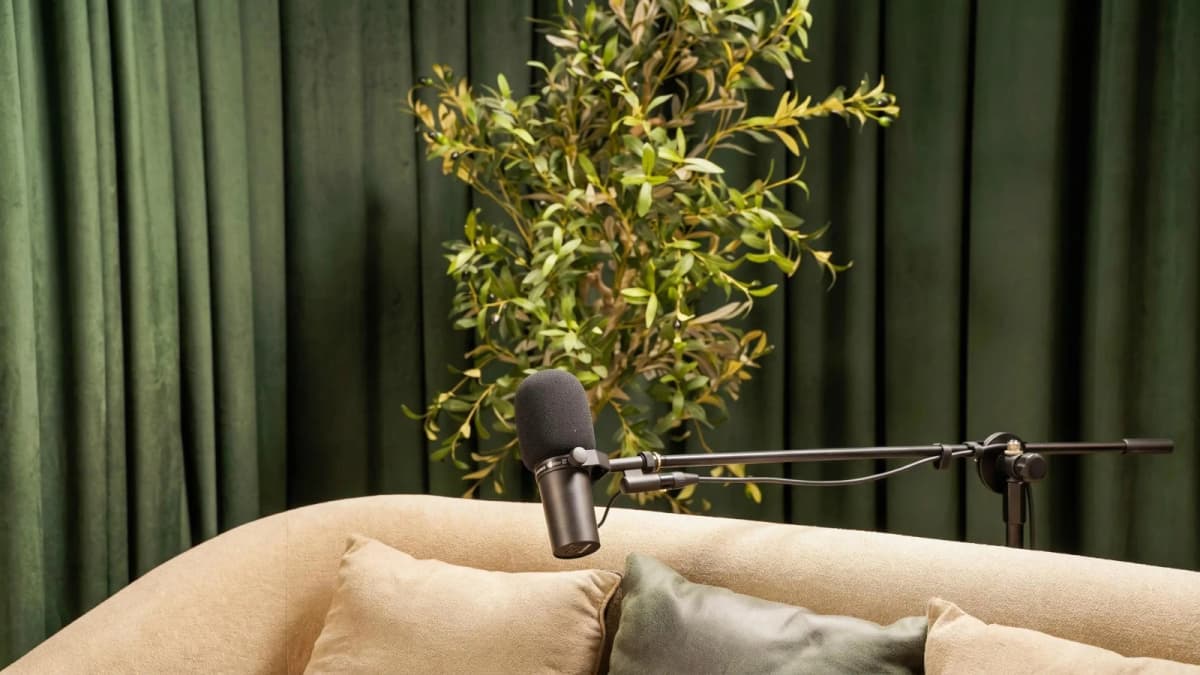
See Where Great Content Is Born
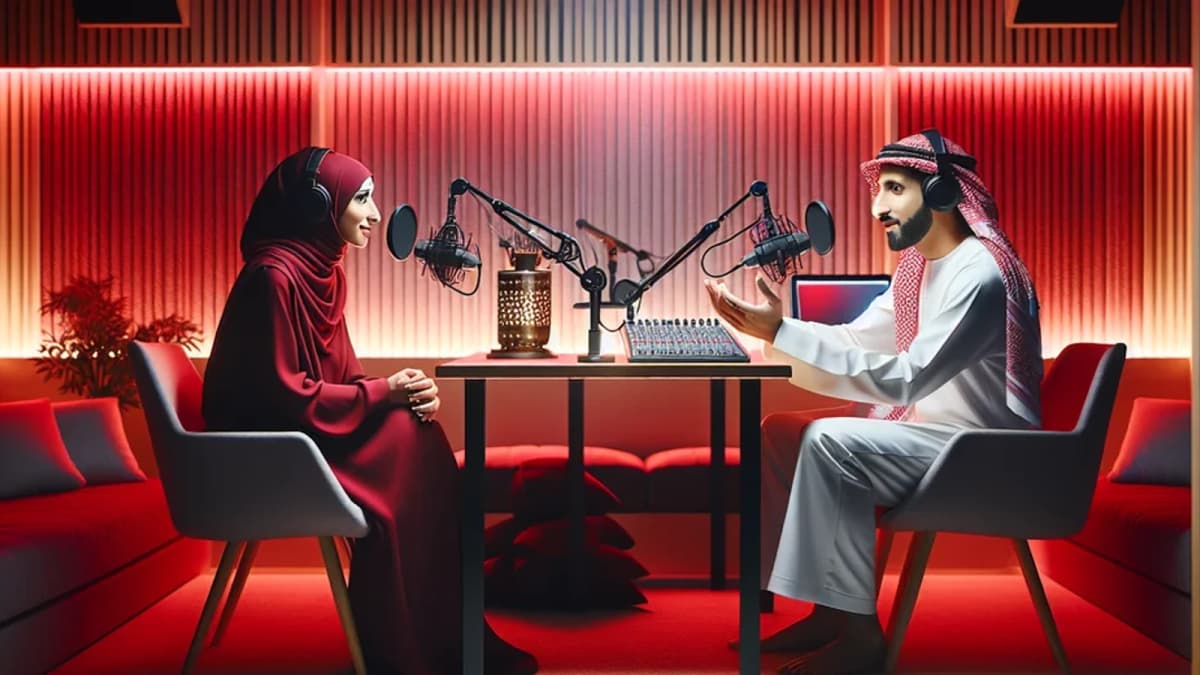
Step inside Goocast's state-of-the-art studio — built for podcasters, brands, and creators who refuse to settle for anything less than broadcast quality.
Explore Our Studio →Evaluating Hosting Platforms: Where Will Your Podcast Live?
Your podcast hosting platform distributes your audio files to directories like Apple Podcasts, Spotify, and Google Podcasts. Here’s a comparison matrix to help you decide:
| Platform | Cost | Storage Limits | Analytics | Monetization |
|---|---|---|---|---|
| Anchor | Free | Unlimited | Basic | Yes |
| Libsyn | $5-$40/mo | 100MB-800MB/mo | Advanced | Yes |
| Buzzsprout | Free/$12-$24/mo | 2-12 hrs/mo | Advanced | Yes |
| Podbean | Free/$9-$29/mo | Unlimited on paid plans | Advanced | Yes |
For beginners, Anchor offers an easy free start but may lack advanced analytics. Paid platforms like Libsyn or Podbean provide better control and scalability as your audience grows.
Read more about : How to Write a Podcast ScriptTechnical Setup Walkthrough: From Recording to Publishing
Let’s walk through a typical podcast production workflow:
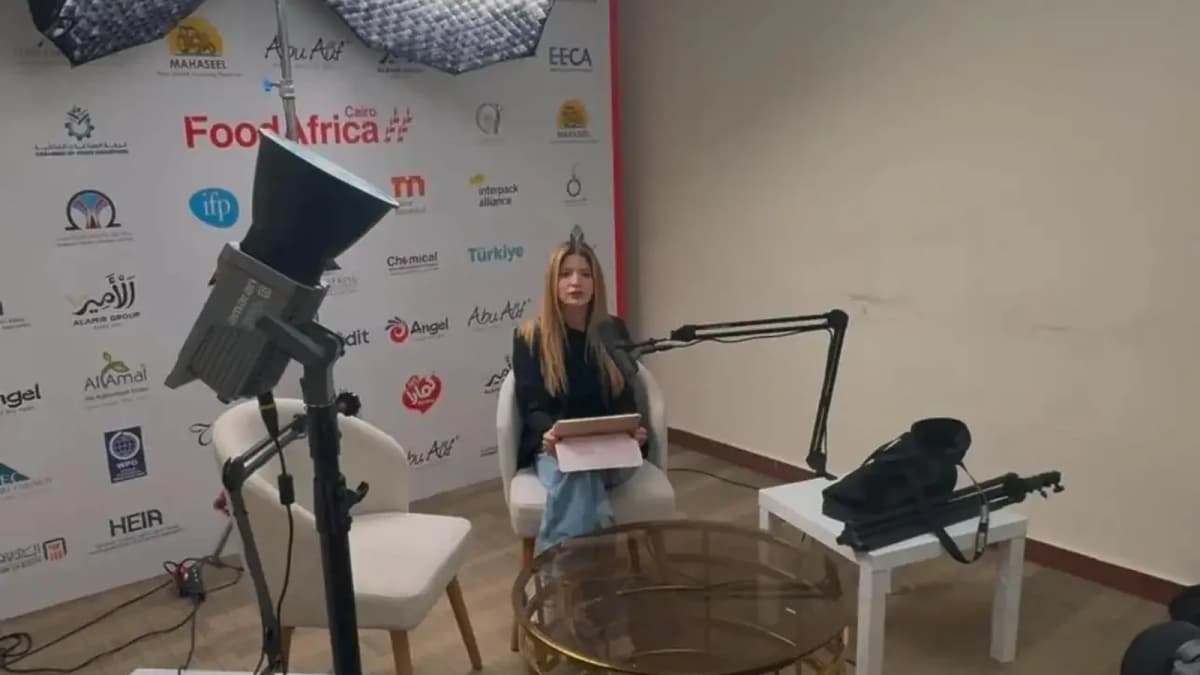
- Set up your microphone and headphones in a quiet, acoustically treated room or professional studio.
- Open your chosen recording software and configure input levels to avoid distortion.
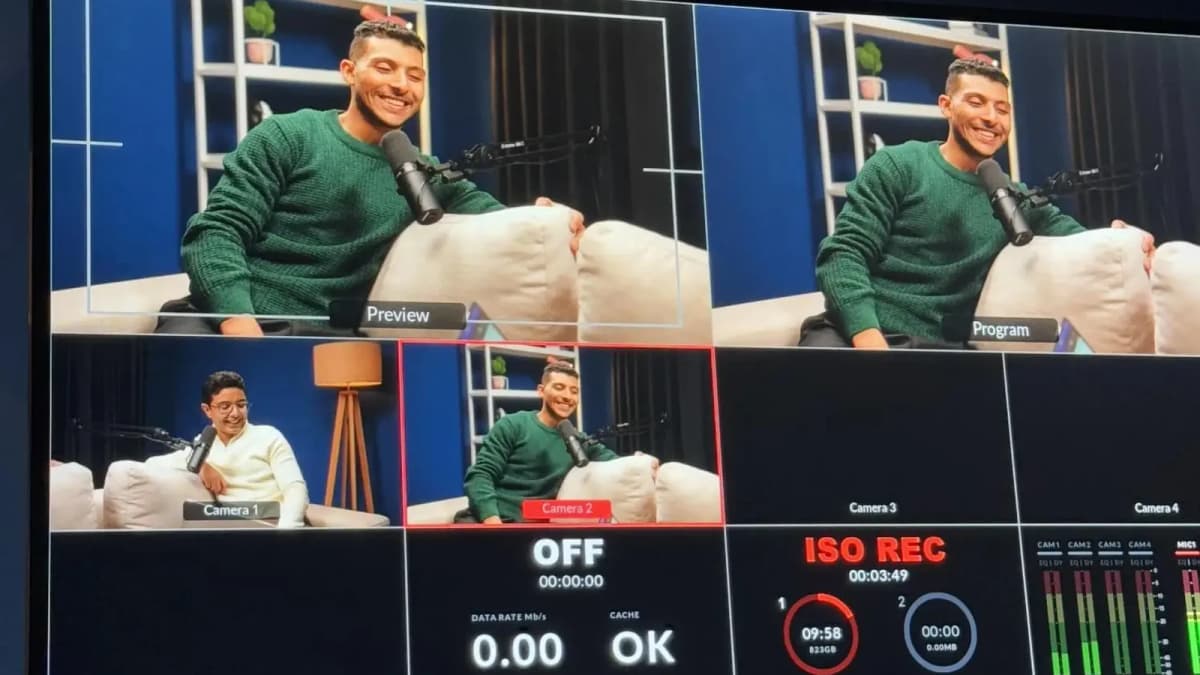
- Record your episode, monitoring audio quality live.
- Edit the recording: trim silences, remove noise, add intro/outro music.
- Export your final audio file in MP3 format (recommended 128-192 kbps bitrate).
- Upload the file to your hosting platform with episode title, description, and cover art.
- Publish and distribute to directories via your host’s RSS feed.
Professional studios, like Goocast’s podcast studio, provide expert engineers who manage these technical steps seamlessly, ensuring your episodes are broadcast-ready.
How Do Start a Podcast: Planning Your Launch and Distribution Strategy
Launching with a strong plan maximizes initial impact. Consider these launch tactics:
- Release Multiple Episodes at Launch: Give new listeners 3-5 episodes to binge, increasing engagement and subscriptions.
- Create Social Media Buzz: Share teaser clips and behind-the-scenes content to build anticipation.
- Submit to All Major Directories: Apple Podcasts, Spotify, Google Podcasts, and regional platforms popular in MENA.
- Leverage Email Marketing: Notify your network with a launch announcement and easy access links.
Choose distribution channels that align with your audience’s habits. For instance, WhatsApp groups and Instagram are highly effective in the MENA region.
Read more about : The Complete Guide to Creating a Podcast on YouTubeReady to Record? Your Session Awaits.
Reserve your studio time at Goocast and walk in with confidence. Professional gear, expert support, and a creative environment designed to bring your best ideas to life.
Book Your Studio Session →First 90 Days: Growth Tactics to Build Momentum
New podcasters often ask, "How do start a podcast and grow it sustainably?" Here are proven steps to accelerate growth in your first three months:
- Consistent Publishing Schedule: Release episodes weekly or biweekly to build listener habits.
- Engage with Your Audience: Use social media polls and Q&A to gather feedback and ideas.
- Cross-Promote: Collaborate with other podcasters or influencers in your niche.
- Optimize Metadata: Use relevant keywords in titles and descriptions to improve discoverability.
- Analyze Analytics: Study listener demographics and drop-off points to refine content.
Common Fears Addressed for Beginner Podcasters
- “I’m Not Tech-Savvy Enough”: Start simple with user-friendly gear and software; grow complexity gradually.
- “My Voice Isn’t Professional”: Practice speaking naturally; editing can polish mistakes.
- “I Don’t Have Enough Content”: Planning your first dozen episodes in advance ensures a buffer.
- “I’m Afraid of Negative Feedback”: Focus on serving your audience and continuous improvement.
Mistakes to Avoid When Starting Your Podcast
- Skipping content planning and winging it episode to episode.
- Choosing poor recording environments without acoustic treatment.
- Neglecting proper audio editing, resulting in low-quality sound.
- Ignoring podcast hosting best practices and directory submission rules.
Quick Wins in Week 1 for New Podcasters
- Record a short trailer episode introducing yourself and your show.
- Set up social media profiles dedicated to your podcast brand.
- Reach out to 5 potential guests or collaborators.
- Book a professional studio session to record your first full episode—for the best sound quality.
Case Studies: Beginner Success Stories
Case Study #1: The Cairo Startup Podcast
Launched by a young entrepreneur with minimal equipment, this podcast grew to 10,000+ downloads in 6 months by focusing on actionable interviews and consistent weekly episodes. Their decision to book professional studio sessions early paid off by improving audio quality and credibility.
Case Study #2: Voices of MENA Women
A community-driven podcast created by a group of women activists. They used free hosting platforms and simple USB mics initially but invested in Goocast’s podcast studio for key episodes. This balance of DIY and professional support helped them scale audience engagement rapidly.
Throughout your podcasting journey, remember that quality sound and professional support can elevate your content from amateur to outstanding. If you’re serious about delivering the best experience, consider booking a Podcast studio session. Studios offer expert engineering, controlled acoustics, and premium gear that even seasoned podcasters rely on.
Finally, if you want to explore more about media production and content creation, check out Goocast’s Media production agency page for insights and services tailored to the MENA region.
Goocast is a leading media production agency operating across the MENA region, specializing in professional podcast production and short-form video content. With state-of-the-art studios and a team of expert engineers and storytellers, Goocast empowers brands and creators to produce high-quality audio and video that truly connect with their audience. Whether you’re launching your first podcast or scaling your content strategy, Goocast’s media production capabilities ensure your vision is delivered flawlessly.
Why Goocast Is Your Creative Media Partner Across MENA
Goocast is a premier media production agency and podcast studio serving brands and creators across the MENA region. By combining cutting-edge production technology with deep marketing intelligence, Goocast helps clients craft content that doesn't just look great — it drives real audience growth and business results.
Frequently Asked Questions
Short Blog
Short heading goes here
Welcome to our world! At our marketing agency, we don’t just focus on marketing, we’re passionate about sharing our knowledge with our visitors.