25 Quick Ways to Add Trending Audio to a Short Video Clip (TikTok, Reels, YouTube Shorts)
Last updated Apr 29, 2026
If you’re wondering how to add trending audio to a short video clip efficiently and effectively, you aren’t alone. Content creators across TikTok, Instagram Reels, and YouTube Shorts face the challenge of finding the right audio, syncing it perfectly, and doing so quickly to keep up with fast-moving trends. This guide offers 25 actionable methods, tools, and pro hacks to get your audio on point and your short video trending fast.
How to add trending audio to a short video clip: 25 fast and effective methods
We’ve categorized these approaches by platform and difficulty so you can jump directly to what fits your workflow and time constraints. Whether you want to add audio natively on TikTok or dive into advanced editing with desktop software, these proven methods deliver results.
TikTok Native Tools: Fastest Ways (10–30 seconds)
- Use TikTok’s Sounds Library: When uploading your clip, tap “Sounds” at the bottom. Browse trending sounds updated hourly by TikTok’s algorithm. Select a sound and it auto-syncs to your clip. Quick, free, and native with no extra apps needed.
- Search Trending Hashtags for Audio: Tap the search icon, enter trending hashtag names like #ViralSounds or #TrendingAudio, then save sounds directly from popular videos to reuse instantly.
- Use TikTok’s ‘Discover’ Tab: The Discover feed highlights trending audio clips. Tap the spinning record icon at the bottom of a video to preview and add the trending sound to your draft.
- Record via TikTok with Audio Overlay: Record your short clip directly inside TikTok using a trending sound. This eliminates syncing headaches altogether.
- Use TikTok Drafts for Pre-Saved Audio: Save trending sounds you want to use later by creating drafts with audio first, then swap in your video clip when ready.
Instagram Reels Audio Techniques (20–45 seconds)
- Browse Instagram Reels Audio Library: Tap the audio icon while creating a reel. Instagram’s library organizes trending sounds by popularity and category. Select and apply instantly.
- Save Audio from Other Reels: When watching Reels, tap the audio name at the bottom and save it to your collection for quick access in future videos.
- Use Spotify to Find Trending Tracks: Many Reels creators link trending songs from Spotify playlists like “Viral Hits.” Find the track on Spotify and search it by name in Reels’ audio search.
- Layer Audio with Instagram’s Audio Mixing: Instagram allows you to adjust original video sound and added audio balance for perfect syncing and creative sound layering.
- Record Reels with Audio Playback: Play the trending audio on another device while recording a Reel to capture perfect lip-sync or natural audio timing.
YouTube Shorts Audio Strat
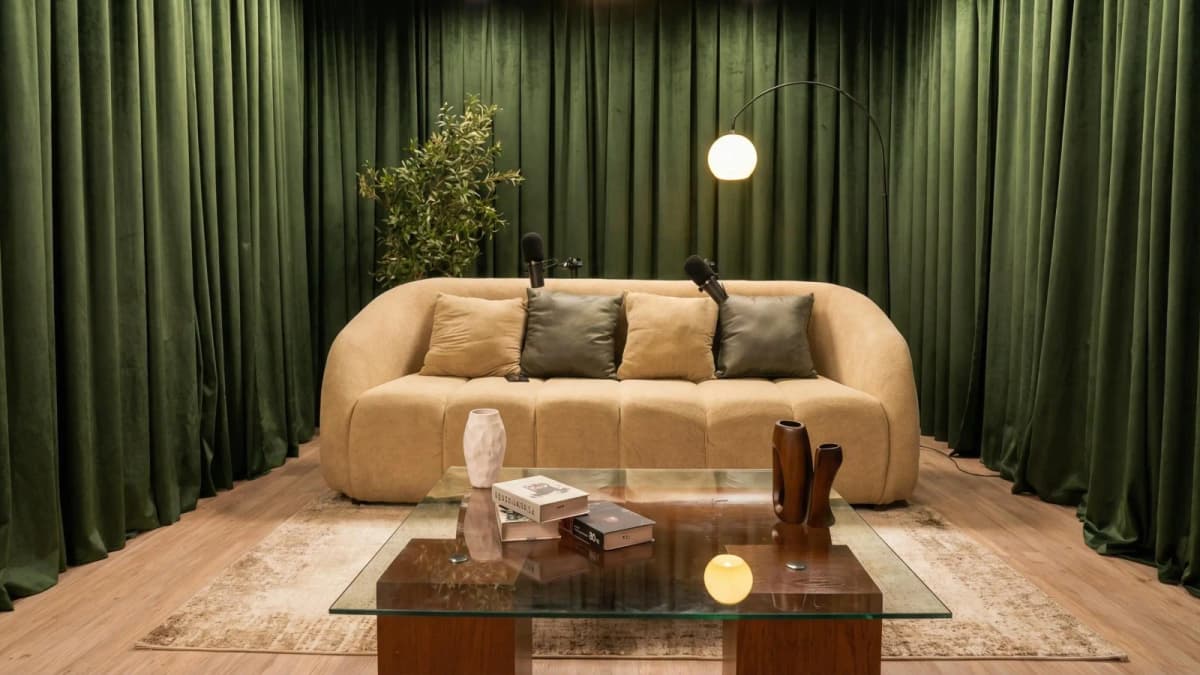
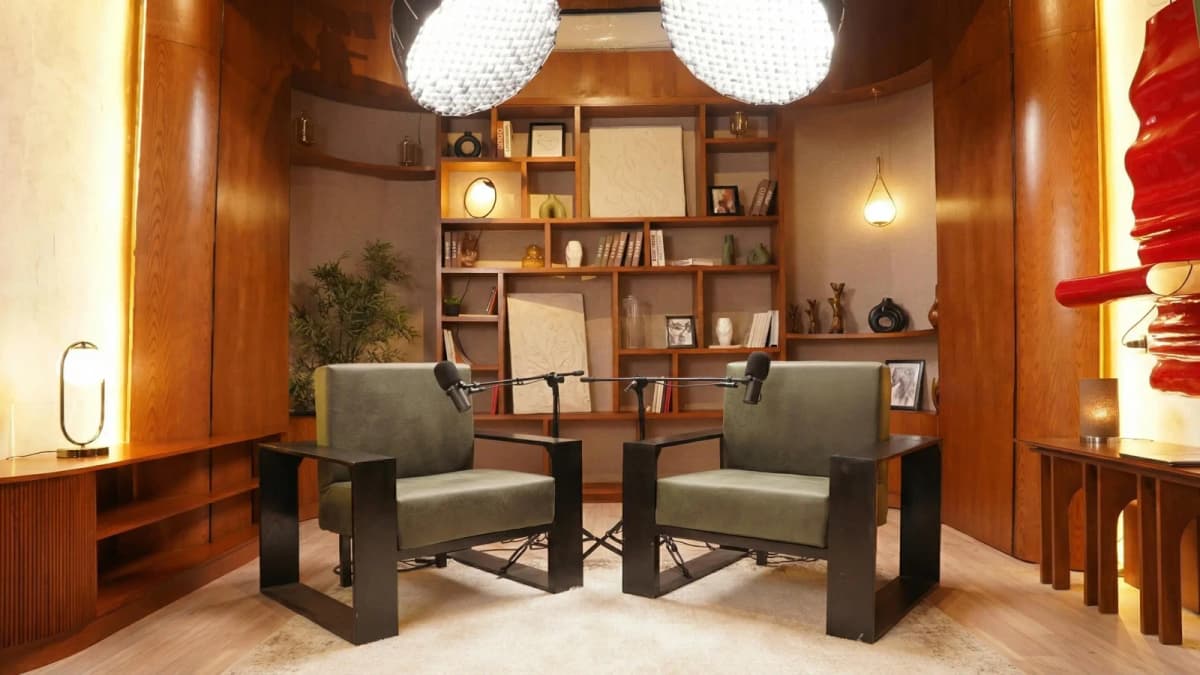
Professional Studio
See Where Great Content Is Born
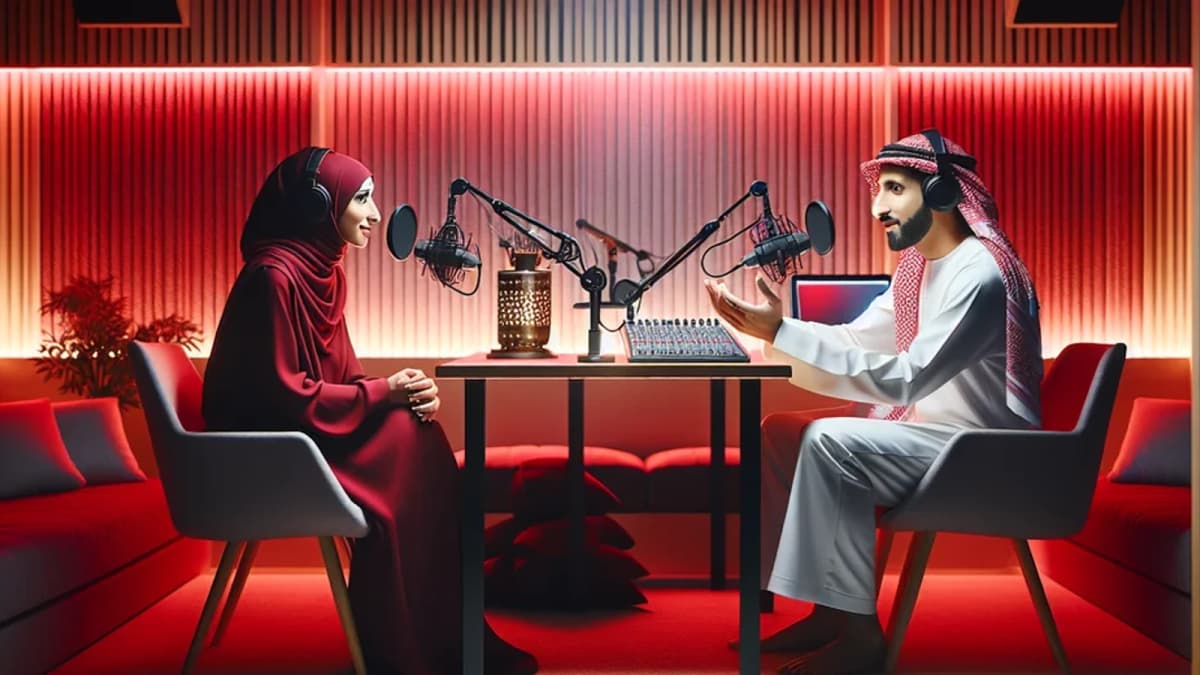
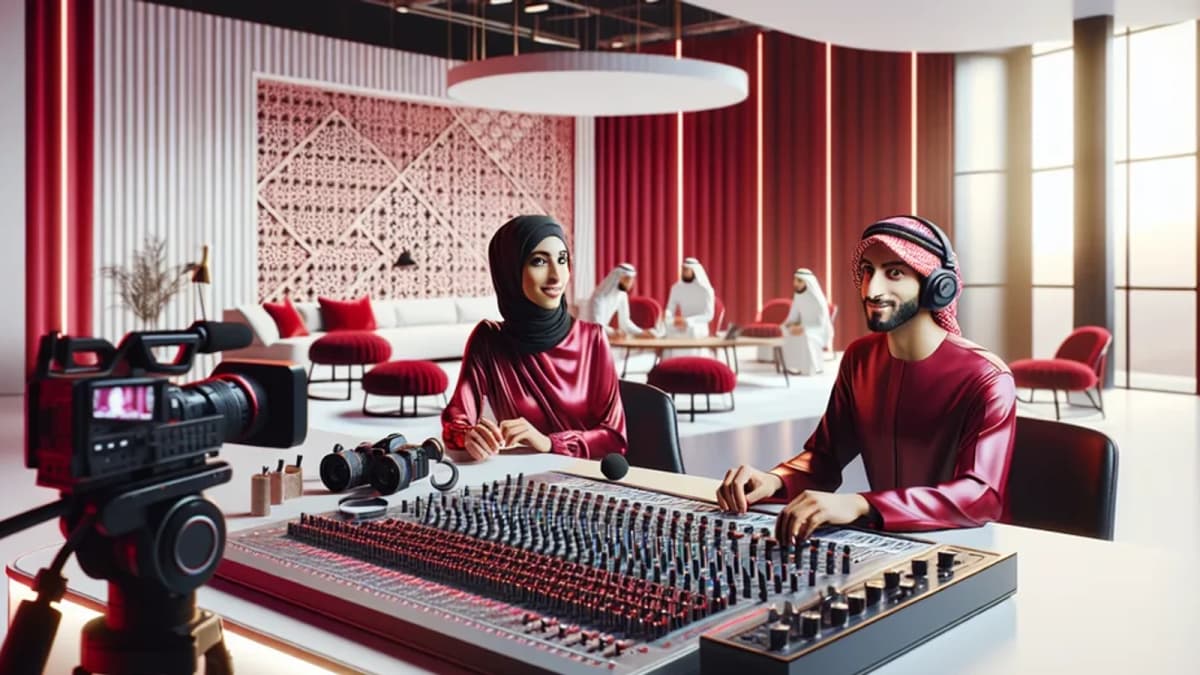
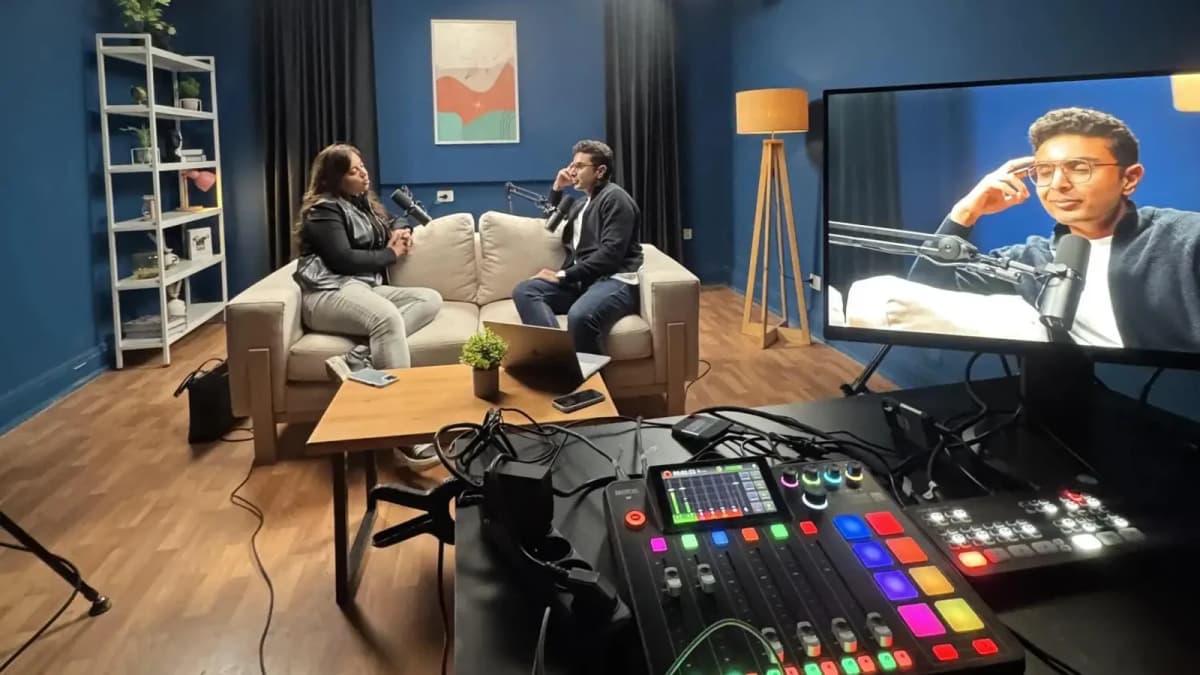
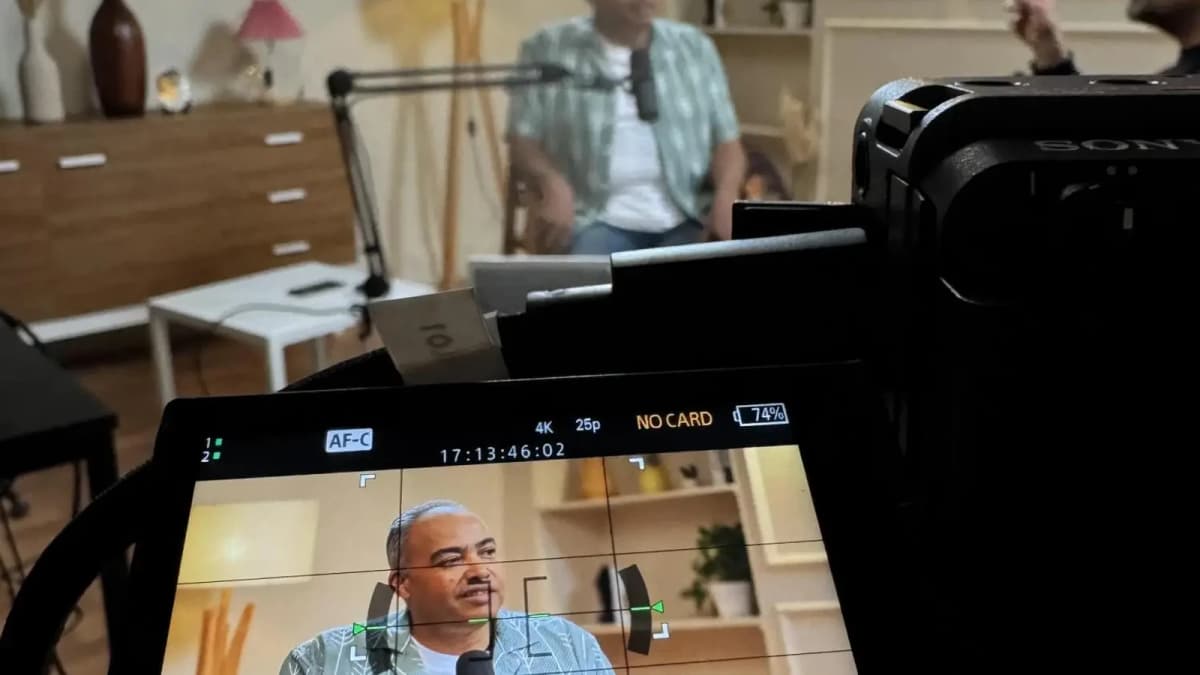
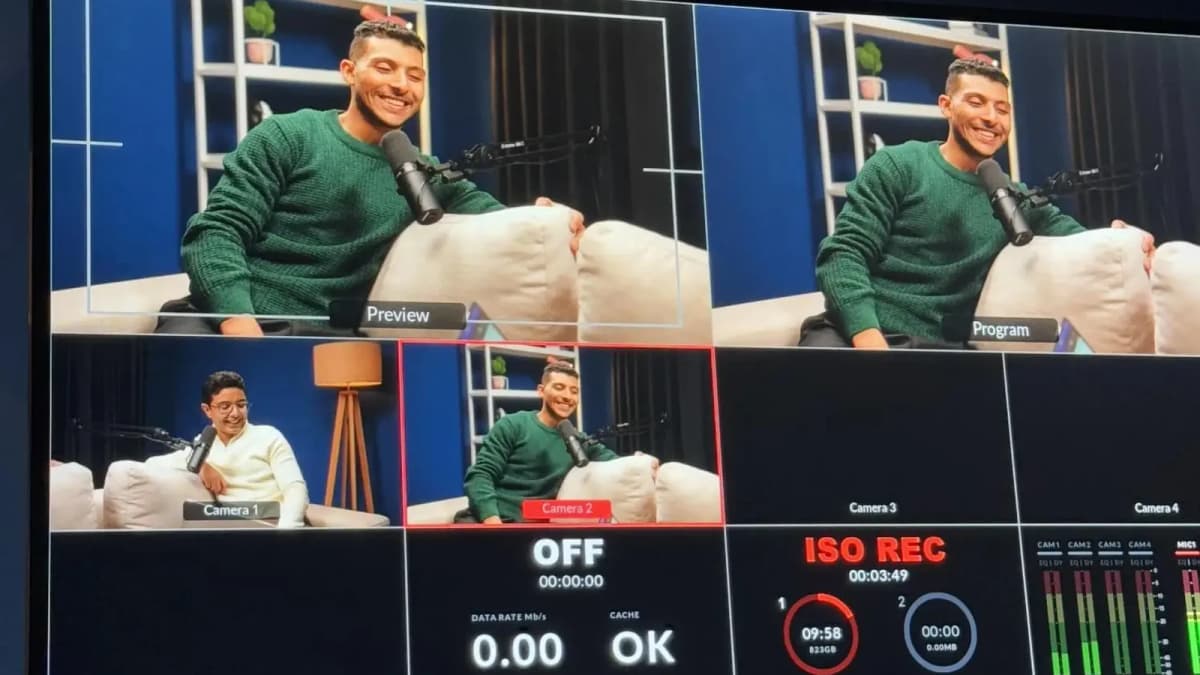
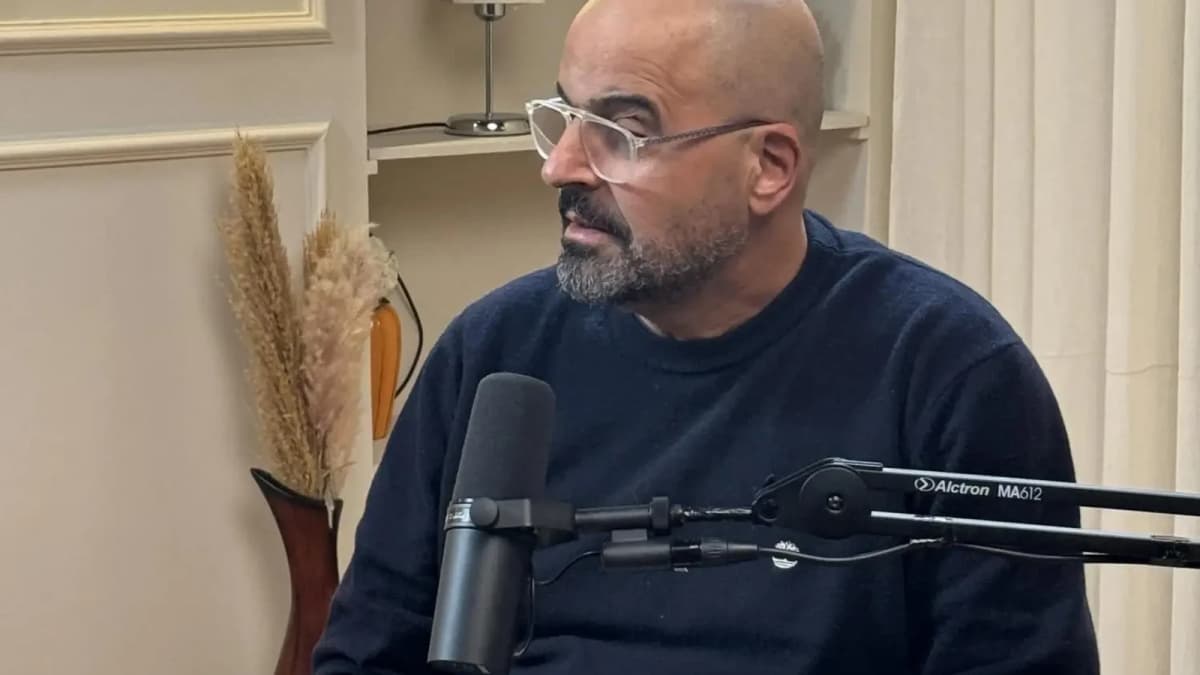
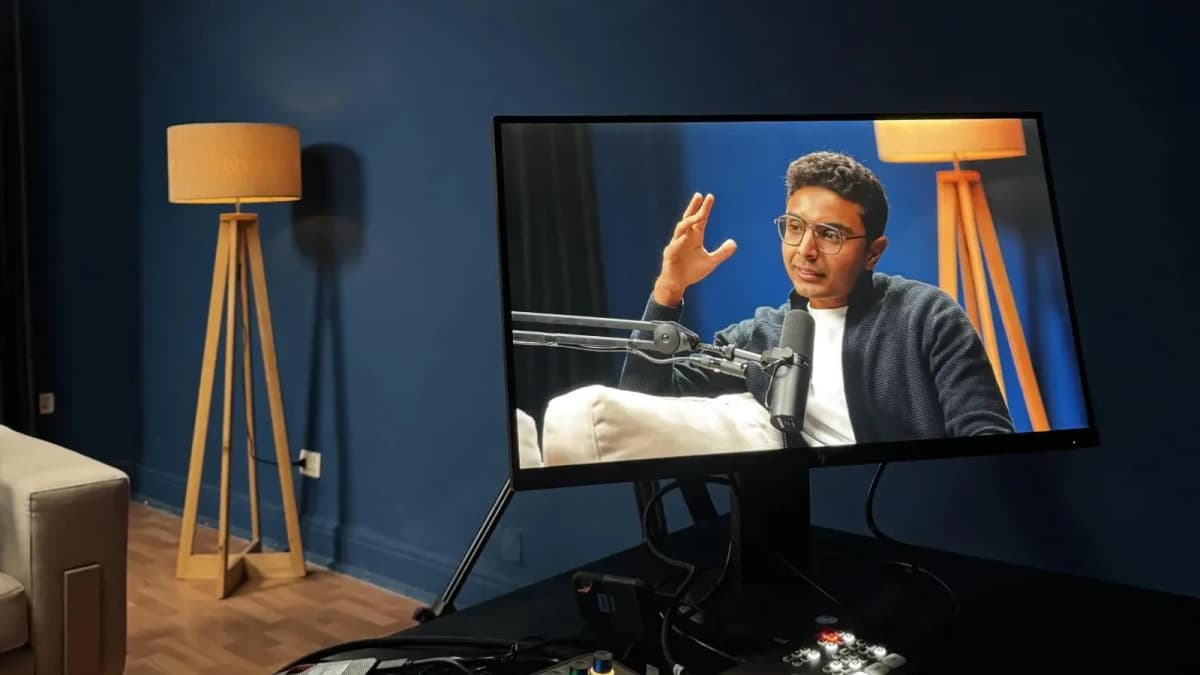
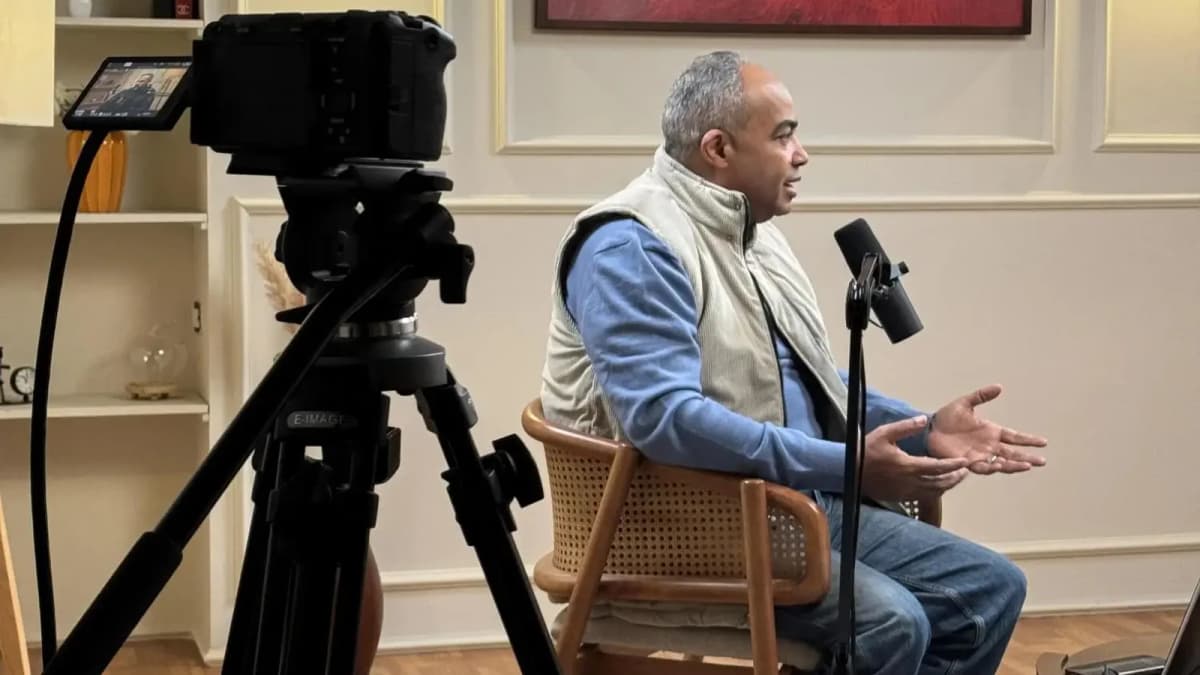
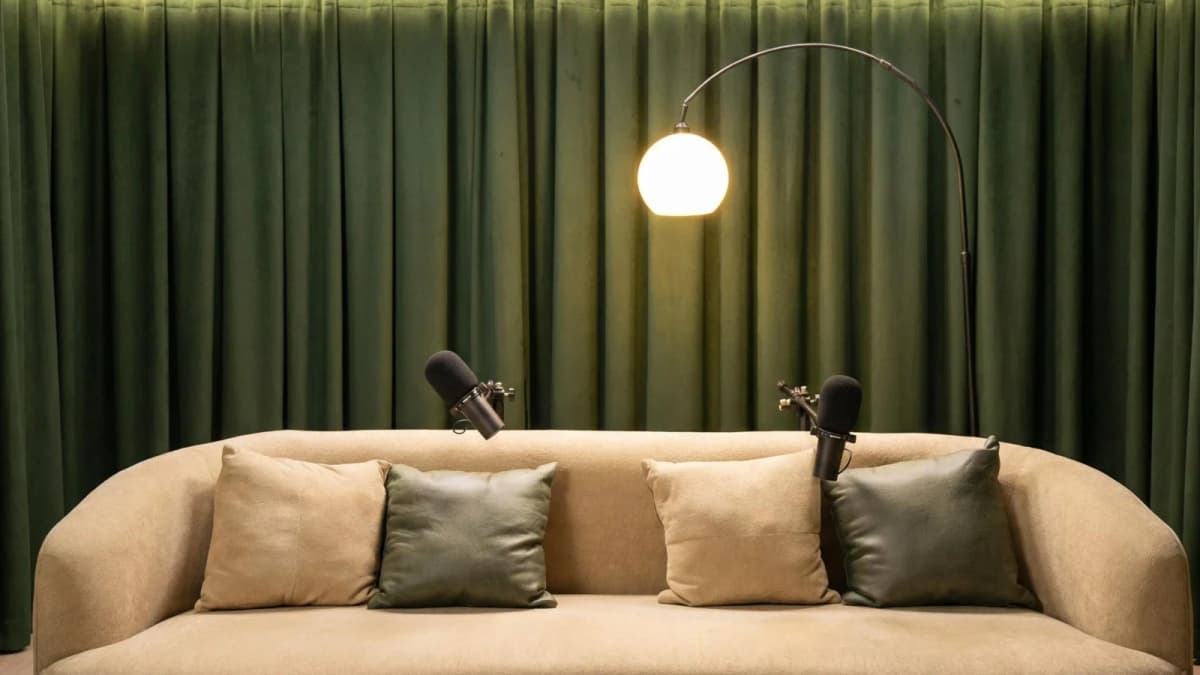
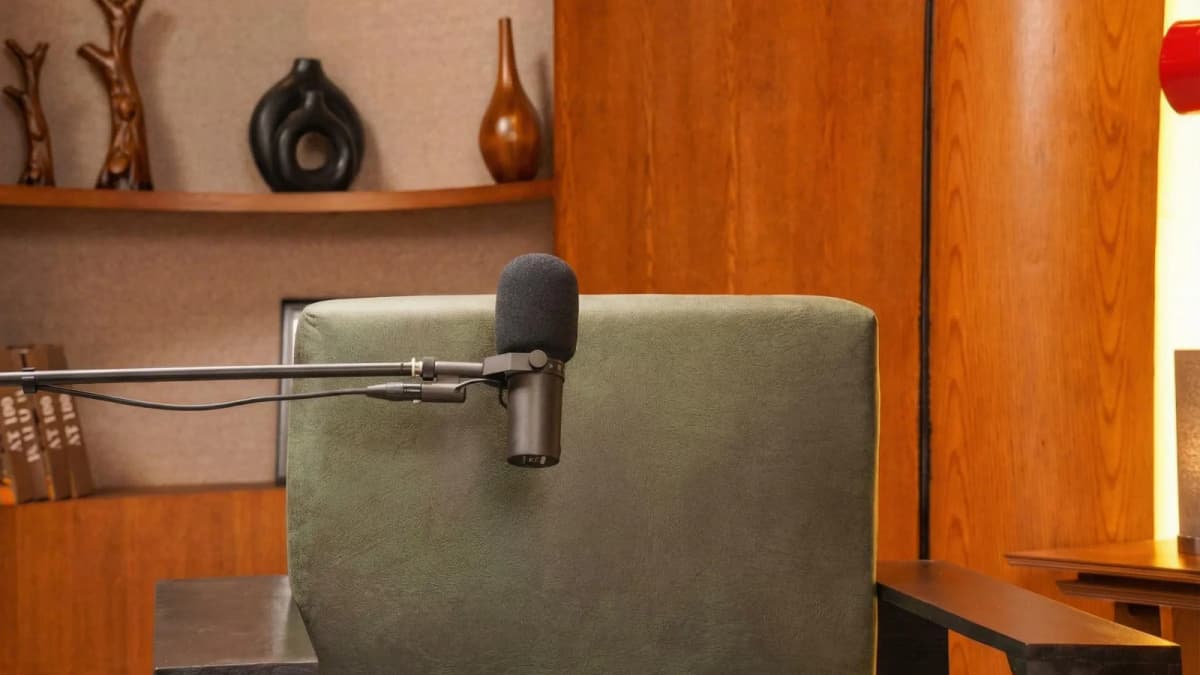
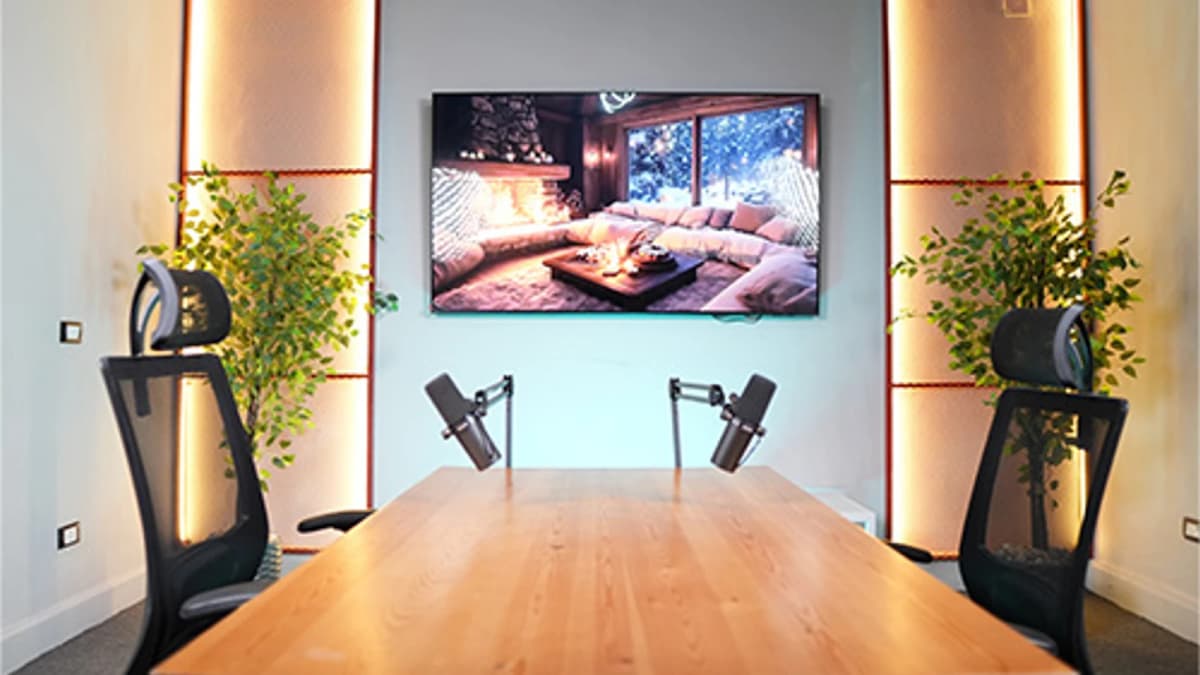
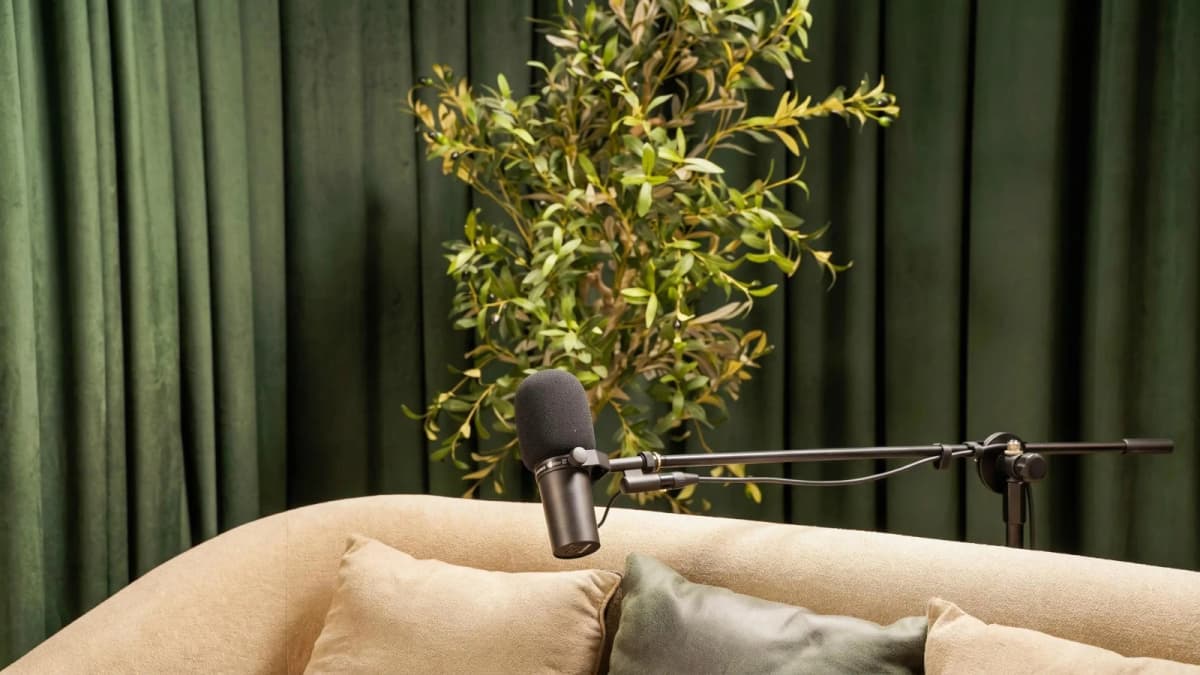
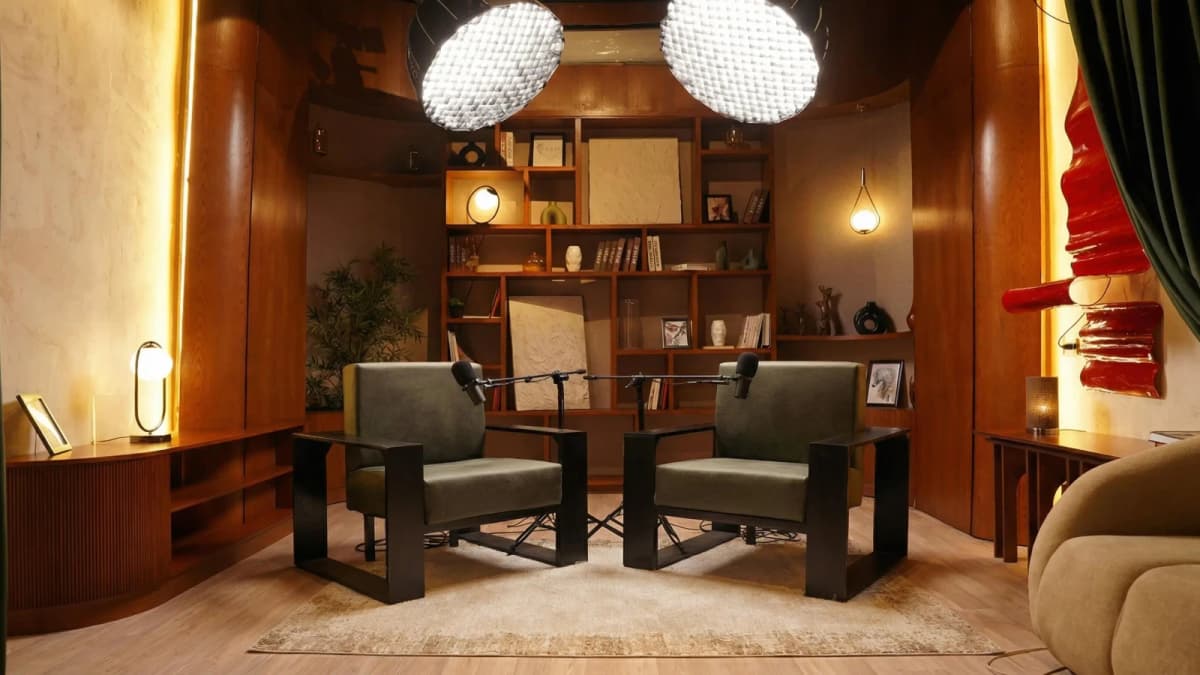
Step inside Goocast's state-of-the-art studio — built for podcasters, brands, and creators who refuse to settle for anything less than broadcast quality.
Explore Our Studio →
egies (30 seconds – 2 minutes)
See Where Great Content Is Born
Step inside Goocast's state-of-the-art studio — built for podcasters, brands, and creators who refuse to settle for anything less than broadcast quality.
Explore Our Studio →- Use YouTube Shorts Audio Library: The Shorts camera has a built-in audio selection tool with trending music and sounds. Pick one and the app automatically syncs it to your clip.
- Extract Audio from Viral Shorts: Search popular Shorts, tap audio info, and reuse it by clicking “Use this sound” to quickly add to your clip.
- Upload Audio Separately: You can upload your video first, then go to Shorts Studio on desktop to add or replace audio tracks with trending sounds.
- Sync Audio Precisely with YouTube Studio: After uploading, YouTube Studio’s editing tools allow frame-accurate audio trimming and syncing adjustments, ideal for detailed projects.
- Use Trending Audio Playlists on YouTube Music: Find viral tracks on YouTube Music playlists and use their exact titles to search in Shorts audio options.
Cross-Platform Editing Apps for Adding Trending Audio (1–3 minutes)
- CapCut Mobile App: Popular with TikTokers, CapCut offers a vast library of trending sounds and easy timeline audio syncing. You can add audio, trim, and export in under 2 minutes.
- InShot Video Editor: Supports importing trending audio files from your device or cloud. Its timeline-based editor makes syncing beats and transitions straightforward.
- Adobe Premiere Rush: For creators wanting professional polish, Premiere Rush lets you add multi-layer audio tracks, adjust volume envelopes, and export directly for social media.
- VN Video Editor: VN lets you browse trending music, add voiceovers, and sync audio with intuitive timeline scrubbing, ideal for short-form creators with intermediate editing skills.
- Splice by GoPro: Automatically sync your video with music beats, perfect for fast-paced content needing sharp audio-video alignment.
Desktop Software Solutions for Pro-Level Audio Syncing (2–10 minutes)
- DaVinci Resolve: This free professional editing suite provides multi-track audio mixing, waveform syncing, and audio effects. Ideal if you want precision and full control.
- Adobe Premiere Pro: Industry standard for video editing. Use Auto Reframe and audio syncing tools to quickly add trending audio while maintaining video aspect ratios for each platform.
- Final Cut Pro: Mac users can harness Final Cut’s magnetic timeline and audio syncing tools for seamless integration of trending audio clips.
- Avid Media Composer: High-end option for creators who want advanced audio post-production capabilities with efficient syncing and layering.
- Audacity (Audio Editor): Use Audacity to edit and fine-tune your audio tracks before importing into video editing software for perfect alignment.
Pro Hacks and Audio Sourcing for Trending Sounds
- Monitor TikTok’s Trending Sounds Page: TikTok update
s trending audio every hour. Bookmark this page and set alerts to catch new trends early.Book a Session
Ready to Record? Your Session Awaits.
Reserve your studio time at Goocast and walk in with confidence. Professional gear, expert support, and a creative environment designed to bring your best ideas to life.
Book Your Studio Session → - Follow Influencer Playlists: Influencers often curate trending audio playlists on Spotify or Apple Music. Subscribe to stay ahead.
- Use Epidemic Sound and Artlist: These platforms offer trending royalty-free tracks tailored for social media, ensuring you stay legal and trendy.
- Layer Ambient Sounds: Combine trending audio with your own voiceover or environmental sounds to create unique mixes that stand out.
- Time Your Audio to Key Moments: Use waveform displays to sync audio drops with video action points for maximum impact.
- Extract Audio from Unreleased Clips: Use apps like Snaptik to download trending audio from viral videos before they hit official libraries.
- Use Audio Speed Adjustment: Slightly speeding up or slowing down audio can create fresh takes on existing trends without losing recognition.
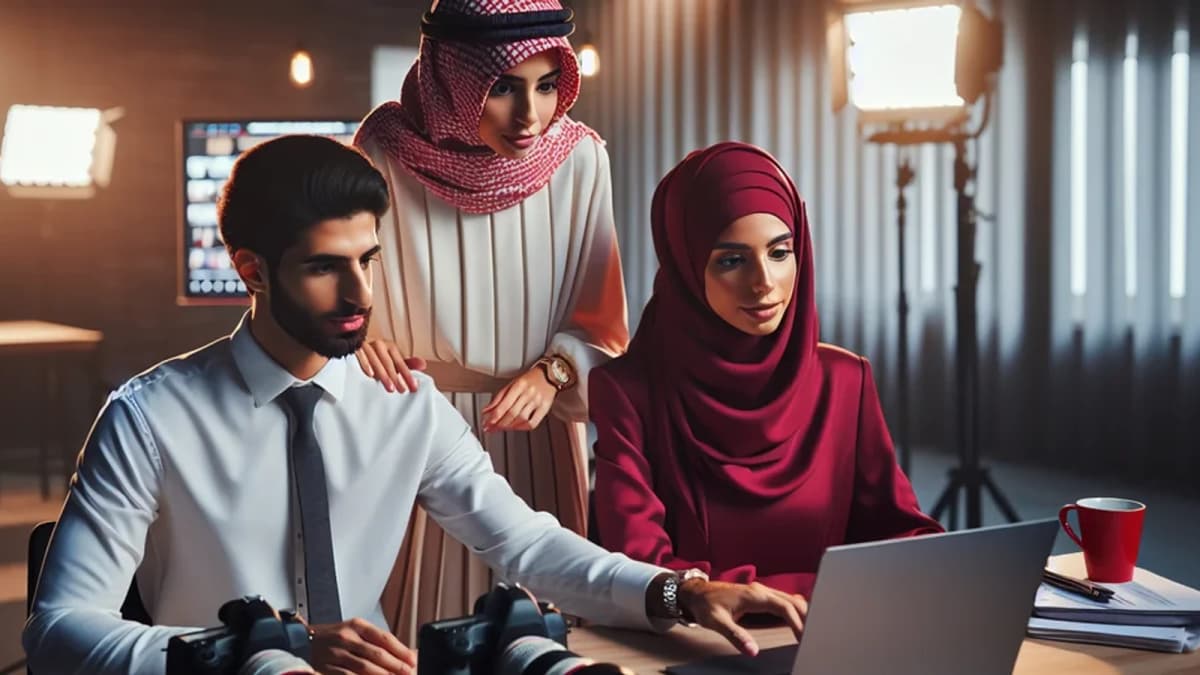
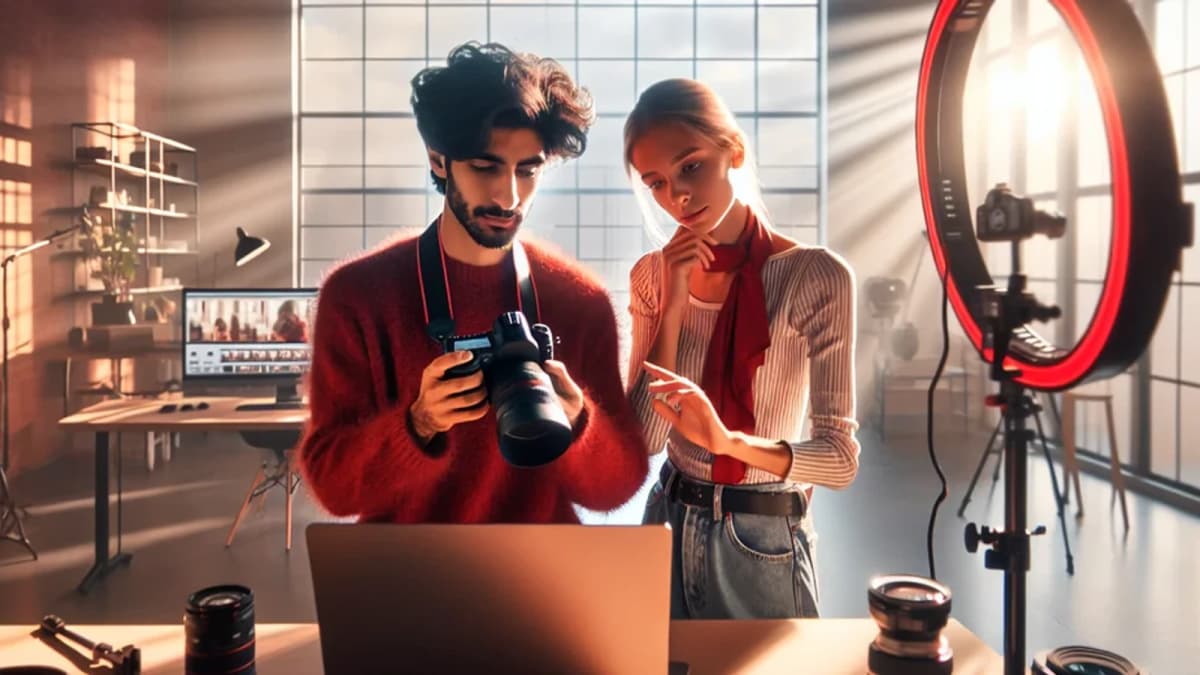
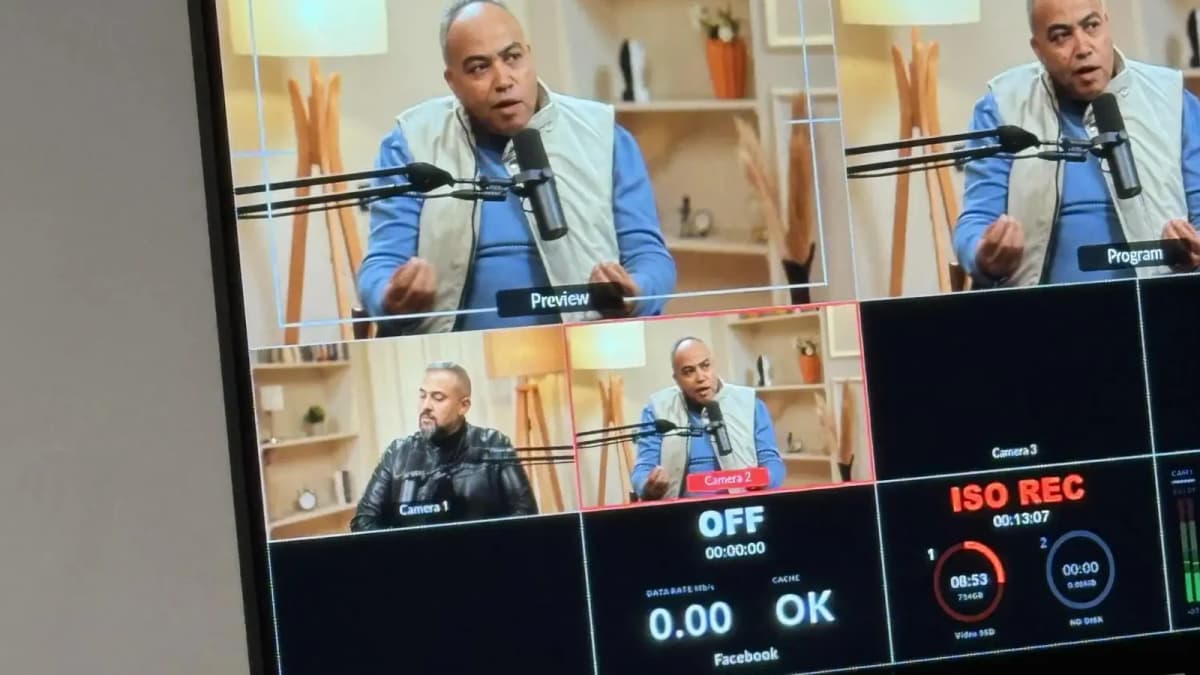
Throughout all these methods, the quality of your recording environment can make or break how your audio feels. Background noise, echo, or poor microphone quality will detract even from the trendiest audio clips. This is why recording your short video clip in a professional studio environment is a game-changer. The acoustic treatment, professional gear, and expert support ensure your audio is crystal clear and perfectly balanced.
If you’re serious about delivering top-quality short videos, booking a professional studio session is strongly recommended. Not only do you get high-end equipment and sound isolation, but expert engineers assist in syncing and layering your trending audio flawlessly.
For brands and creators looking for reliable, impactful content creation, working with a Media production agency like Goocast can elevate your video storytelling. Their expertise in podcast production, short-form video, and brand storytelling ensures your message resonates.
Another excellent resource is Goocast’s Reels Production Services, which specialize in creating highly engaging short videos with perfectly curated trending audio. Their creative and technical teams streamline the process so you can focus on your brand voice.
Mastering how to add trending audio to a short video clip involves combining fast platform-native tools with expert-level editing and studio-grade recording. Use this comprehensive list as your go-to resource to pick the best method for your needs and budget, and watch your short videos gain traction across TikTok, Instagram Reels, and YouTube Shorts.
Goocast stands at the forefront of media production across the MENA region, blending creative storytelling with cutting-edge studio technology. With a broad network of professional studios and a skilled production team, Goocast empowers brands and creators to produce high-quality podcasts and short-form videos that engage audiences and amplify their digital presence.
Why Goocast Is Your Creative Media Partner Across MENA
Goocast is a premier media production agency and podcast studio serving brands and creators across the MENA region. By combining cutting-edge production technology with deep marketing intelligence, Goocast helps clients craft content that doesn't just look great — it drives real audience growth and business results.
Frequently Asked Questions
Book Your Studio Session at Goocast
Your next great episode starts with the right environment. Goocast's professional studio gives you broadcast-quality sound, expert support, and everything you need to create content that stands out — across MENA and beyond.
Book a Session Now →Short Blog
Short heading goes here
Welcome to our world! At our marketing agency, we don’t just focus on marketing, we’re passionate about sharing our knowledge with our visitors.