The 12 Best Apps for Creating Reels with Professional Effects and Templates in 2026
Last updated Apr 29, 2026
If you’re searching for the best apps for creating reels with professional effects and templates, you’re likely looking for a solution that combines high-quality output and ease of use. Whether you're an influencer, marketer, or content creator, selecting the right tool can transform your social media presence with engaging reels that stand out. This comprehensive guide reviews the top 12 apps in 2026, weighing their features, pricing, and user experience so you can make an informed choice.
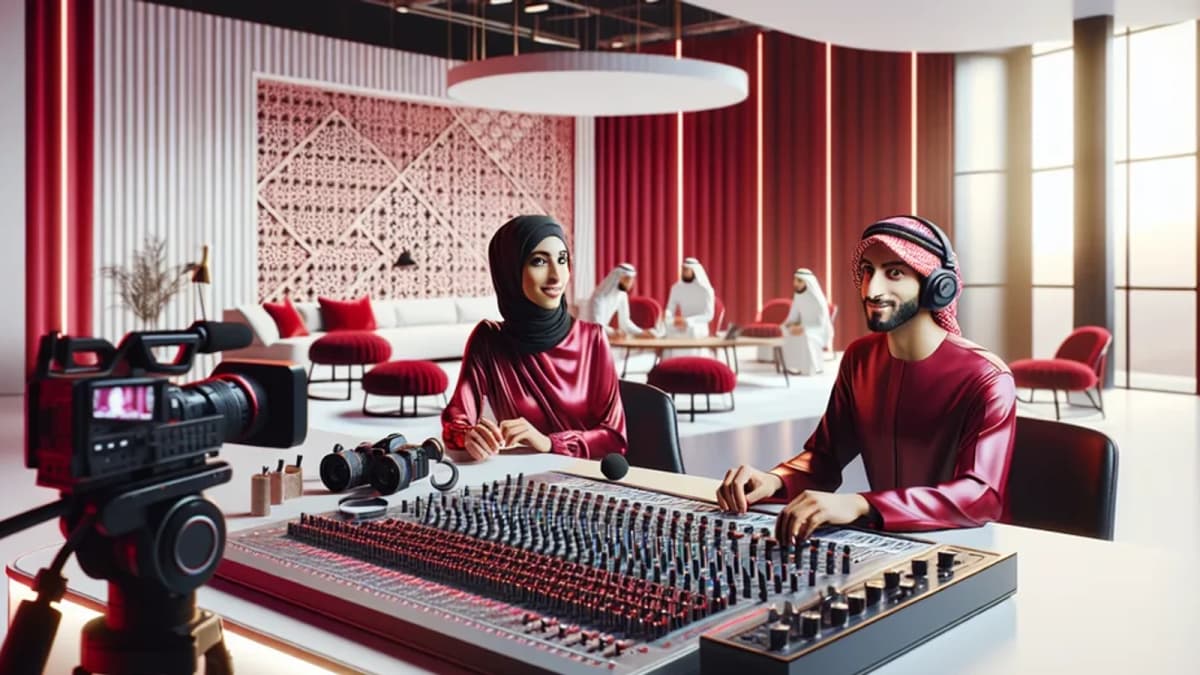
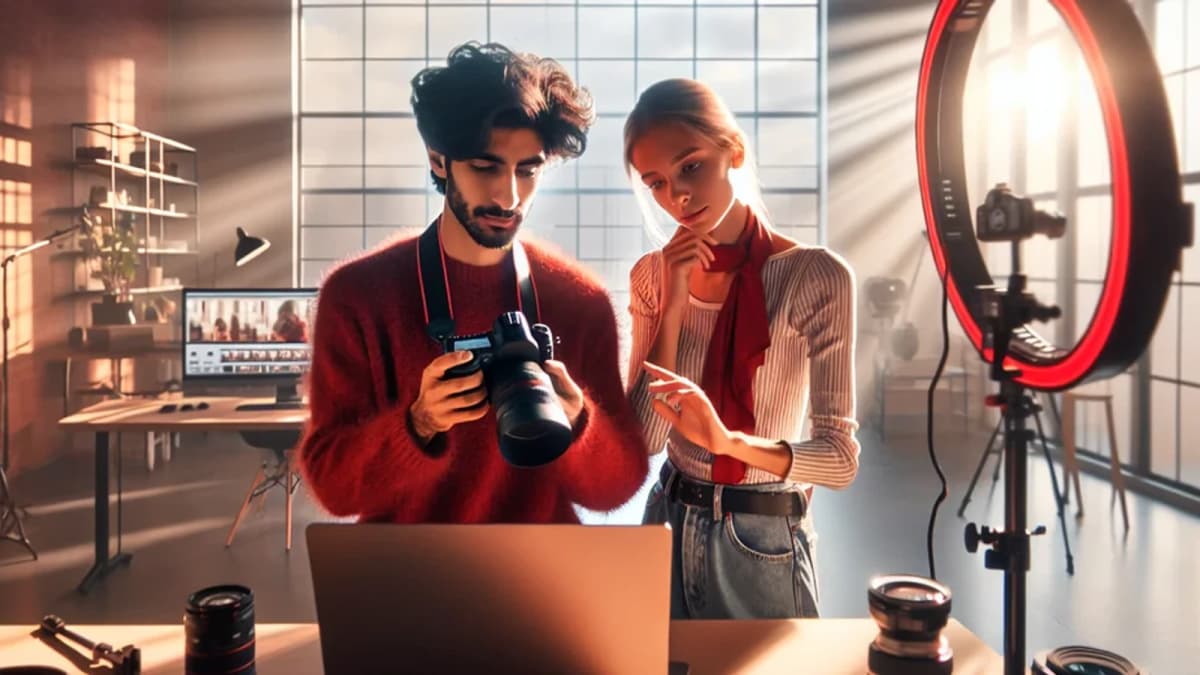
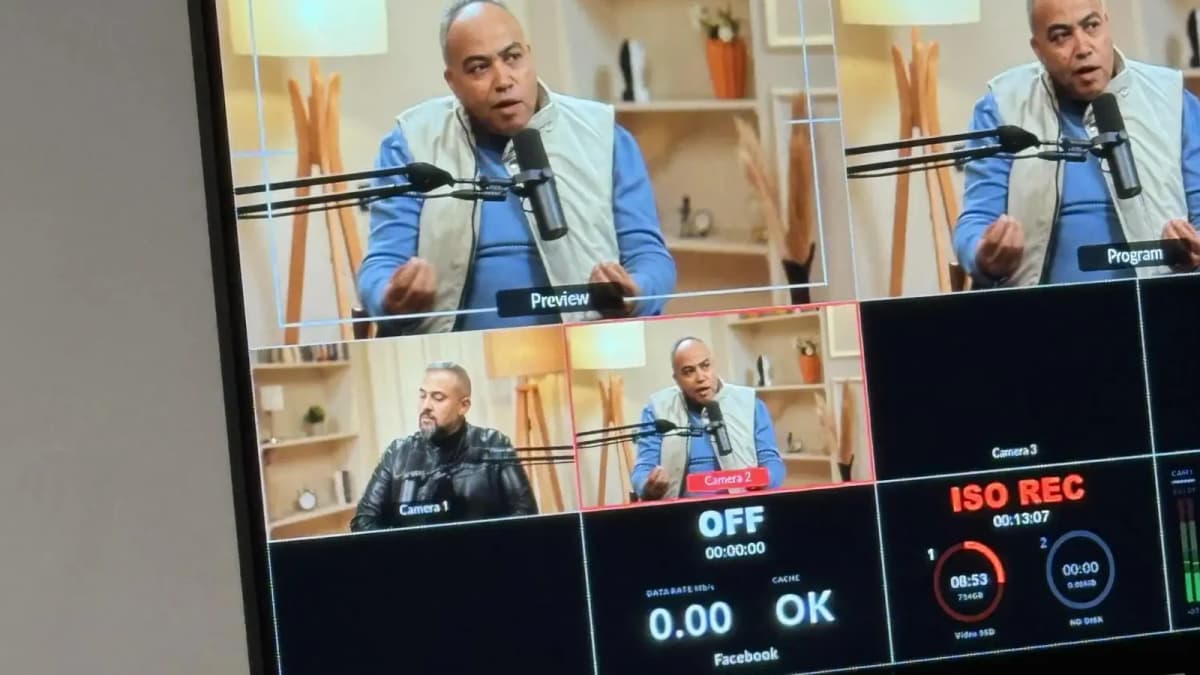
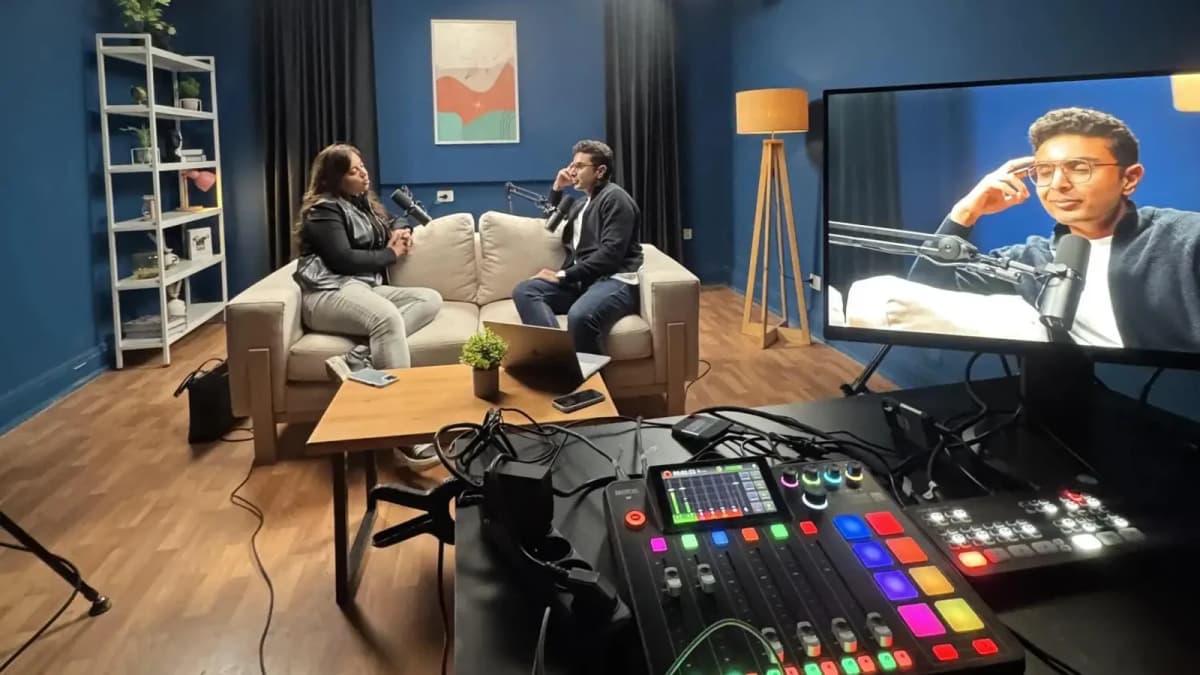
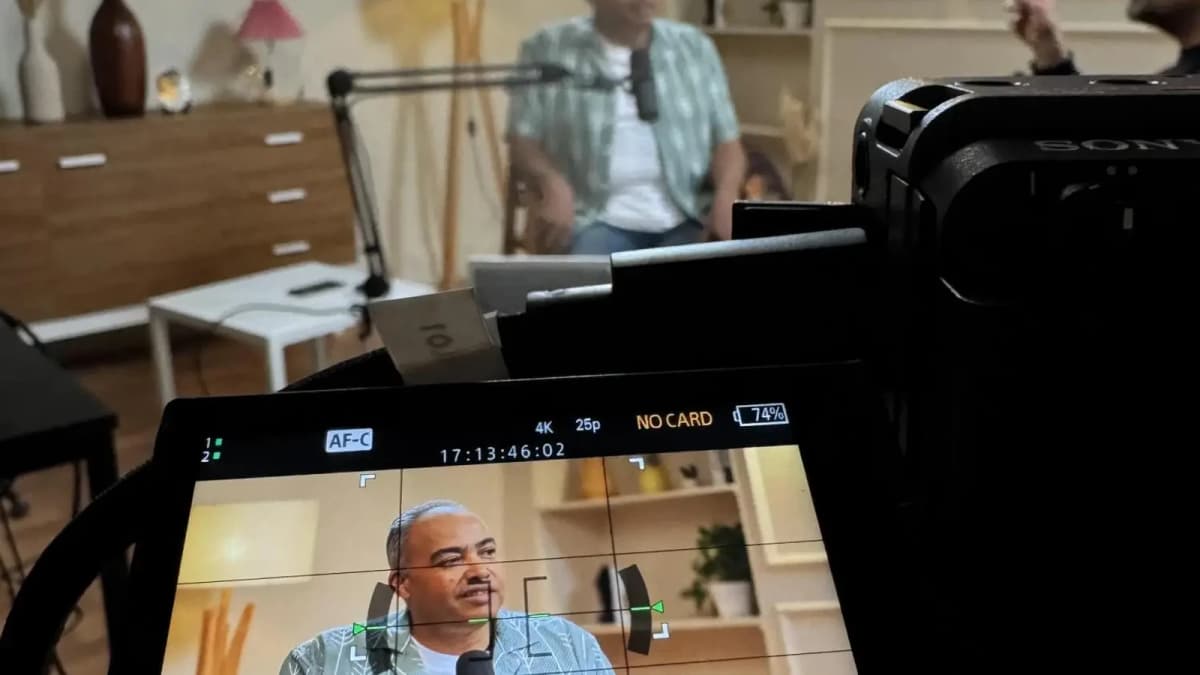
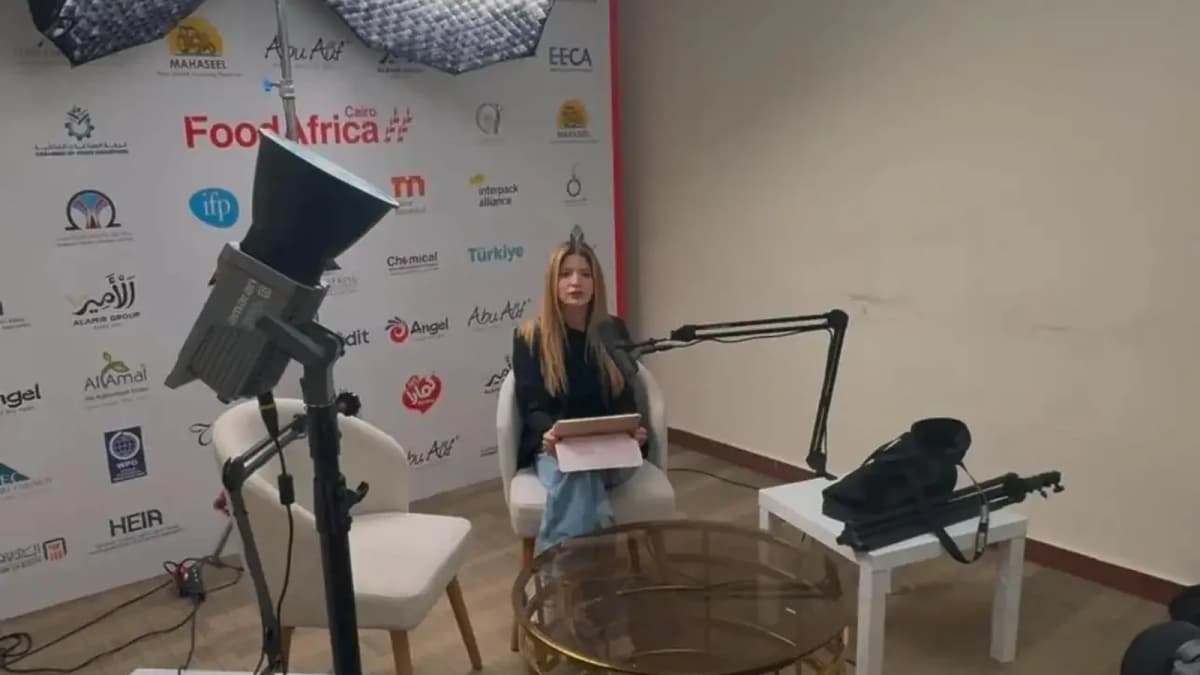
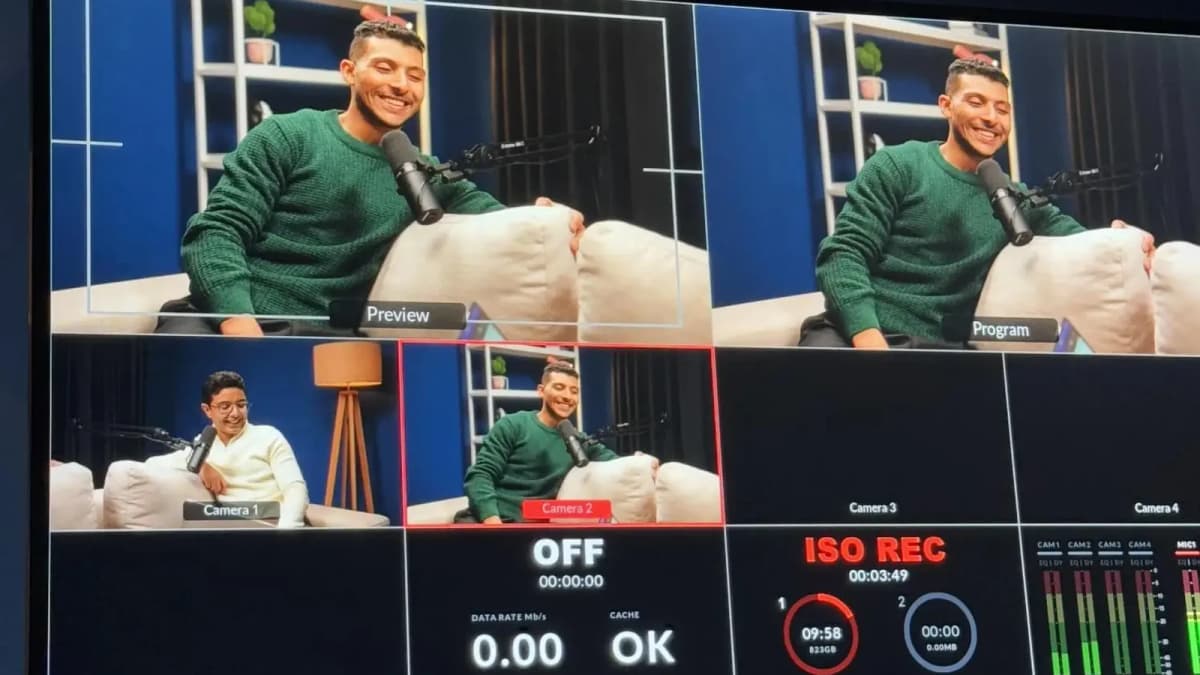
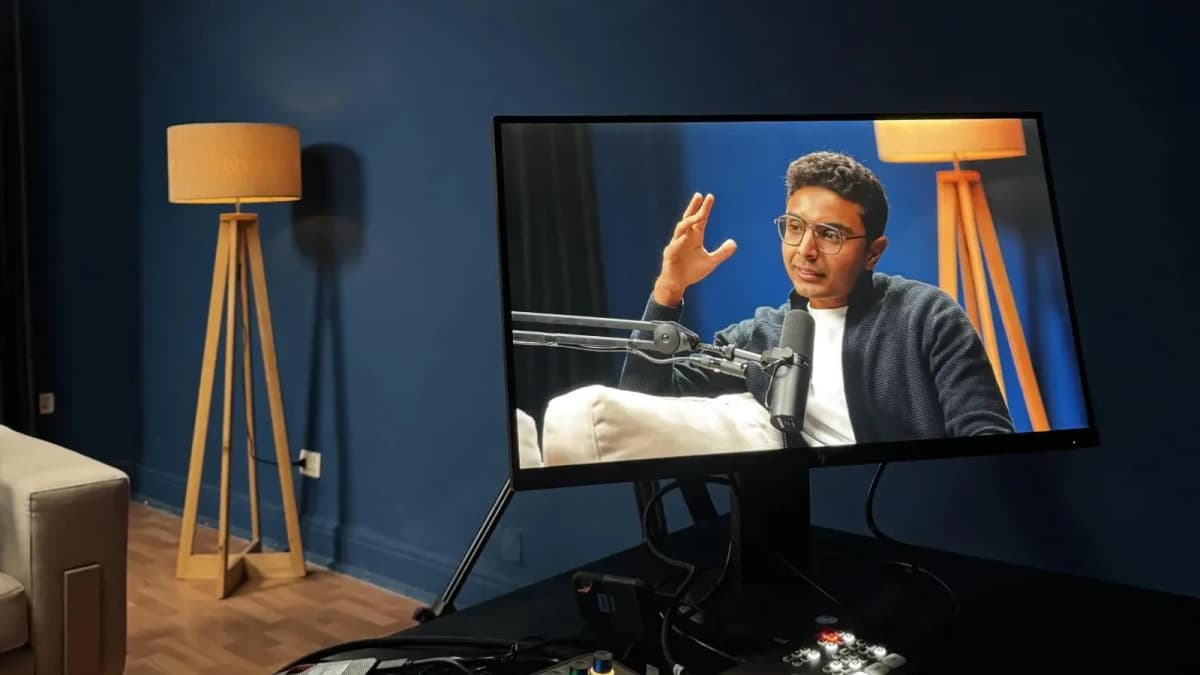
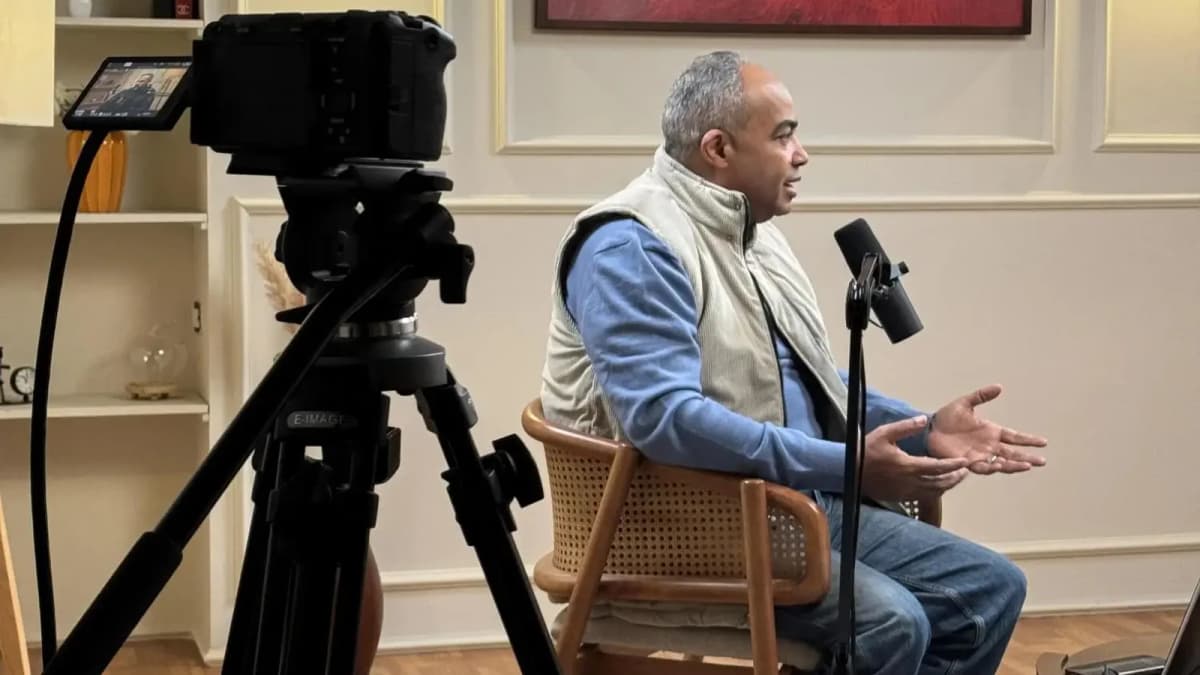
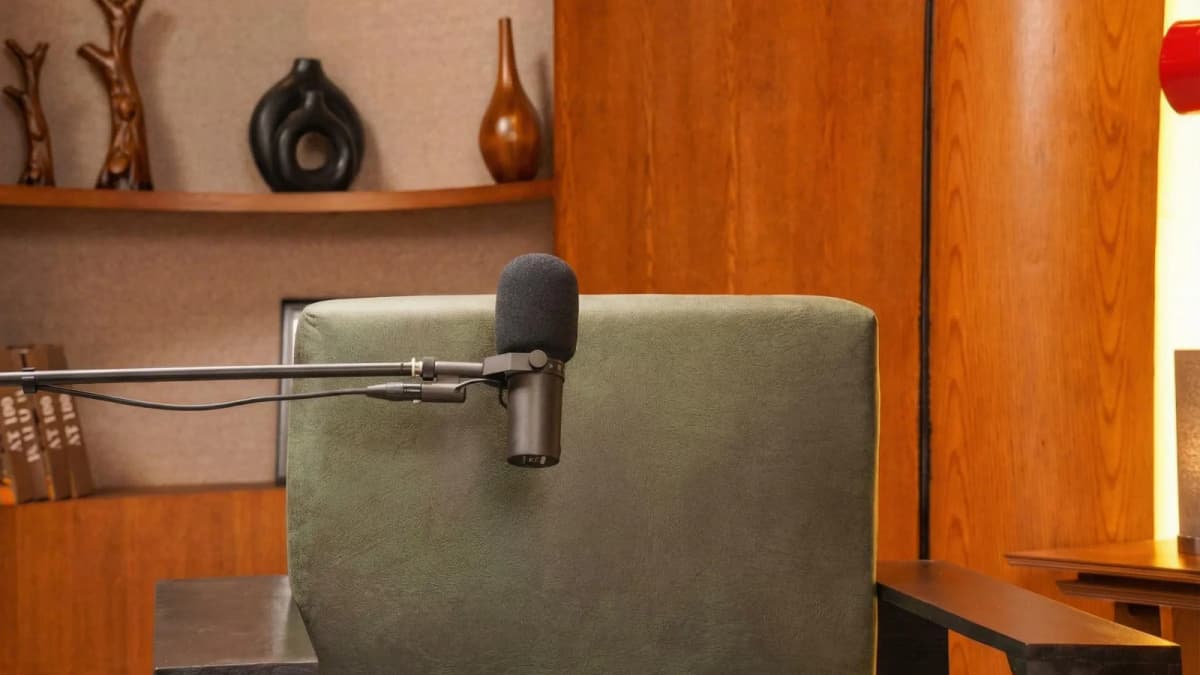
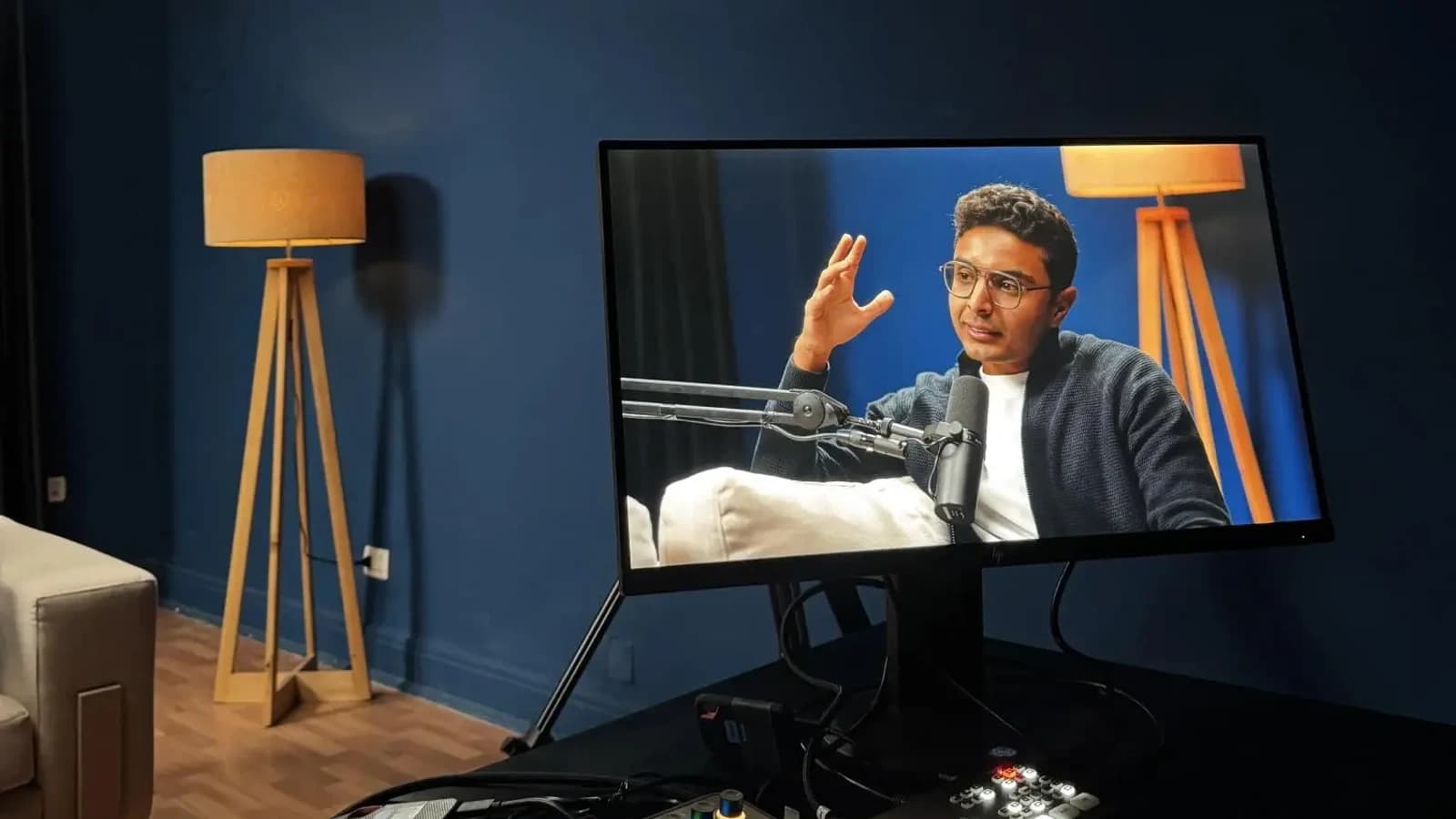
In today’s competitive content landscape, professional-level editing is no longer restricted to complex desktop software. The best mobile and desktop apps now offer curated effect libraries, ready-made templates, and intuitive interfaces designed to help you create engaging reels without a steep learning curve. Additionally, the recording environment and setup matter greatly; combining these apps with a professional studio recording can enhance audio-visual quality dramatically.
Before diving into the app reviews, it’s essential to understand our scoring criteria, which include:
- Effect Library Quality (25%): Diversity and sophistication of effects and transitions.
- Template Variety (20%): Number and quality of pre-built templates optimized for reels.
- Ease of Use (20%): User interface intuitiveness and learning curve.
- Export Options (15%): Resolution, formats, and direct social media integration.
- Pricing & Value (20%): Cost-effectiveness based on features and subscription tiers.
Let’s explore the 12 best apps for creating reels with professional effects and templates, each tailored to different user needs and skill levels.
1. InShot – The All-Rounder for Quick, Professional Reels
- Primary use case: Easy video editing with extensive effects and transitions
- Standout features:
- Large library of effects, filters, and music
- Customizable video speed and trimming tools
- Integrated text, stickers, and emoji overlays
- Direct Instagram and TikTok export
- Support for 4K video export (Pro version)
- Pricing: Free with ads; Pro version at $3.99/month
- Ideal user: Beginners to intermediate content creators seeking balance between power and simplicity
Pro Tip: Use InShot’s speed controls to create dynamic slow-motion effects that emphasize key moments in your reel without needing complex editing skills.
"InShot helped me take my reels from basic clips to eye-catching stories with minimal effort. The effects library is surprisingly deep for a mobile app." – Sarah K., Influencer
2. CapCut – Feature-Rich, Free, and Growing Fast
- Primary use case: Advanced editing with professional-grade effects on mobile
- Standout features:
- Extensive effect library including 3D and glitch effects
- AI-powered background removal and auto captions
- Multi-track editing and advanced keyframe animation
- Wide range of trendy templates regularly updated
- Completely free with no watermark
- Pricing: Completely free
- Ideal user: Creators wanting professional effects without subscription costs
Pro Tip: Leverage CapCut’s auto-caption feature to boost engagement and accessibility on your reels with minimal manual effort.
"CapCut's effects and templates helped me double my Instagram engagement within a month. Best free app I've tried so far." – Omar R., Social Media Marketer
3. Adobe Premiere Rush – The Professional’s Mobile Companion
- Primary use case: Cross-platform video editing with Adobe ecosystem integration
- Standout features:
- Multi-track timeline and advanced color correction
- Seamless sync with Adobe Creative Cloud
- Professional-quality audio editing tools
- Template-based motion graphics and transitions
- Export up to 4K resolution
- Pricing: Free starter plan; Full access from $9.99/month
- Ideal user: Professional creators and marketers already using Adobe products
Pro Tip: Use the color correction presets to maintain a consistent, branded aesthetic across all your reels effortlessly.
"Premiere Rush gives me the power of Adobe on my phone, letting me produce polished reels on-the-go with minimal fuss." – Leila M., Video Producer
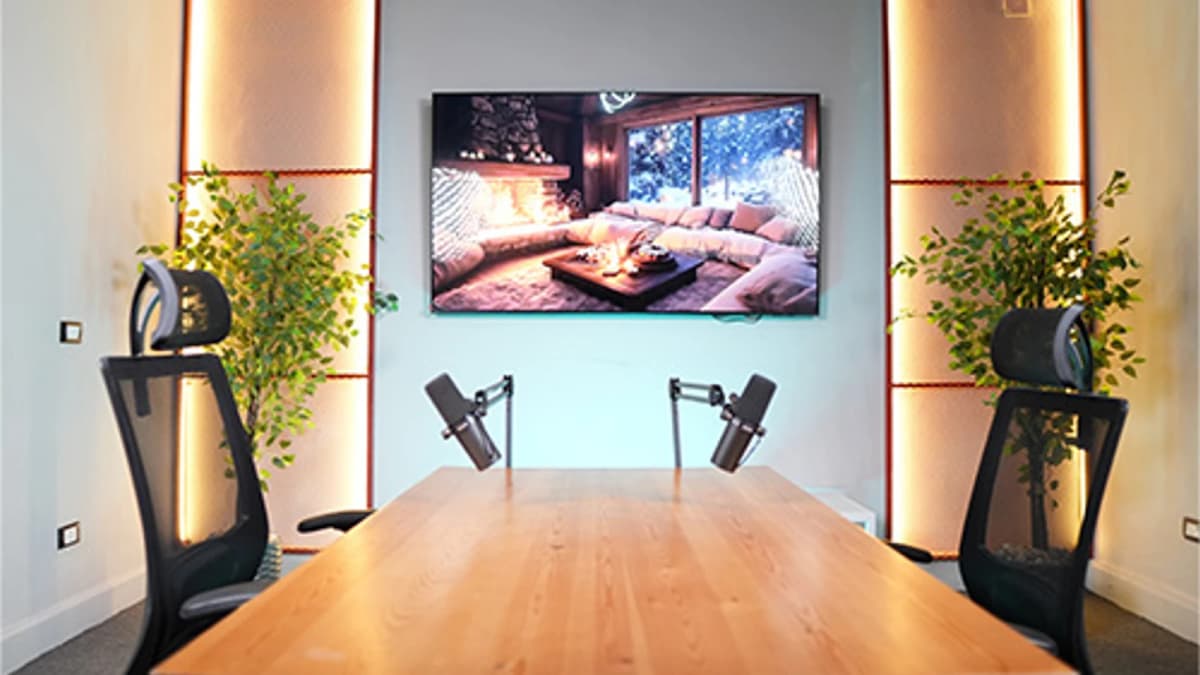
See Where Great Content Is Born
Step inside Goocast's state-of-the-art studio — built for podcasters, brands, and creators who refuse to settle for anything less than broadcast quality.
Explore Our Studio →4. VN Video Editor – Powerful Yet User-Friendly
- Primary use case: High-quality editing with smooth user experience
- Standout features:
- Multi-track timeline with keyframe animation
- Wide selection of filters and effect packs
- Easy-to-use interface with drag & drop support
- Music library with royalty-free tracks
- Supports 1080p and 4K exports
- Pricing: Free with optional in-app purchases
- Ideal user: Creators who want a balance of features and simplicity
Pro Tip: Customize keyframe animations for smooth transitions that add a professional touch without complex editing skills.
"VN Editor helped me polish my reels with subtle effects that feel professional but don’t overwhelm viewers." – Rami H., Content Creator
5. Canva – The Template Giant for Branded Reels
- Primary use case: Template-driven design and video editing for branded content
- Standout features:
- Thousands of professionally designed reel templates
- Drag-and-drop editor with brand kit support
- Extensive stock photo, video, and music libraries
- Team collaboration and asset sharing
- Direct social media publishing
- Pricing: Free plan; Pro at $12.99/month
- Ideal user: Marketers and brands focused on design consistency
Pro Tip: Utilize Canva’s brand kit feature to ensure every reel matches your brand colors, fonts, and style for professional consistency.
"With Canva, even non-video pros on our team can create reels that look on-brand and professional every time." – Nadia B., Marketing Director
Comparison Table: Top 4 Reel Creation Apps for 2026
| App Name | Best For | Free Version? | Learning Curve | Professional Rating (out of 10) |
|---|---|---|---|---|
| InShot | All-round editing & effects | Yes (ads) | Low | 8.5 |
| CapCut | Free professional effects | Yes (no watermark) | Medium | 9.0 |
| Adobe Premiere Rush | Advanced pro editing | Yes (starter limits) | High | 9.2 |
| VN Video Editor | Feature-rich & user-friendly | Yes | Medium | 8.7 |
Why Recording Environment and Professional Studio Matter
While choosing the best app for reels is crucial, the quality of your recordings is equally important. Inadequate lighting, ambient noise, or poor acoustics can undermine even the most sophisticated app’s output. Professional studio recording environments provide acoustic treatment, top-tier equipment, and expert technical support, delivering crystal-clear audio and visually consistent footage. This foundation allows the apps we discussed to shine, making your reels truly professional.
Investing in a professional studio session can reduce editing time, improve audience engagement, and elevate your brand image significantly. Whether you're shooting voiceovers, interviews, or on-camera pieces, the difference is unmistakable.
Exploring professional recording options alongside your choice of reel creation app ensures you maximize the impact of your content.
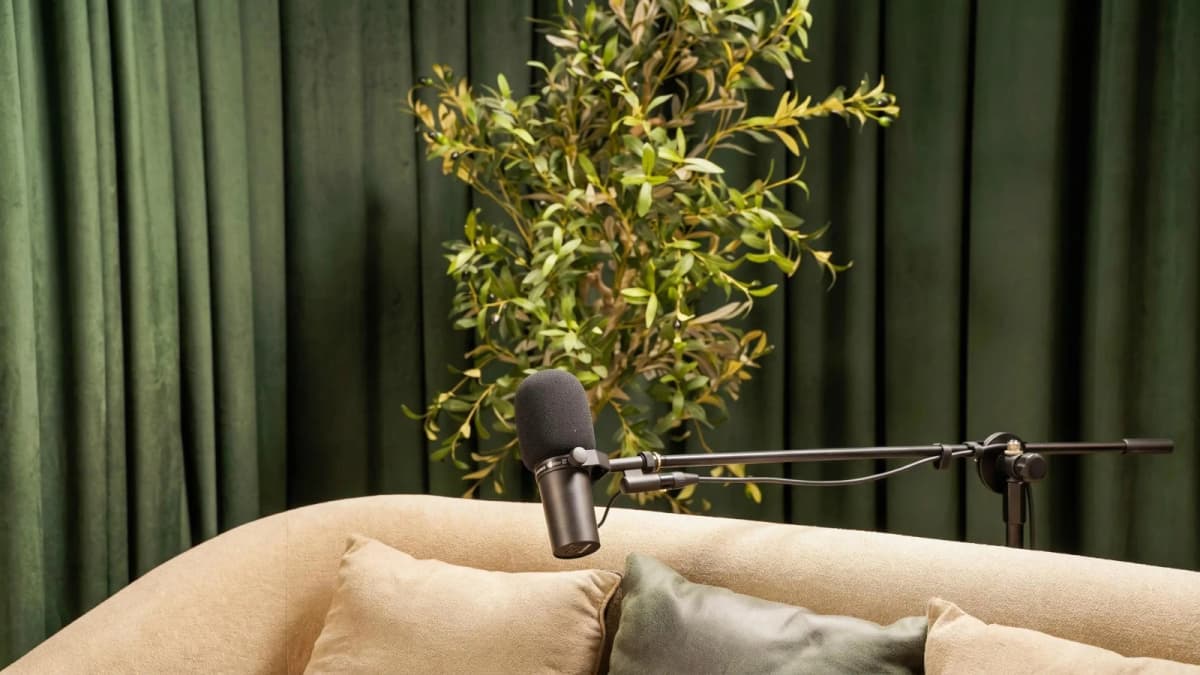
Ready to Record? Your Session Awaits.
Reserve your studio time at Goocast and walk in with confidence. Professional gear, expert support, and a creative environment designed to bring your best ideas to life.
Book Your Studio Session →6. KineMaster – The Editor for Power Users
- Primary use case: Multi-layer video editing with professional effects
- Standout features:
- Multi-layer video, image, and text editing
- Chroma key support for green screen effects
- Extensive asset store with effects and music
- Frame-by-frame trimming and precision editing
- Export up to 4K resolution
- Pricing: Free with watermark; Premium from $4.99/month
- Ideal user: Experienced creators needing detailed control
Pro Tip: Use KineMaster’s chroma key to create dynamic backgrounds for your reels, enhancing storytelling without complex setups.
"KineMaster lets me craft reels with precision and effects that rival desktop software. Worth every penny." – Ahmed S., Videographer
7. FilmoraGo – Easy Professional Editing on Mobile
- Primary use case: Beginner-friendly with powerful templates and effects
- Standout features:
- Hundreds of themed templates optimized for reels
- One-tap music sync and effects
- Green screen and split-screen capabilities
- Easy social media sharing
- Supports 1080p export
- Pricing: Free with watermark; Premium from $7.99/month
- Ideal user: Beginners seeking quick professional results
Pro Tip: Use FilmoraGo’s themed templates to jumpstart your reel creation and customize with your branding to save time while maintaining professionalism.
"FilmoraGo helped me produce high-quality reels that fit my brand style without hours of editing." – Laila F., Blogger
8. Mojo – Best for Animated Story Templates
- Primary use case: Stylish animated stories and reels
- Standout features:
- Hundreds of modern animated templates
- Customizable colors, fonts, and layouts
- Easy video and photo import
- Optimized for Instagram and TikTok reels
- Direct sharing options
- Pricing: Free version; Pro at $7.99/month
- Ideal user: Creators focused on stylish visual storytelling
Pro Tip: Customize Mojo’s animated text to create eye-catching hooks that boost reel engagement instantly.
"Mojo transformed my stories into captivating, animated reels that my followers love." – Yasmeen D., Influencer
Read more about : How to create engaging reels on popular social media platforms9. Splice – Mobile Editing for Story-Driven Reels
- Primary use case: Story-focused editing with powerful audio tools
- Standout features:
- Precision trimming and multi-track audio editing
- Wide range of filters and transitions
- Royalty-free music library
- Easy export and sharing
- Supports 1080p exports
- Pricing: Free with in-app purchases
- Ideal user: Storytellers prioritizing audio and pacing
Pro Tip: Use Splice’s audio ducking feature to balance voiceovers and background music professionally with minimal effort.
"Splice gave me the audio control I needed to produce engaging, narrative-driven reels." – Omar A., Podcaster
10. LumaFusion – Desktop-Class Editing on iOS
- Primary use case: Professional multi-track editing on iPhone/iPad
- Standout features:
- Up to 6 video and audio tracks
- Advanced color correction and keyframing
- Support for 4K and HDR video
- Customizable effects and transitions
- Proxy editing for smoother performance
- Pricing: One-time purchase $29.99
- Ideal user: Professionals requiring desktop-level features on mobile
Pro Tip: Use LumaFusion’s multi-track timeline to layer effects and music precisely, creating cinematic reels on your iOS device.
"LumaFusion is my go-to for serious reel editing when I’m away from my desktop. It delivers unmatched power on iPad." – Fatima Z., Filmmaker
Read more about : How to add trending audio to a short video clip11. VivaVideo – Fun and Fast Editing with Effects
- Primary use case: Casual editing with playful effects and stickers
- Standout features:
- Wide array of animated stickers and filters
- Fast video trimming and merging tools
- Built-in music library with trendy tracks
- Easy sharing to social platforms
- Supports 720p/1080p exports
- Pricing: Free with watermark; VIP $2.99/month
- Ideal user: Beginners wanting quick, fun reels without much complexity
Pro Tip: Use VivaVideo’s sticker packs to add personality and humor to your reels, enhancing viewer engagement.
"VivaVideo lets me create fun, lively reels in minutes that get great reactions." – Lina J., Student
Read more about : Top video editing tools for reels that support Arabic language12. Magisto – AI-Powered Video Creation
- Primary use case: Automated video creation with AI-driven editing
- Standout features:
- AI analyzes footage to create smart edits
- Wide range of moods and templates tailored to reels
- Cloud-based editing and storage
- Social media optimization tools
- Direct sharing capabilities
- Pricing: Plans start at $4.99/month
- Ideal user: Busy creators wanting fast, polished results with minimal manual editing
Pro Tip: Upload your best clips and let Magisto’s AI choose highlights and transitions that fit your reel’s theme, saving hours of editing.
"Magisto’s AI editing is a game-changer for my busy schedule—professional reels without the hassle." – Tariq N., Entrepreneur
Final Thoughts on the Best Apps for Creating Reels with Professional Effects and Templates
Choosing the right app depends on your skill level, budget, and creative goals. Whether you prefer free powerful tools like CapCut or subscription-based professional options like Adobe Premiere Rush, the key is to pair these apps with high-quality source material. That’s where the recording environment and professional studio setups play a crucial role.
If you are serious about producing reels with a polished, professional finish, securing a professional studio recording session is highly recommended. Studios provide acoustic treatment, expert support, and equipment that elevate your audio-visual content before you even begin editing. When combined with the best apps for creating reels with professional effects and templates, the results are outstanding.
For creators and brands in the MENA region, working with a trusted Media production agency like Goocast offers access to state-of-the-art studios and expert guidance, ensuring your reels captivate audiences and reflect your brand’s quality.
Additionally, short, engaging clips benefit greatly from professional editing and creative direction, making Reels Production Services an excellent resource to consider for elevating your content strategy.
Why Goocast Is Your Creative Media Partner Across MENA
Goocast is a premier media production agency and podcast studio serving brands and creators across the MENA region. By combining cutting-edge production technology with deep marketing intelligence, Goocast helps clients craft content that doesn't just look great — it drives real audience growth and business results.
Frequently Asked Questions
Book Your Studio Session at Goocast
Your next great episode starts with the right environment. Goocast's professional studio gives you broadcast-quality sound, expert support, and everything you need to create content that stands out — across MENA and beyond.
Book a Session Now →Short Blog
Short heading goes here
Welcome to our world! At our marketing agency, we don’t just focus on marketing, we’re passionate about sharing our knowledge with our visitors.