How to Record a Podcast: Complete Step-by-Step Guide for Beginners (From Planning to Publishing)
If you're wondering how to record a podcast, you're in the right place. Launching your first podcast episode can feel overwhelming with so many factors to consider—from equipment choices to editing software, and from recording techniques to publishing platforms. This detailed guide breaks down the entire process into clear phases, helping you avoid common pitfalls and build a strong foundation for your podcasting journey.
Pre-Production: Planning Your Podcast for Success
Before hitting the record button, thorough planning is essential. This phase sets the tone and direction for your podcast.
- Define your podcast concept and target audience: Who are you speaking to? What topics will your episodes cover? Clear goals help maintain focus.
- Episode structure and scripting: Decide if your podcast will be scripted, semi-scripted, or unscripted. Beginners often benefit from a bullet-point outline to stay organized.
- Research equipment options: Understand the types of microphones, audio interfaces, and recording software available. This will inform your budget and setup decisions later.
By investing time in pre-production, you reduce the risk of costly mistakes during recording and post-production.
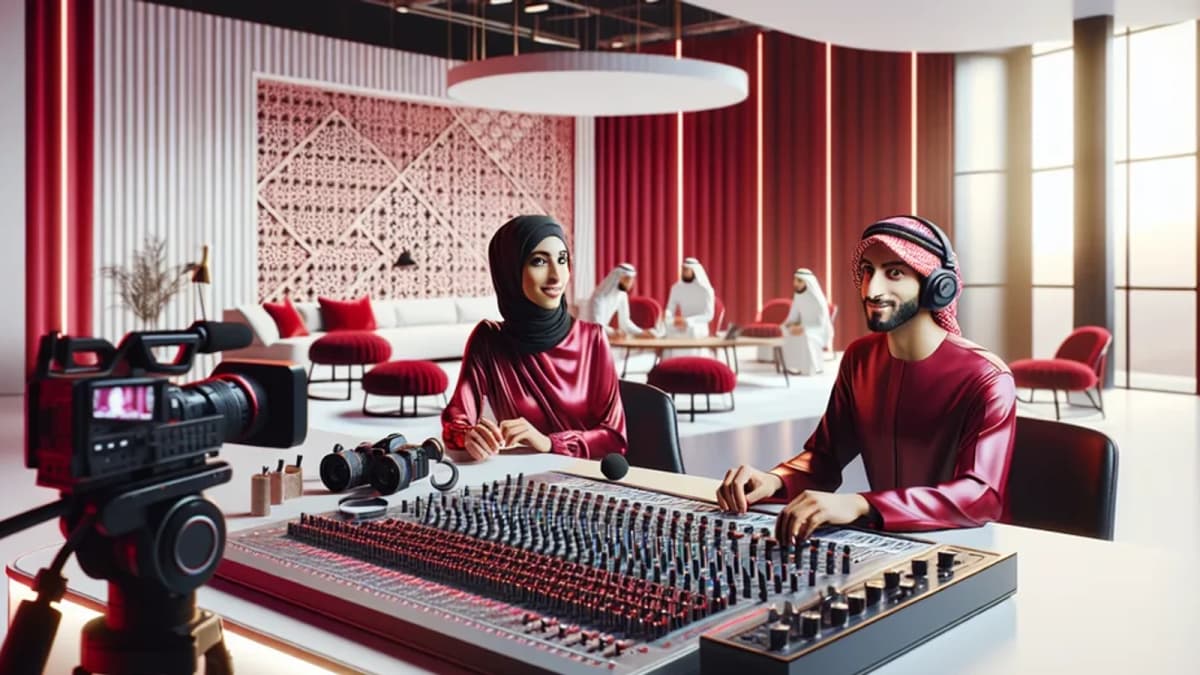
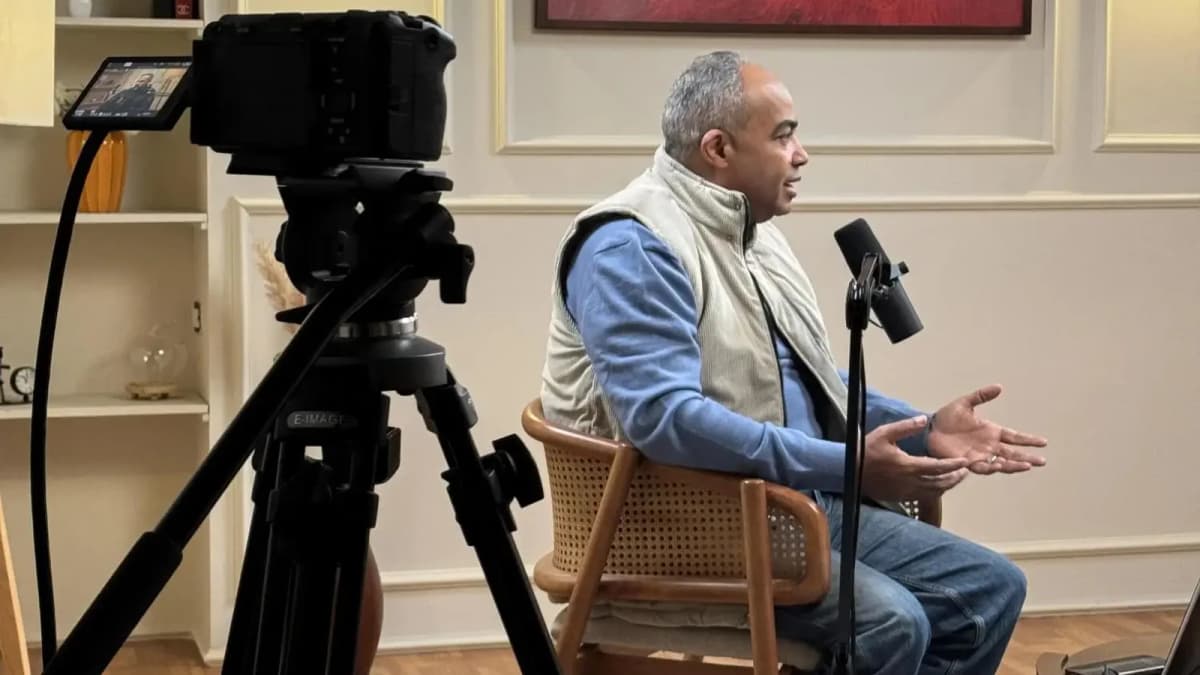
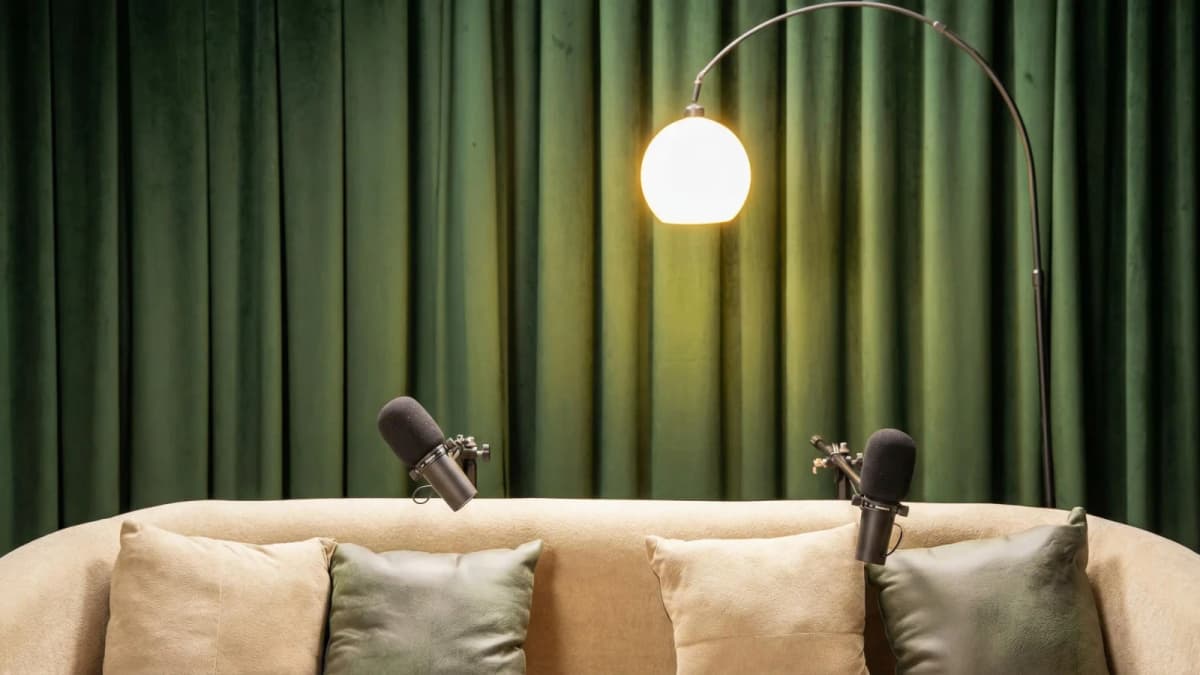
See Where Great Content Is Born
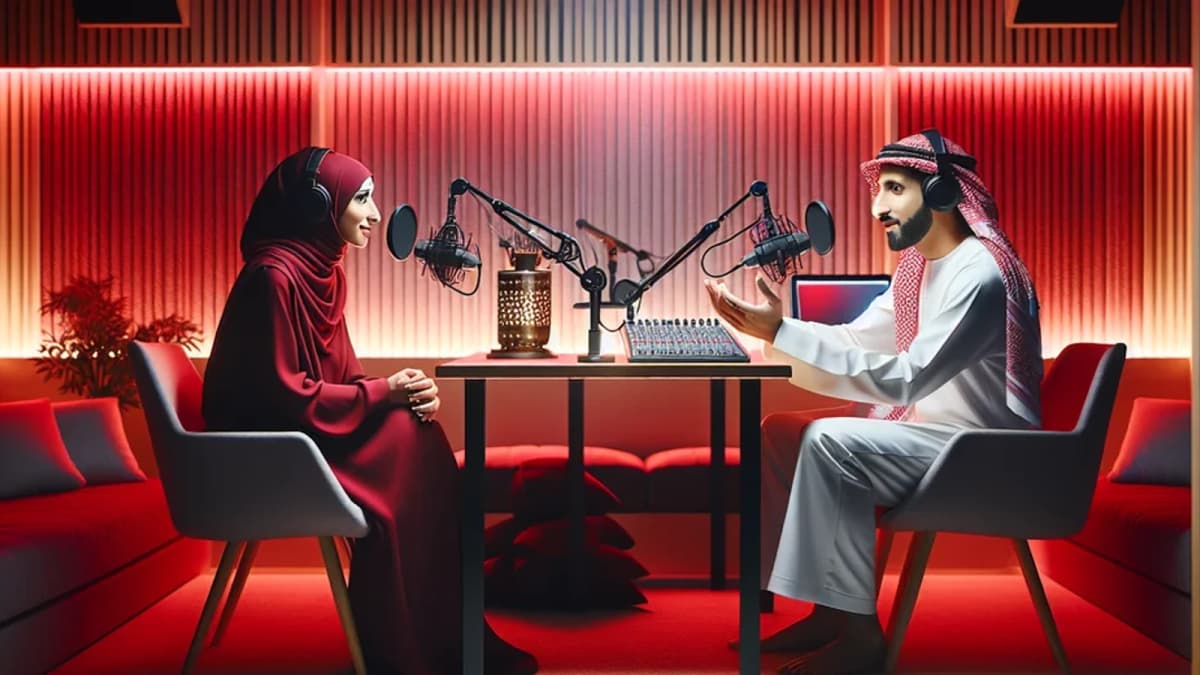
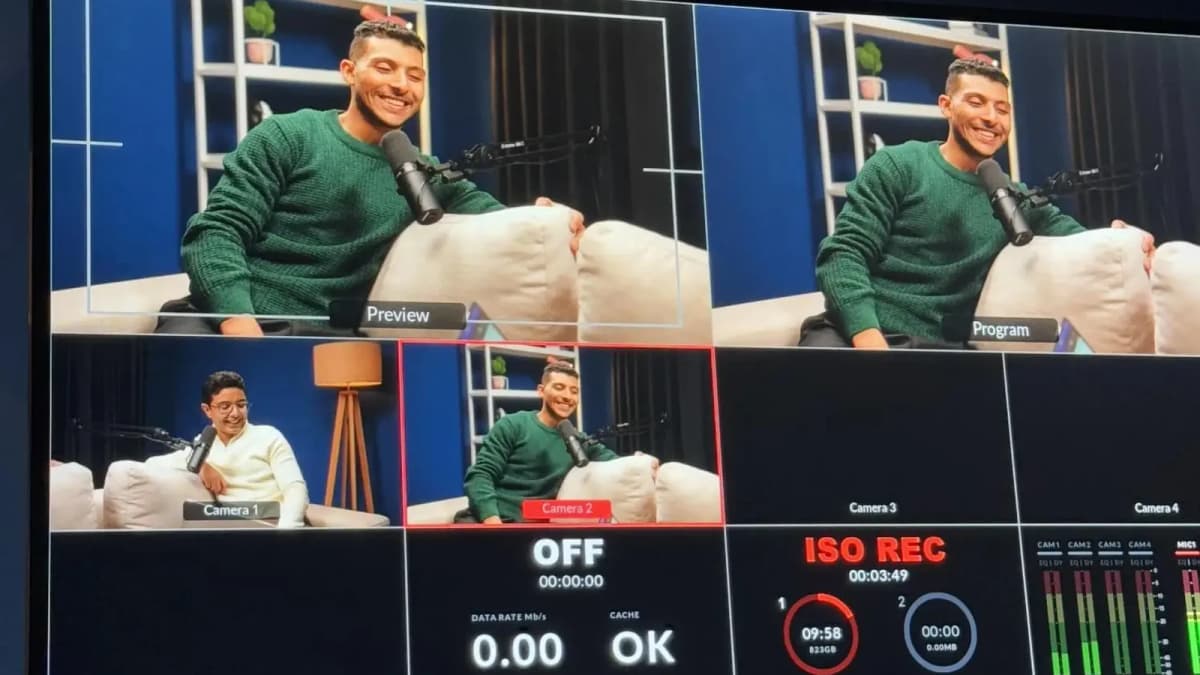
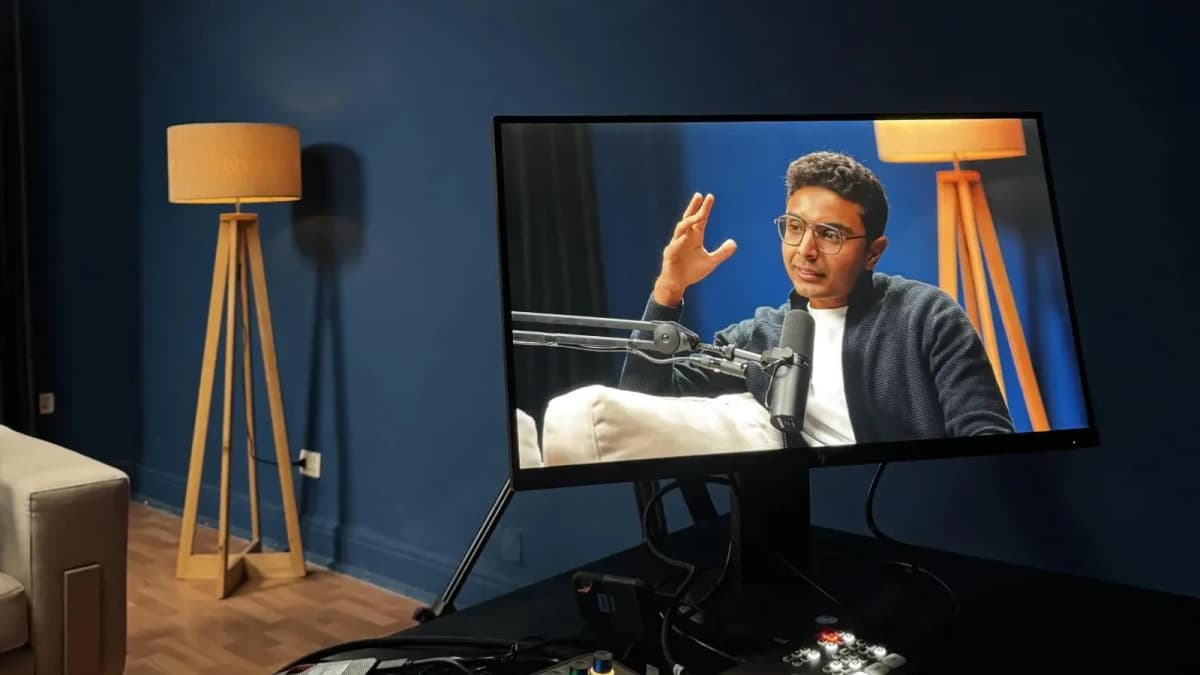
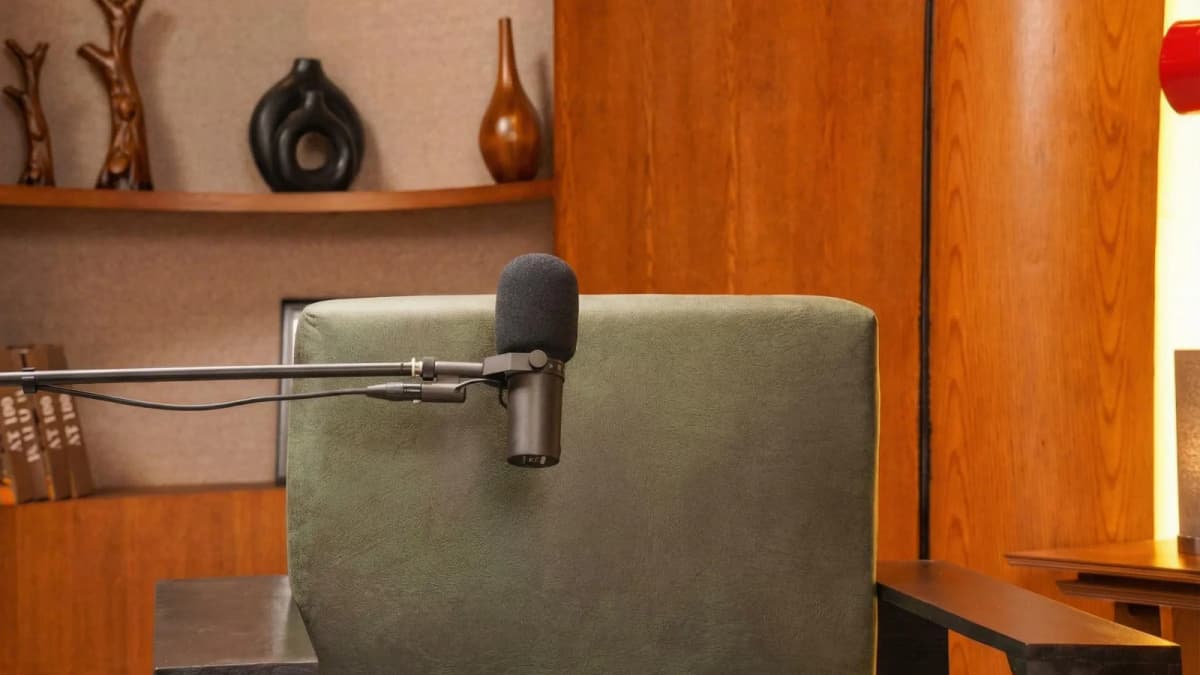
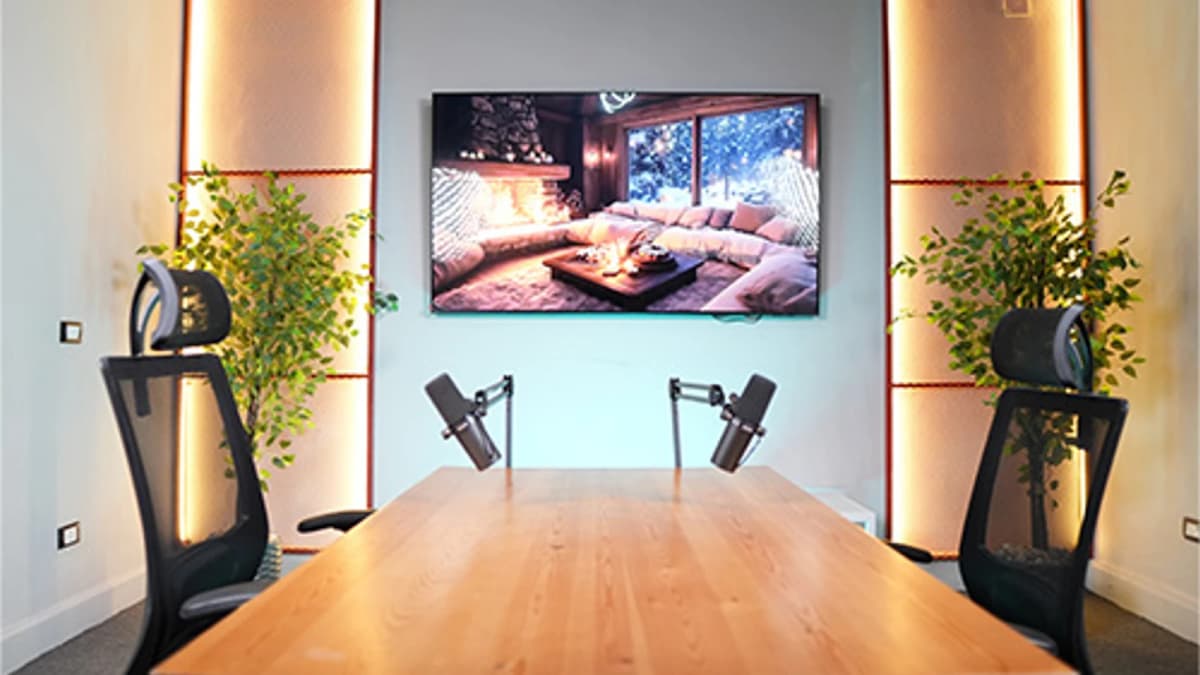
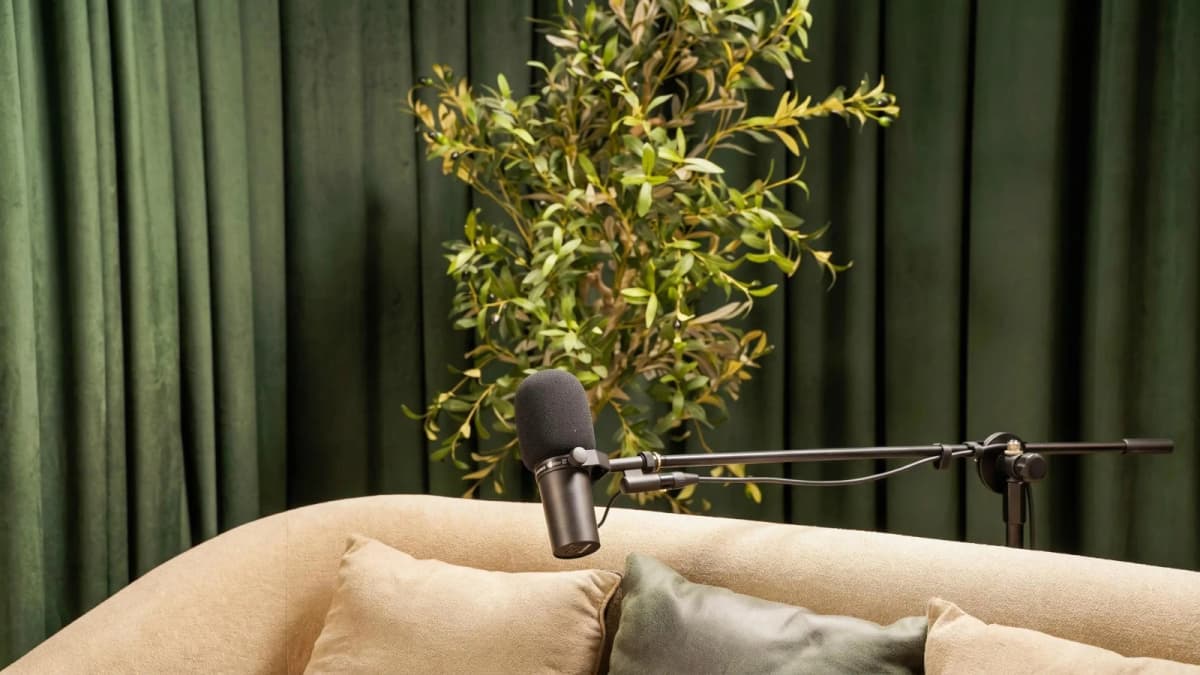
Step inside Goocast's state-of-the-art studio — built for podcasters, brands, and creators who refuse to settle for anything less than broadcast quality.
Explore Our Studio →Setup & Configuration: Choosing Your Gear and Preparing Your Space
One of the first dilemmas beginners face is choosing the right microphone type. Here’s a simple decision framework:
- USB Microphone: Easiest to use, plugs directly into your computer. Good for beginners on a limited budget or those wanting quick setup. Limited upgrade path.
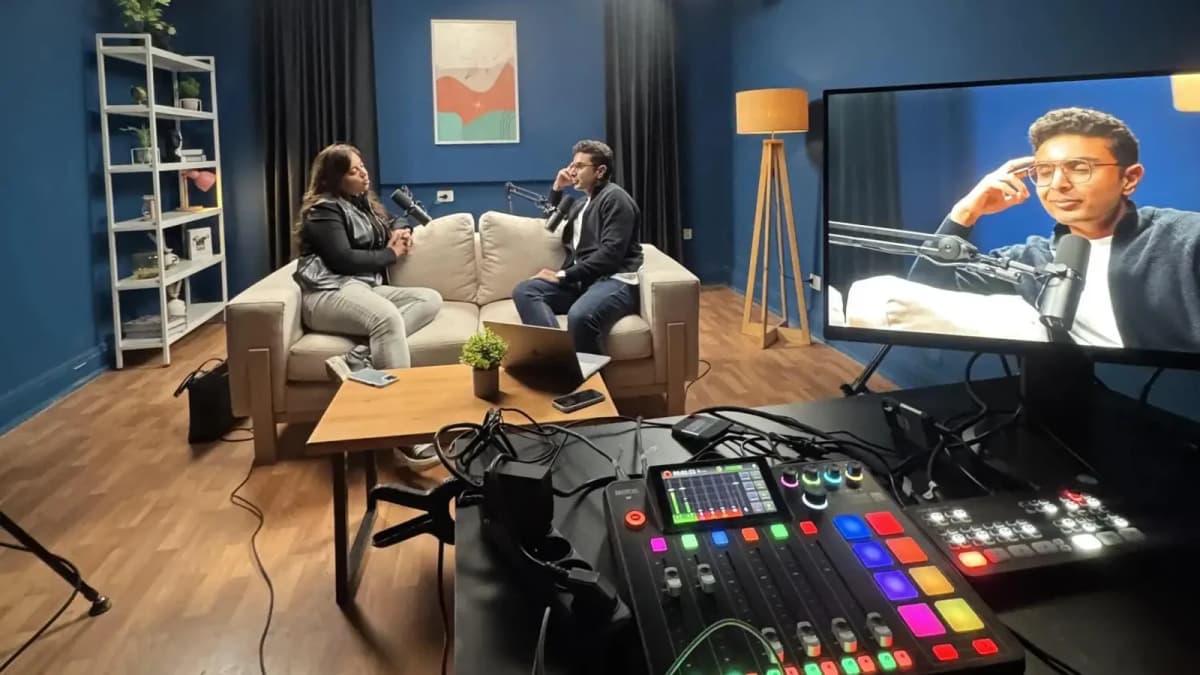
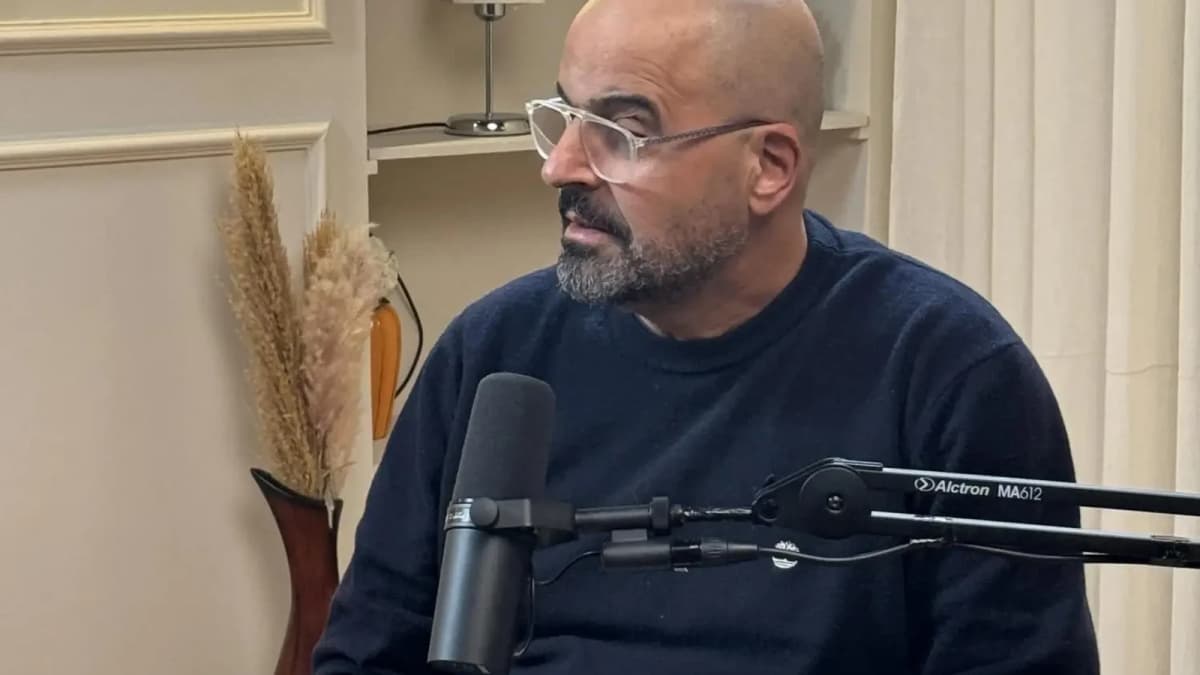
- XLR Microphone: Requires an audio interface or mixer but offers superior audio quality and flexibility. Ideal if you plan to grow your podcast or record multiple hosts.
Other equipment to consider includes headphones, pop filters, and audio interfaces. Proper mic placement—about 6-12 inches from your mouth and slightly off-axis to reduce plosives—is crucial for clear sound.
Equally important is your recording environment. Unwanted echoes, background noise, and poor acoustics can degrade audio quality. Professional studios often feature acoustic treatment—like foam panels and bass traps—that absorb excess sound reflections.
For beginners recording at home, simple measures such as recording in a carpeted room, using blankets or portable acoustic panels, and turning off noisy appliances can improve recordings substantially.
Recording Process: Capture Your Best Audio
Understanding how to record a podcast well means mastering the recording process itself.
- Set audio levels: Aim for peaks around -12dB to -6dB to avoid distortion while maximizing clarity.
- Perform test recordings: Check for background noise, clarity, and mic placement issues before the actual session.
- Multiple takes and backups: Don’t hesitate to record multiple takes of tricky sections. Always save backups in different locations or drives.
- Recording software selection: Beginners often start with free tools like Audacity or GarageBand, which are user-friendly and sufficient for most podcast needs.
Remember, a controlled environment combined with good technique reduces editing time and improves listener experience.
Ready to Record? Your Session Awaits.
Reserve your studio time at Goocast and walk in with confidence. Professional gear, expert support, and a creative environment designed to bring your best ideas to life.
Book Your Studio Session →Post-Production: Editing and Enhancing Your Podcast
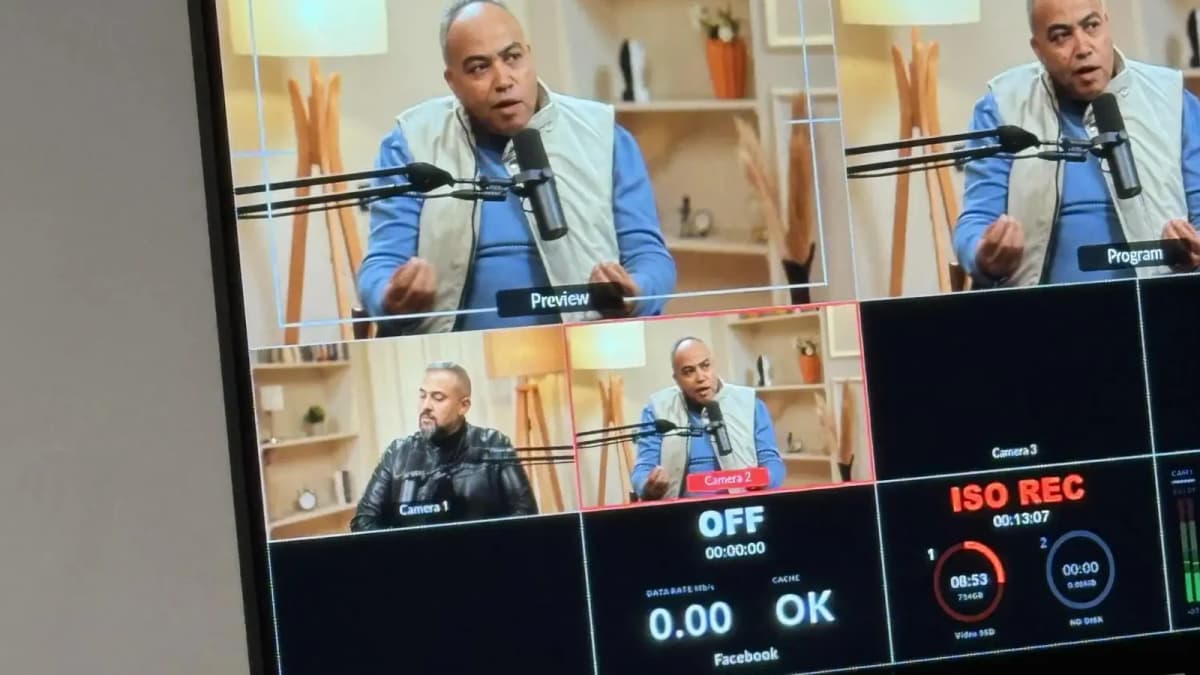
Editing is where your raw audio transforms into a polished episode. Beginners should focus on these core steps:
- Noise reduction: Remove background hums, clicks, and other distractions.
- Cutting mistakes and silences: Trim awkward pauses, filler words, or errors to maintain flow.
- Equalization (EQ): Adjust frequency balance to enhance vocal clarity.
- Compression: Even out volume levels for consistent listening experience.
- Adding intro/outro music: Brand your podcast with recognizable sound elements.
Export your episode in popular audio formats like MP3 at 128-192 kbps for optimal balance of quality and file size.
Publishing: Share Your Podcast with the World
Once your episode is ready, you need to upload it to a podcast hosting platform. Hosting providers distribute your show to directories like Apple Podcasts, Spotify, and Google Podcasts.
When selecting a hosting service, consider:
- Storage and bandwidth limits
- Analytics and listener stats
- Ease of RSS feed management
- Monetization options if applicable
Publishing schedules matter too: consistency builds audience loyalty. Plan a realistic cadence that fits your production capacity.
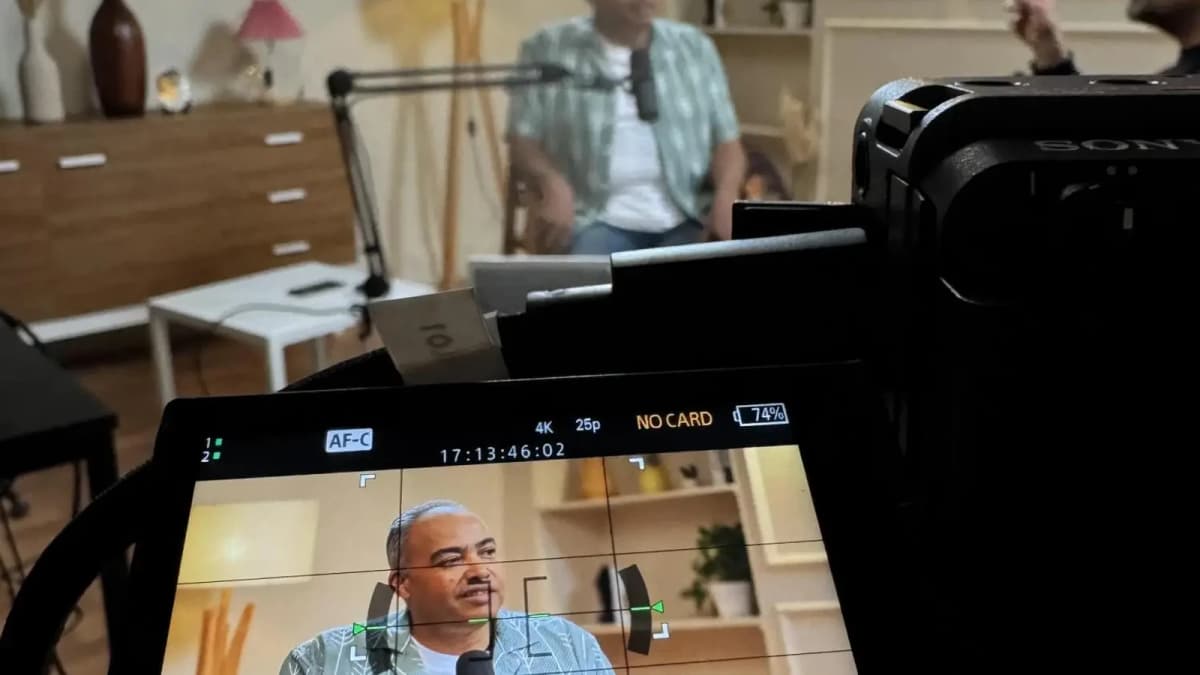
If you’re serious about quality and efficiency, booking time in a professional podcast studio can be a game-changer. Studios provide acoustically treated rooms, high-end microphones, and expert technical support that elevate your recordings far beyond home setups. This investment helps you focus purely on content and delivery while ensuring your podcast sounds polished and professional from the very first episode.
For those in the MENA region seeking a trusted partner, consider working with a Media production agency that specializes in podcast and video content. Their expertise can streamline your workflow and provide access to top-tier Podcast studio facilities tailored to your needs.
How to Record a Podcast: Final Thoughts
Mastering how to record a podcast involves understanding each stage from planning through publishing. By thoughtfully selecting your equipment, preparing your environment, honing your recording techniques, and carefully editing your audio, you set yourself up for success. While budget and goals influence many choices, investing in a professional studio recording experience can dramatically improve your podcast’s quality and listener appeal.
Approach your podcast with preparation, persistence, and passion. With this guide as your foundation, you’re well-equipped to create engaging, high-quality episodes that grow your audience and amplify your voice.